Free shipping
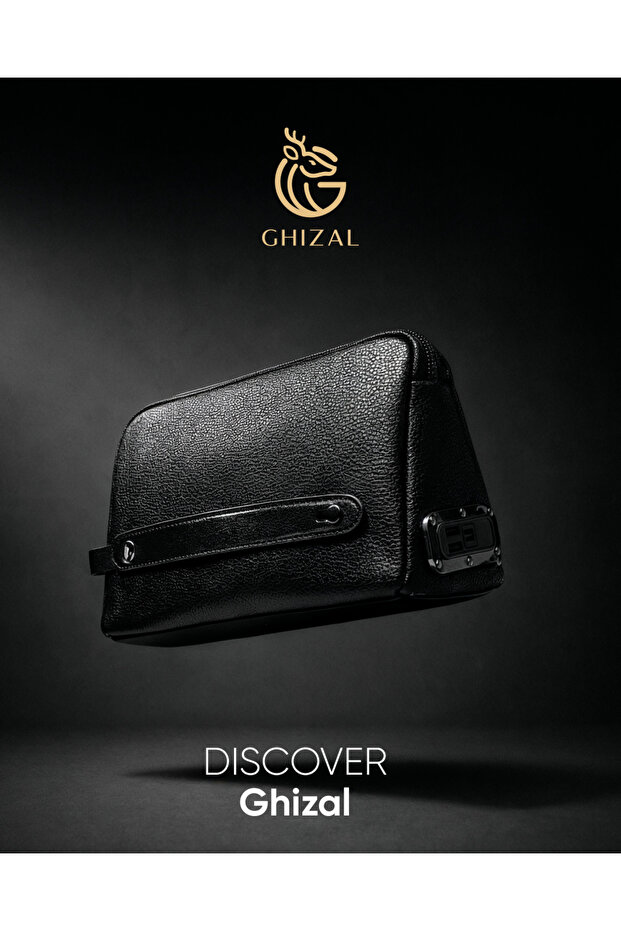


Advanced Luxury Smart Leather Bag from the Deer
No reviews yet.
50 SAR coupon deal!
Lowest price in 30 days
-5%
165.16
SAR
173.85
(incl. VAT)
Delivery address
Free shipping
Select your address, find out the delivery date!
Local delivery
Trendyol's commitments
Easy and free return in 15 days.
Payment methods



Coupons
Highlighted features:
Advanced Luxury Smart Leather Bag from the Deer features
Color
Black
Leather quality
Genuine leather
Collection
Authentic
Sustainability Info
Organic
Fabric Type
Knit
Instructions for Use/Warnings
🧳 How to Use the Ghazal Smart Leather Bag 1️⃣ Setting Up the Bag for the First Time Fully charge the bag using the included charging cable. Download the bag’s app (listed in the manual or via the QR code). Turn on Bluetooth on your phone and pair the bag with the app. Add your fingerprint through the settings within the app. 2️⃣ Using the Fingerprint Lock 🔐 Place your finger on the sensor to unlock the bag. You can add more than one fingerprint (e.g., yours or a trusted person’s). In case of an emergency, you can unlock it through the app. 3️⃣ Track the bag (GPS) 📍 Open the app and the bag’s location will appear directly on the map. You can enable alerts: when you move away from the bag, or if it’s moved without your permission. 4️⃣ Use the portable charger 🔋 Open the charging port inside the bag. Connect your phone cable. Press the power button (if available) to start charging. 5️⃣ Daily Use 💼 Perfect for work: Safely store your laptop, papers, and accessories. For travel: Keep your passport and important items with extra protection. For daily outings: Stylish design + high security. 6️⃣ Care Tips
Origin
US
Occasion
Casual


Similar items

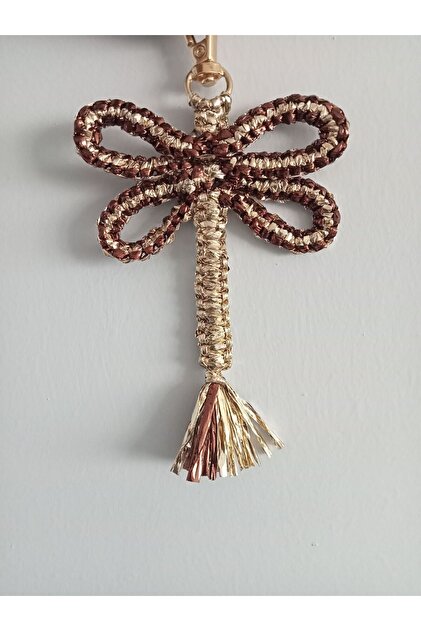
 Women White Bear Keychain Charm

 Trendyol Plus Exclusive










Shoppers also viewed











Advanced Luxury Smart Leather Bag from the Deer reviews
No reviews yet.
Product details

Product description
The smart leather deer bag is designed for the modern man who values both elegance and functionality. it is made of premium leather (full-grain), and features a simple, streamlined design with integrated smart technologies - including gps tracking and fingerprint unlocking. its durable structure and refined details make it perfect for business, travel, or daily use. the quantity is limited - a unique piece designed to attract attention, elevate your appearance, and redefine your daily belongings. • 100% leather • fingerprint lock • built-in mobile charger (power bank) • smart tracking system connected to the application.
Additional info
- Sold by .
- A maximum of 5 units of this product can be ordered. Trendyol reserves the right to cancel orders over 5 units.
- Barcode No: A-1
- Origin: US
Advanced Luxury Smart Leather Bag from the Deer features
Color
Black
Leather quality
Genuine leather
Collection
Authentic
Sustainability Info
Organic
Fabric Type
Knit
Instructions for Use/Warnings
🧳 How to Use the Ghazal Smart Leather Bag 1️⃣ Setting Up the Bag for the First Time Fully charge the bag using the included charging cable. Download the bag’s app (listed in the manual or via the QR code). Turn on Bluetooth on your phone and pair the bag with the app. Add your fingerprint through the settings within the app. 2️⃣ Using the Fingerprint Lock 🔐 Place your finger on the sensor to unlock the bag. You can add more than one fingerprint (e.g., yours or a trusted person’s). In case of an emergency, you can unlock it through the app. 3️⃣ Track the bag (GPS) 📍 Open the app and the bag’s location will appear directly on the map. You can enable alerts: when you move away from the bag, or if it’s moved without your permission. 4️⃣ Use the portable charger 🔋 Open the charging port inside the bag. Connect your phone cable. Press the power button (if available) to start charging. 5️⃣ Daily Use 💼 Perfect for work: Safely store your laptop, papers, and accessories. For travel: Keep your passport and important items with extra protection. For daily outings: Stylish design + high security. 6️⃣ Care Tips
Origin
US
Occasion
Casual
Safety information
Product safety information
Collections you might like
Asortishey - Best Sellers


Top Asortishey in Accessory
TASARIM ARABAM ATİKE ELİF AKIN - Best Sellers