Free shipping


Only 3 left!
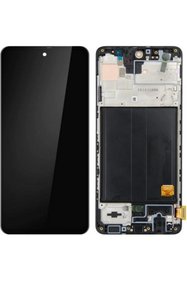
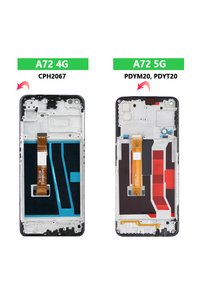
CEPAKS Redmi Note 8 Pro Touch Lcd Display Panel
No reviews yet.
Lowest price in 30 days
Checkout Discount 53% Off
At checkout
93.21 SAR
198.31 SAR
Free shipping
Delivery address

Select your address, find out the delivery date!
International delivery
Trendyol's commitments
Easy and free return in 15 days.
Payment methods




Highlighted features:
CEPAKS Redmi Note 8 Pro Touch Lcd Display Panel features
Type
LCD
Compatible Brand
Xiaomi Compatible
Origin
CN
Compatible Phone Model
Redmi Note 8 Pro

QUBER
744 followers
Seller information
Similar items










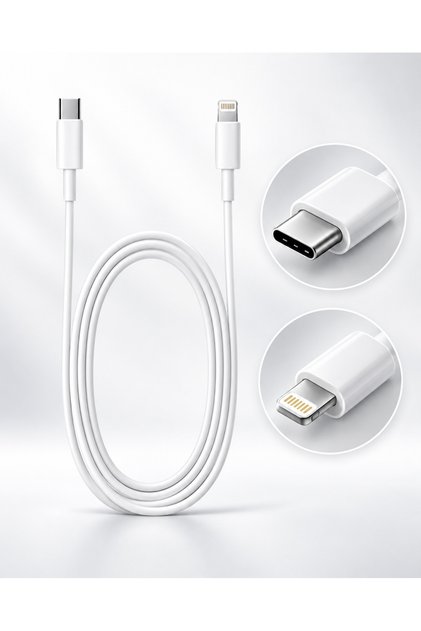
 20W USB-C Fast Charging Power Adapter with USB-C to Lightning Cable


 Trendyol Plus Exclusive




CEPAKS Redmi Note 8 Pro Touch Lcd Display Panel reviews
No reviews yet.
Product details

Additional info
- A maximum of 5 units of this product can be ordered. Trendyol reserves the right to cancel orders over 5 units.
- Sold by .
- The selling price on Trendyol already includes the export-related costs.
- Barcode No: 9240000015616
- Origin: CN
CEPAKS Redmi Note 8 Pro Touch Lcd Display Panel features
Type
LCD
Compatible Brand
Xiaomi Compatible
Origin
CN
Compatible Phone Model
Redmi Note 8 Pro
Safety information
Product safety information
Product description
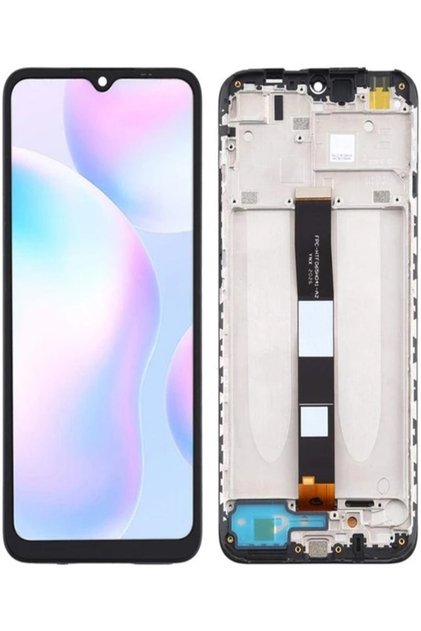
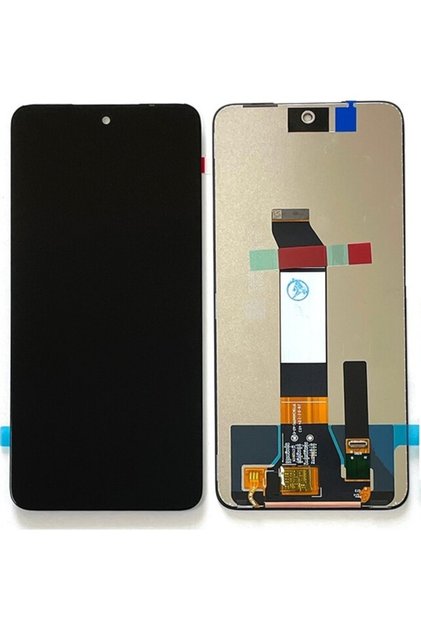
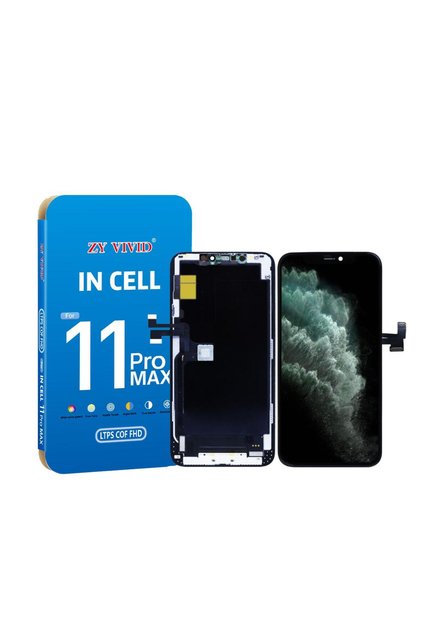
Redmi note 8 pro screen product features
This spare part is a set that contains both __t1__ and __t2__ of the phone as a single module (full assembly).__t3__
- Display technology:Ips lcd (color saturation consistent with the original).
- Camera design:Dot punch-hole design positioned in the top left corner.
- Refresh rate:Supports standard 60hz for a smooth and seamless experience.
- Compatibility:SadeceRedmi Note 8 ProCompatible with the model (flex cable structure may vary with 5g models).
Assembly and use instructions
__t4__ and __t5__ in the last image you uploaded are very important. here are the steps you should pay attention to:__t6__
- Power cut:Before starting assembly, make sure the deviceBattery flex cableBe sure to unplug it. installing a screen while the device is powered on can cause a short circuit.
- Pre-test (check-up):Before fully fitting the screen to the case and adhering it, connect the flex cable to the motherboard and power on the device.
- Check the touch sensitivity.
- Look for dead pixels or flickering in the image.
- Suggestion:As the instructions say, the screen is at least15 minutesTest it.
- Risk of breakage:Lcd panels are very fragile, do not apply hard pressure to the screen during assembly, and only clean it with a dry, soft cloth.
- Paste:After ensuring that it passes the test smoothly, proceed to fix it using mounting glue (liquid glue).
Important reminders
- Gelatin and warranty:Removing the protective film on the screen or completing the installation (adhering it) often voids the product's warranty with most sellers. therefore,To test before pastingIs vital.
- Flexible cable (flex):Be careful not to fold or tear the orange/black ribbon cable (flex) seen in the images.
Collections you might like
CEPAKS - Mobile Phone Screens


Top CEPAKS in Electronic