Free shipping

Choice 1BK Ink(No Printer) 2-12.7mm Portable Handheld Mini Inkjet Printer Text QR Barcode Image Batch Numbe
No reviews yet.

Special Deals
209.17135.96SAR
Free shipping
Delivery address

Select your address, find out the delivery date!
Trendyol's commitments
Easy and free return in 15 days.
Payment methods





Highlighted features:
Choice 1BK Ink(No Printer) 2-12.7mm Portable Handheld Mini Inkjet Printer Text QR Barcode Image Batch Numbe features
Other Features
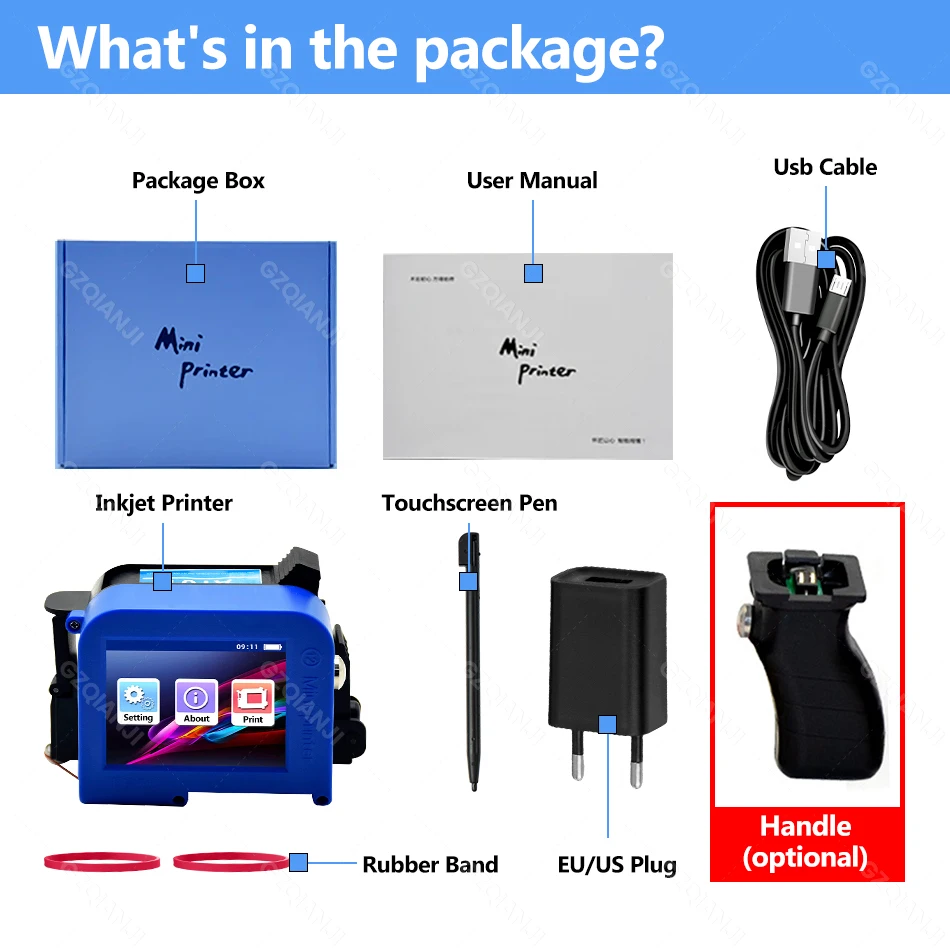
*1BK Ink(No Printer)

Big Save Store
8.9
82.4K followers
Seller information
Choice 1BK Ink(No Printer) 2-12.7mm Portable Handheld Mini Inkjet Printer Text QR Barcode Image Batch Numbe reviews
No reviews yet.
Product details

Additional info
- A maximum of 10 units of this product can be ordered. Trendyol reserves the right to cancel orders over 10 units.
- Barcode No: 3677747141099
Choice 1BK Ink(No Printer) 2-12.7mm Portable Handheld Mini Inkjet Printer Text QR Barcode Image Batch Numbe features
Other Features
*1BK Ink(No Printer)
Safety information
Product safety information
Product description
Color:1BK Ink(No Printer)
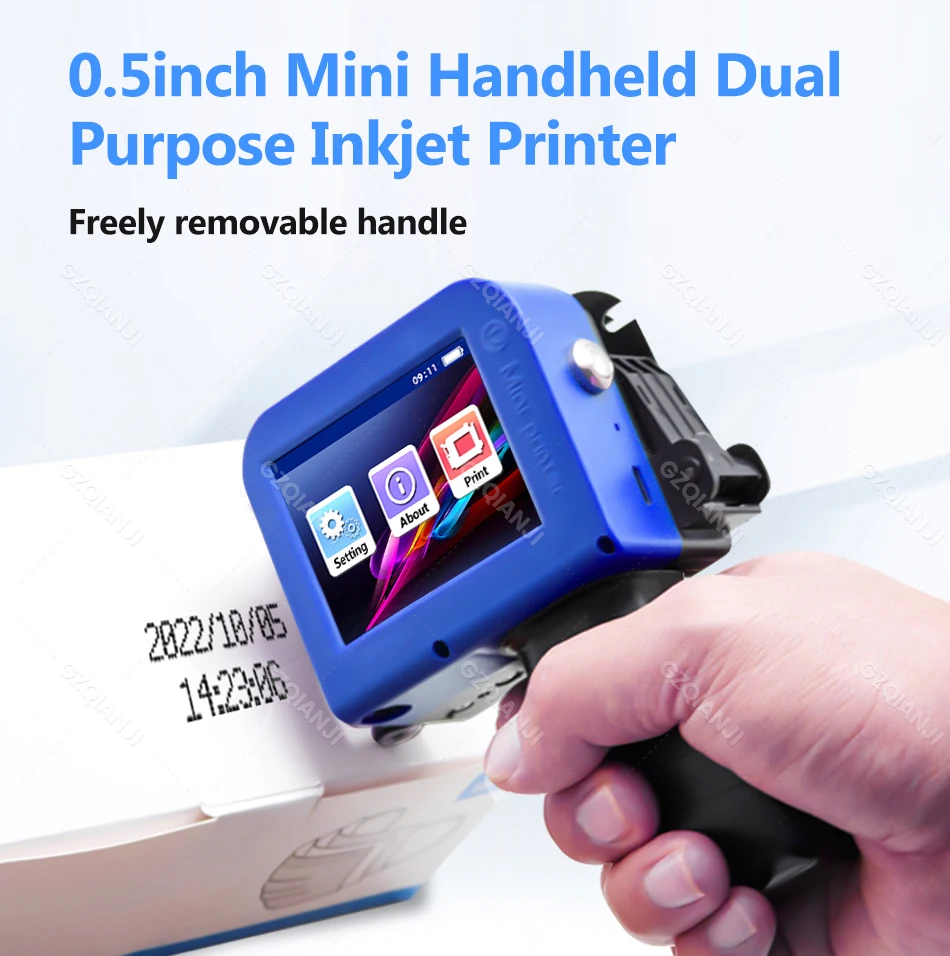
0.5inch Handheld Inkjet Thermal Printer QR Barcode Batch Code Date Logo Expiration Date Label Mini Portable Printer
Features:
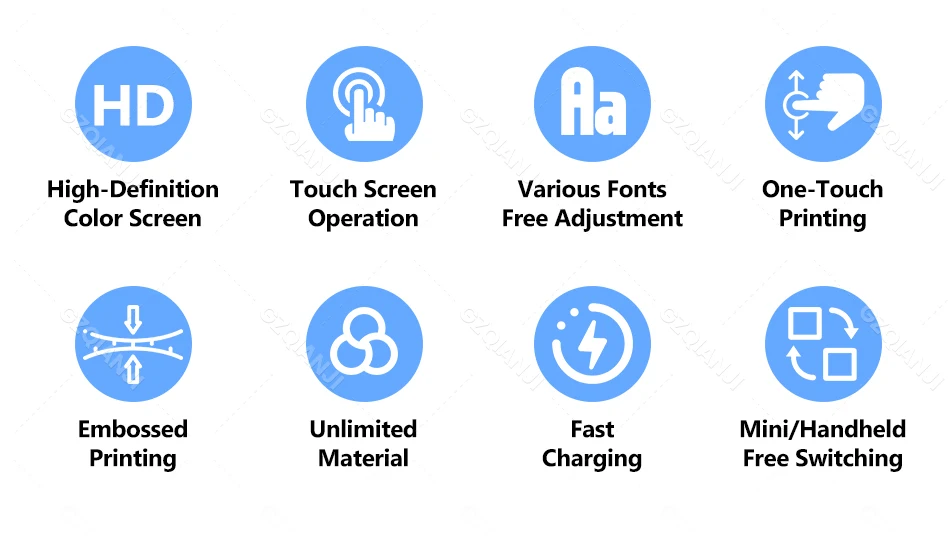
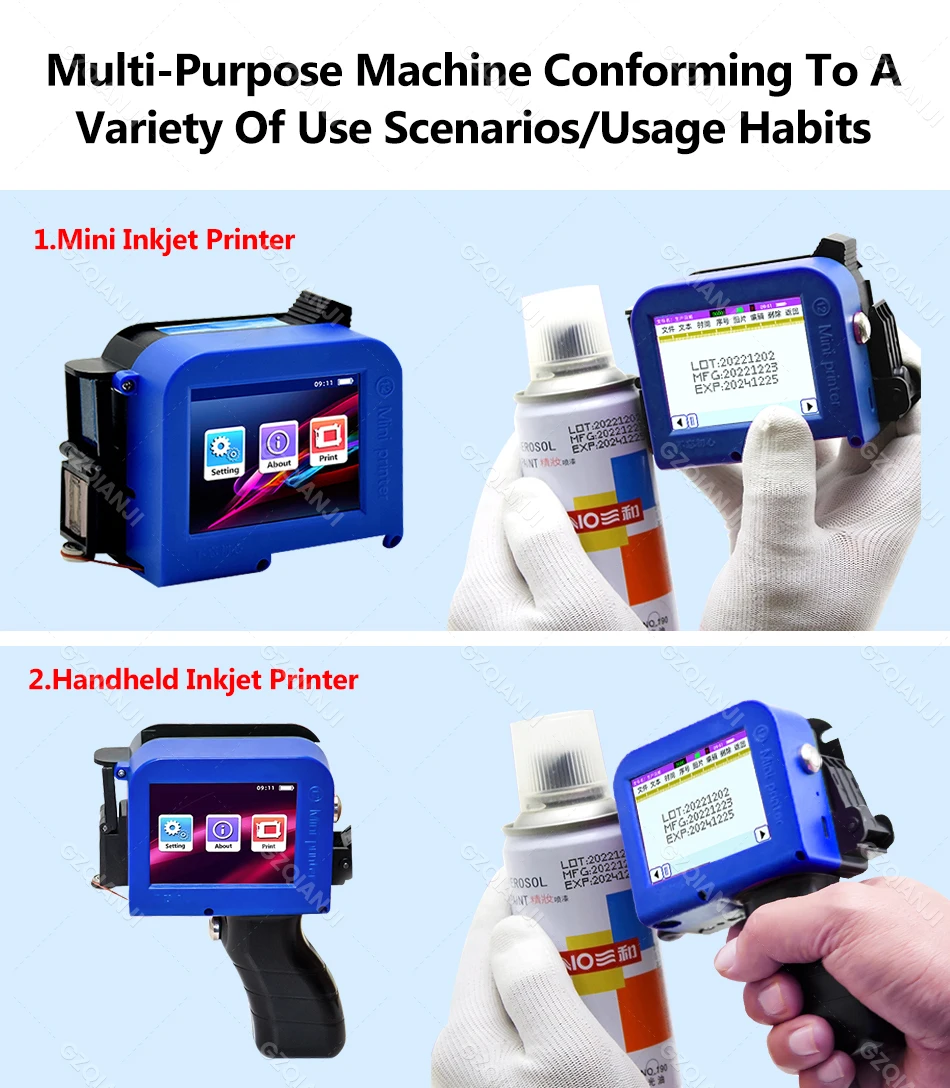
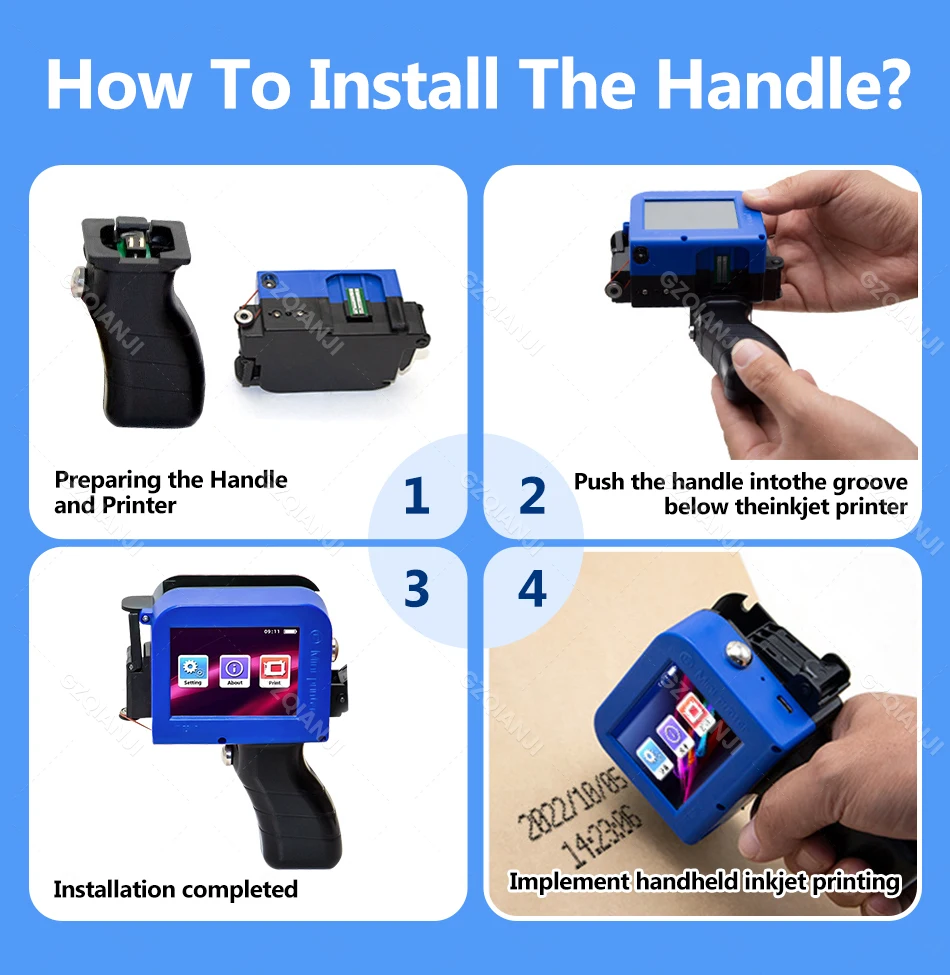
Increased handle design, according to different scenarios, free to remove the handle, to overcome the old mini-machine grip uncomfortable problem, improve the printing efficiency, humanized design
Product Description
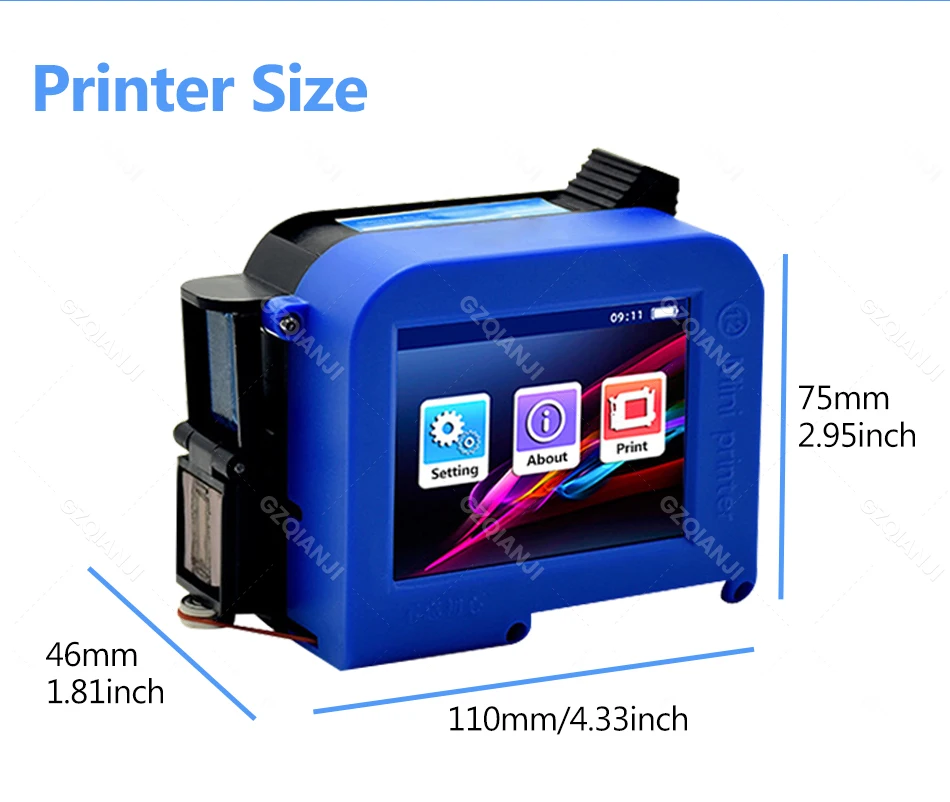
Rated power: 25w
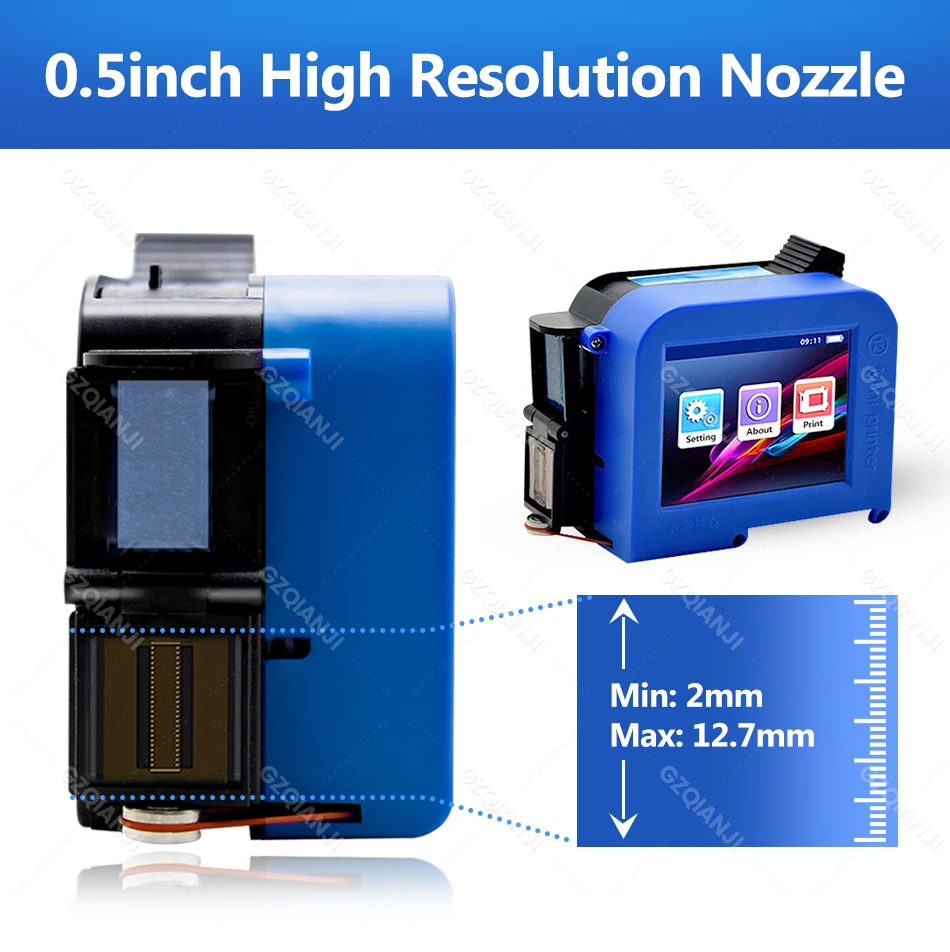
Print height: 2-12.7 mm
Power supply: Fast charging 3.0 adapter
Printing accuracy: up to 600dpi
Printing distance: 2-5 mm
Power input: DC-9V/2A
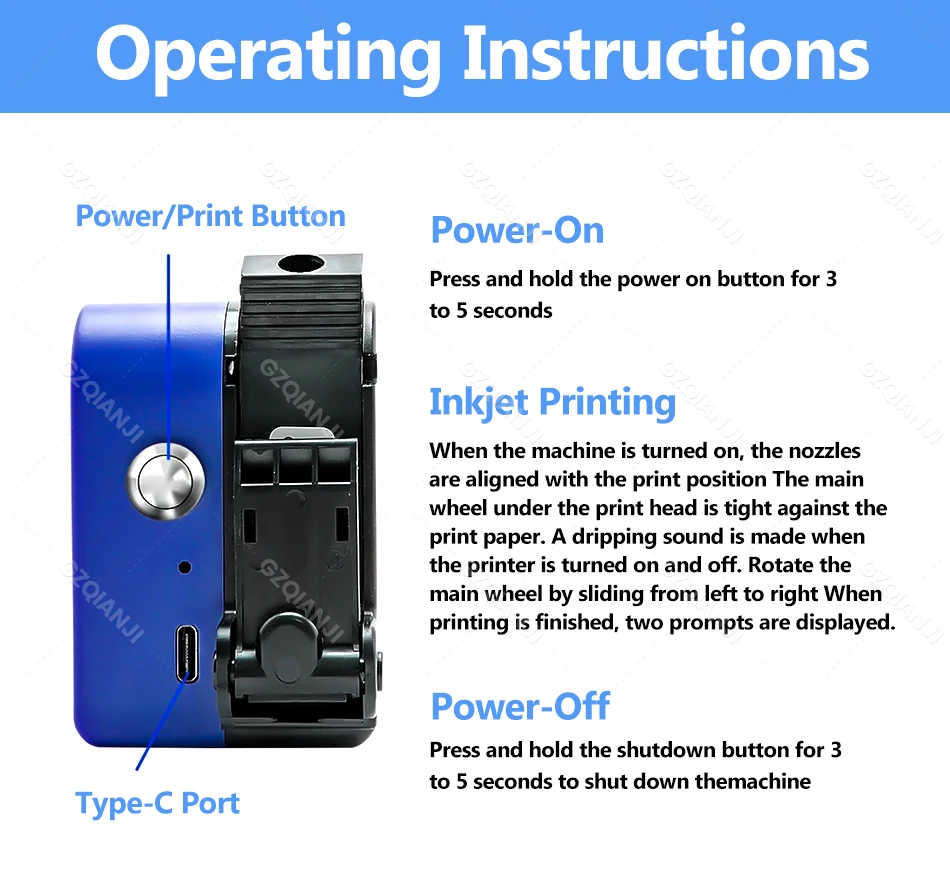
Charging port Charging port: Type C
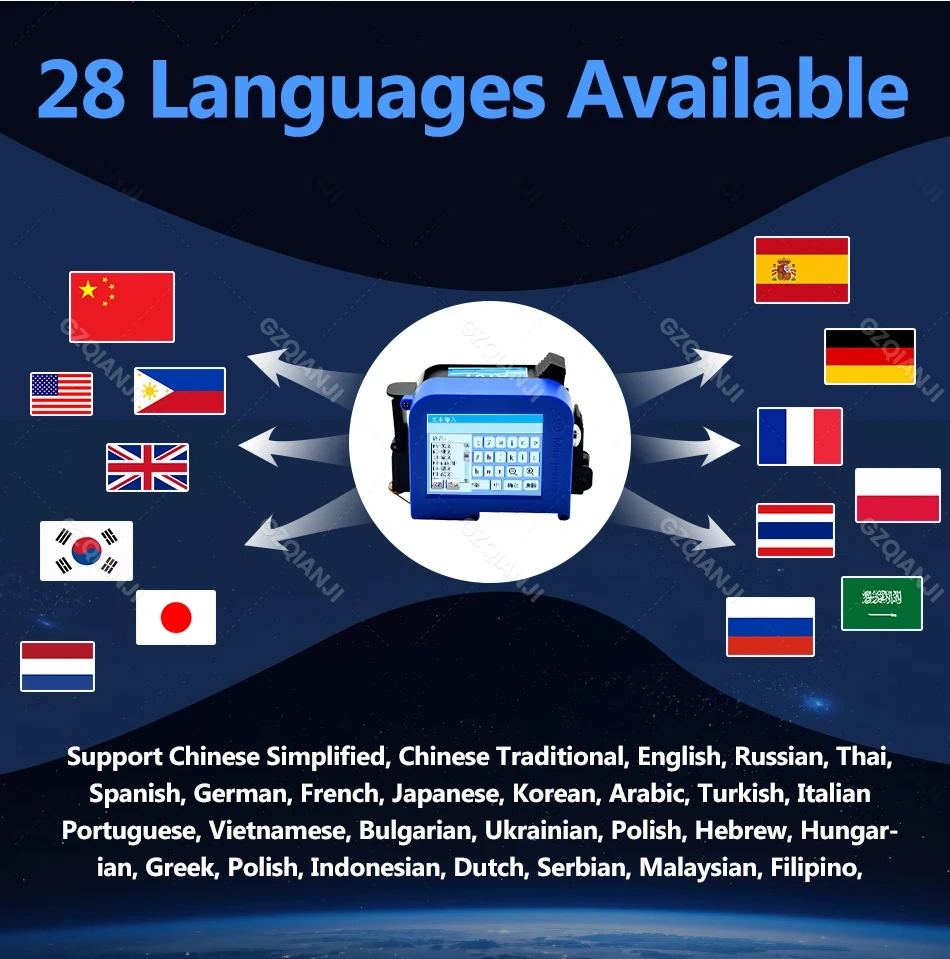
System Language:Chinese, English, Japanese, Korean, Spanish, Malaysian, German, Thai, Slovak, Indonesian, Uzbek, Mozambique, Portuguese, French, Italian, Turkish, Arabic, Russian, Vietnamese, German, Dutch, Croatian, Persian, Ukrainian, Lithuanian, Hebrew
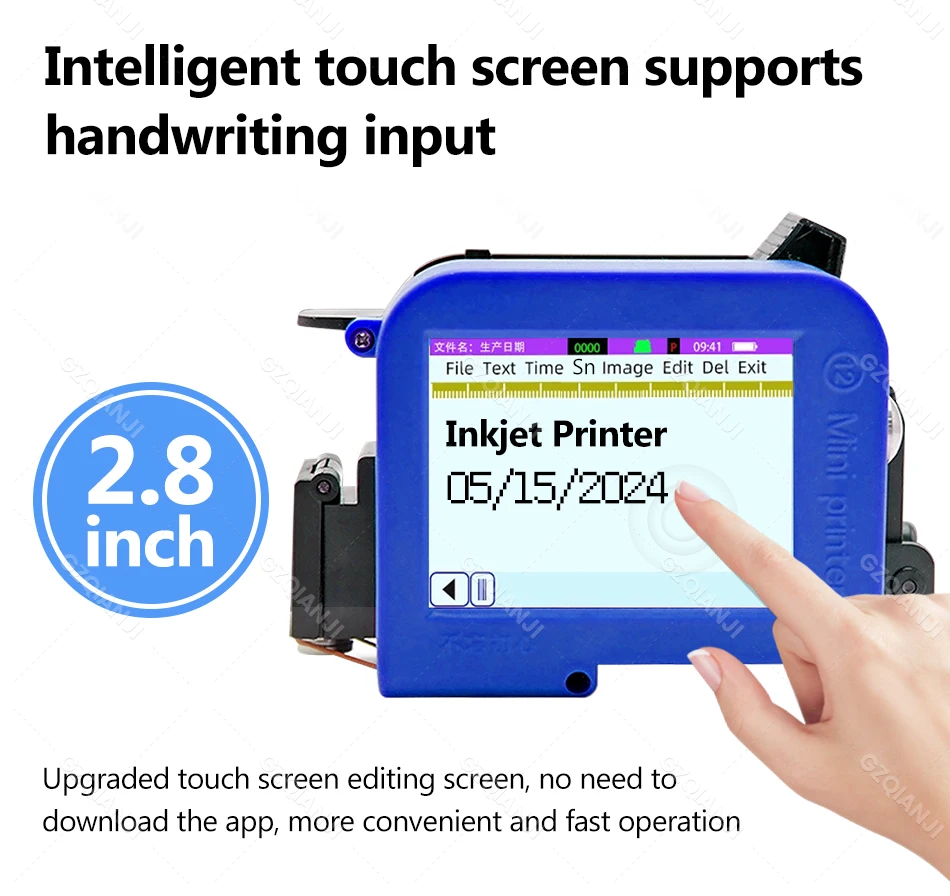
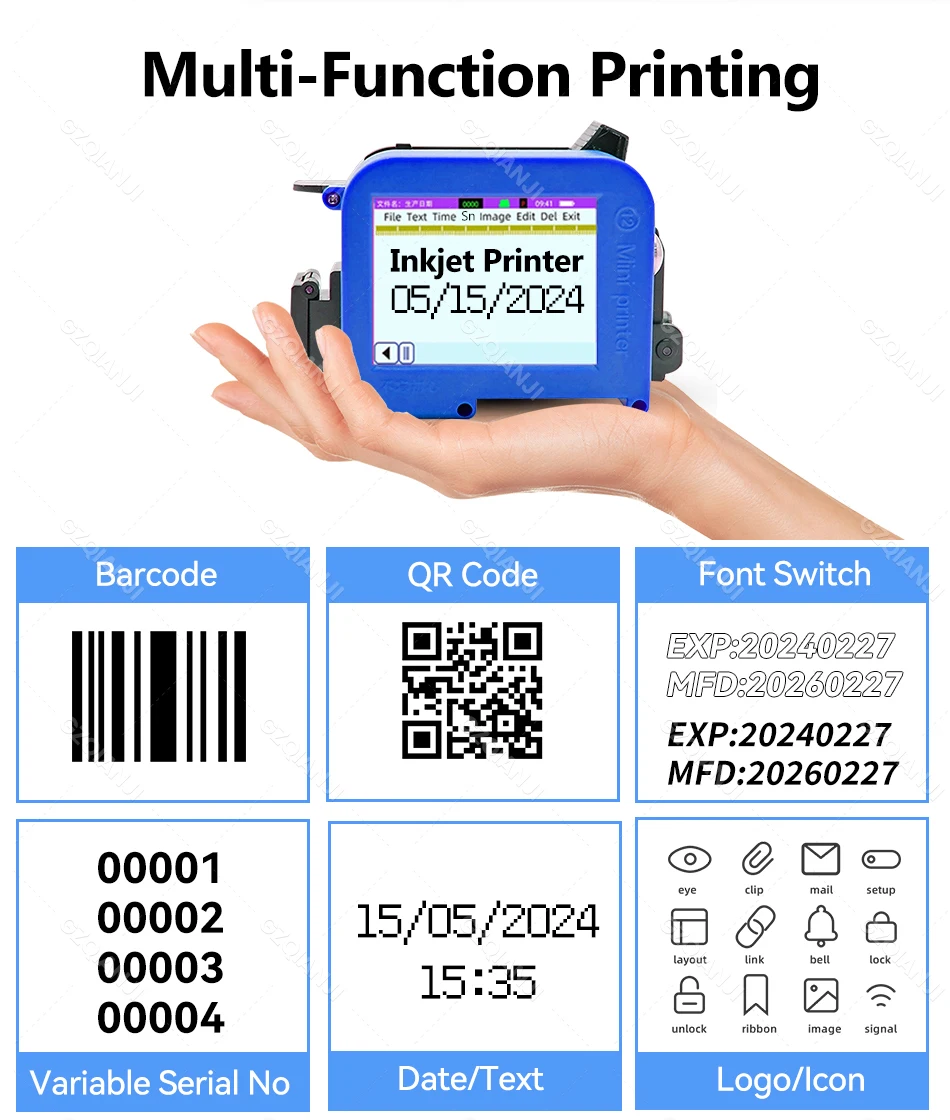
Printing content: time, date, count, 2D code, barcode, LOGO, etc.
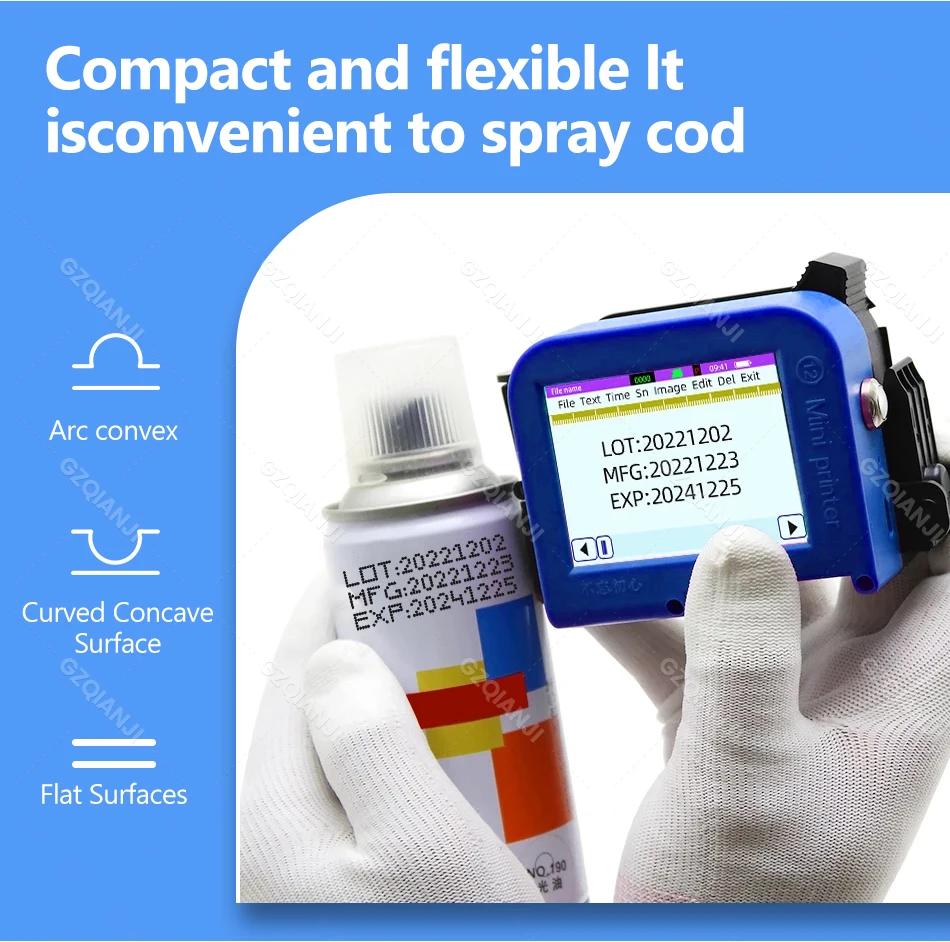
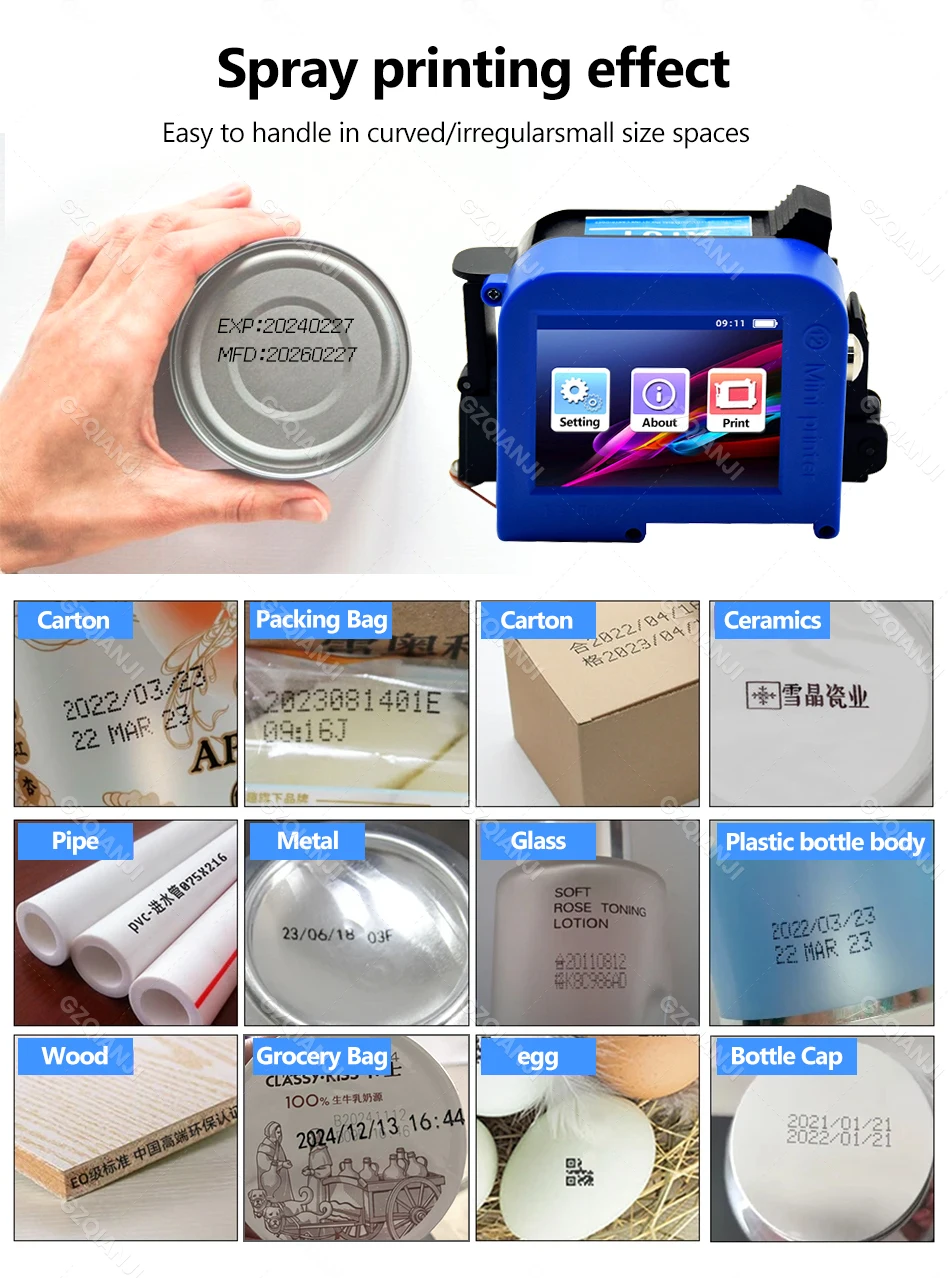
Printing materials: wood, cardboard boxes, pipes, cables, metal, plastic, bumpy surfaces, etc.
Q&A you care about Most:
Q:How to better extend the life of the printer ?
A:Before installing and removing ink cartridges, be sure to turn off the printer.
Q:How to better protect the ink cartridge nozzle?
A:When not using ink cartridges, please close the protective cover in time.
Dip a soft paper towel with a small amount of alcohol before using, and then gently wipe the nozzle in one direction.
Q: What should I do if the printer cannot print?
A: 1Check whether the rubber ring on the left side of the printer is off (not in the groove).
2Check if there the ink cartridge is installed properly.
3Switch the nozzle of the printer in the settings.
4 After turning off the printer, reinstall the ink cartridge.
5If you have completed all the above operations and the machine still cannot operate normally, please contact customer service in time.
Q: The ink cartridge of the printer can print, but the printing is not clear, what should I do?
A: 1Check whether the ink cartridge nozzle is clean and dry, and wipe the nozzle carefully with a clean soft tissue.
2 Take out the ink cartridge when the printer is off, shake the cartridge several times, and stick a clean tissue on the surface of the nozzle to divert the ink.(Ask customer service for operation videos)
3Switch the nozzle of the printer in the settings.
4The above operation still cannot be solved, please consult customer service.
Q: What should I do when there is a printer phenomenon of wire drawing?
A: The ink cartridge is quick-drying. When there is a phenomenon of wire drawing, please wipe the nozzle carefully with a clean soft tissue and switch the nozzle of the printer.When not using the ink cartridge, please install the cover in time.
Q: Can the printer be charged?
A: Yes.