Free shipping

Choice 1PCS(need gateway) Tuya Zigbee Wireless Scene Switch 4 Gang Smart Push Button Automation Scenario Co
No reviews yet.
Checkout Discount 22% Off
At checkout
48.53 SAR
62.22 SAR
Free shipping
Delivery address

Select your address, find out the delivery date!
Trendyol's commitments
Easy and free return in 15 days.
Payment methods



Highlighted features:
Choice 1PCS(need gateway) Tuya Zigbee Wireless Scene Switch 4 Gang Smart Push Button Automation Scenario Co features
Instructions for Use/Warnings
*1PCS(need gateway)

Big Save Store
8.8
80.9K followers
Seller information
Similar items








 Trendyol Plus Exclusive




Choice 1PCS(need gateway) Tuya Zigbee Wireless Scene Switch 4 Gang Smart Push Button Automation Scenario Co reviews
No reviews yet.
Product details

Additional info
- A maximum of 10 units of this product can be ordered. Trendyol reserves the right to cancel orders over 10 units.
- Barcode No: 3639145229950
Safety information
Product safety information
Product description
Color:1PCS(need gateway)
Attention please:
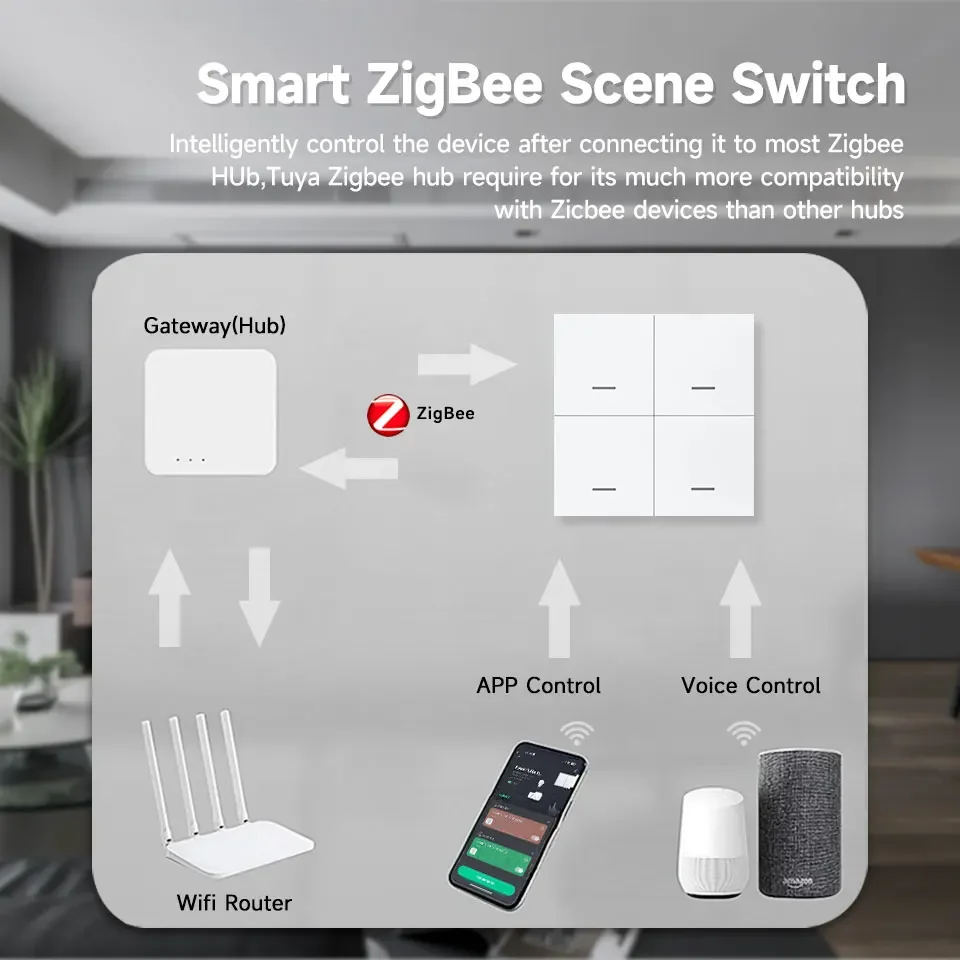
This is the Zigbee version and requires a gateway for connection!!!
Why buy?
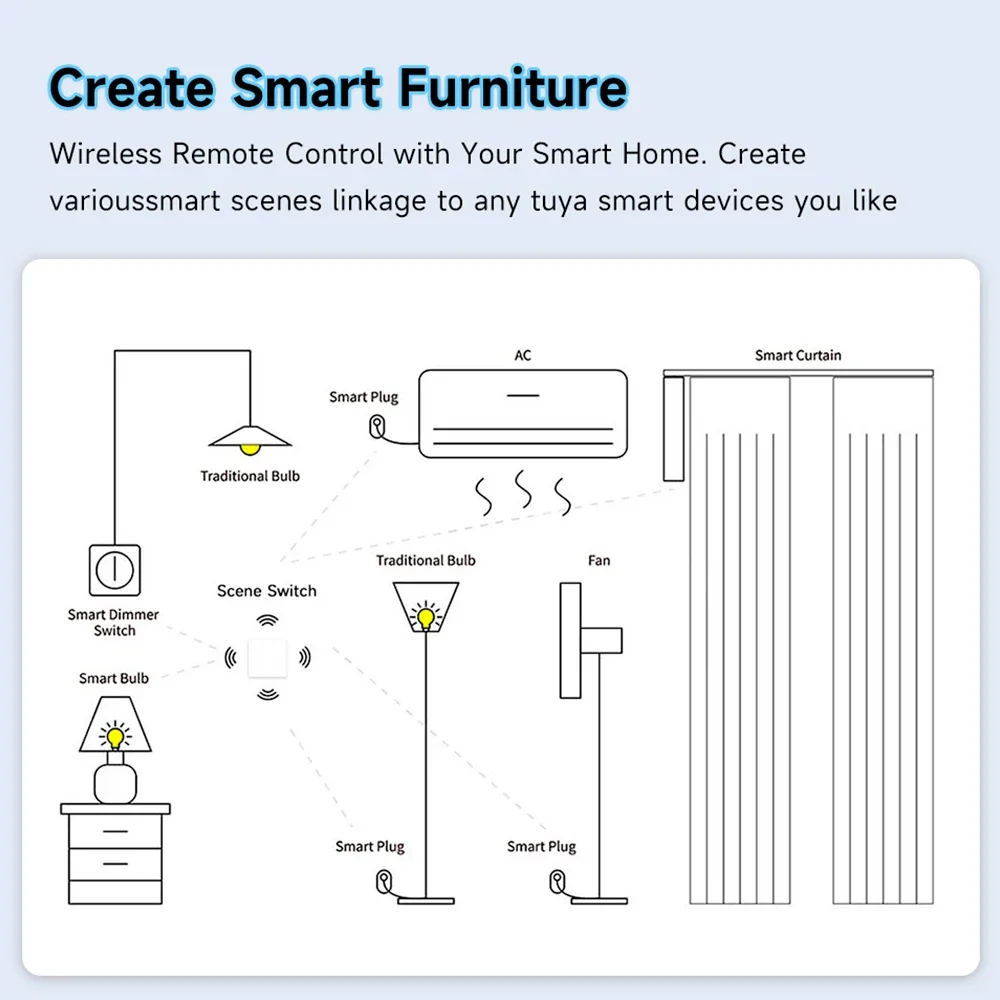
The Tuya Zigbee Wireless Scene Switch is a versatile smart controller that allows you to automate and control your smart home devices with ease. With 4 physical buttons supporting 12 customizable scenes, this switch enables seamless smart life integration, supporting Smart Life, Alexa, and Google Assistant. Perfect for home automation, it offers wireless control over lights, appliances, and more—no wiring needed!
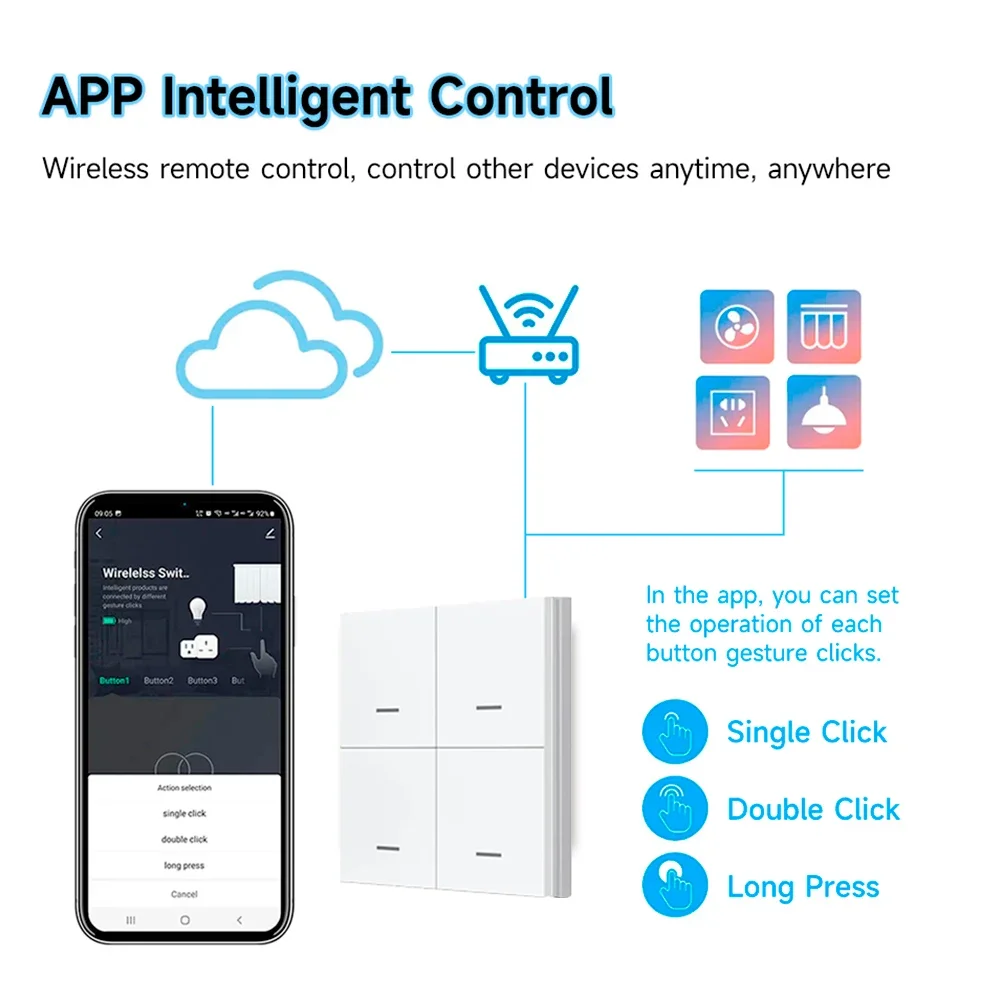
1. 4 Gang + 12 Scenes – Each button supports 3 scenes (click, double-click, long-press) for flexible automation.
2. Zigbee 3.0 Protocol – Stable, low-power connectivity with wider coverage and faster response.
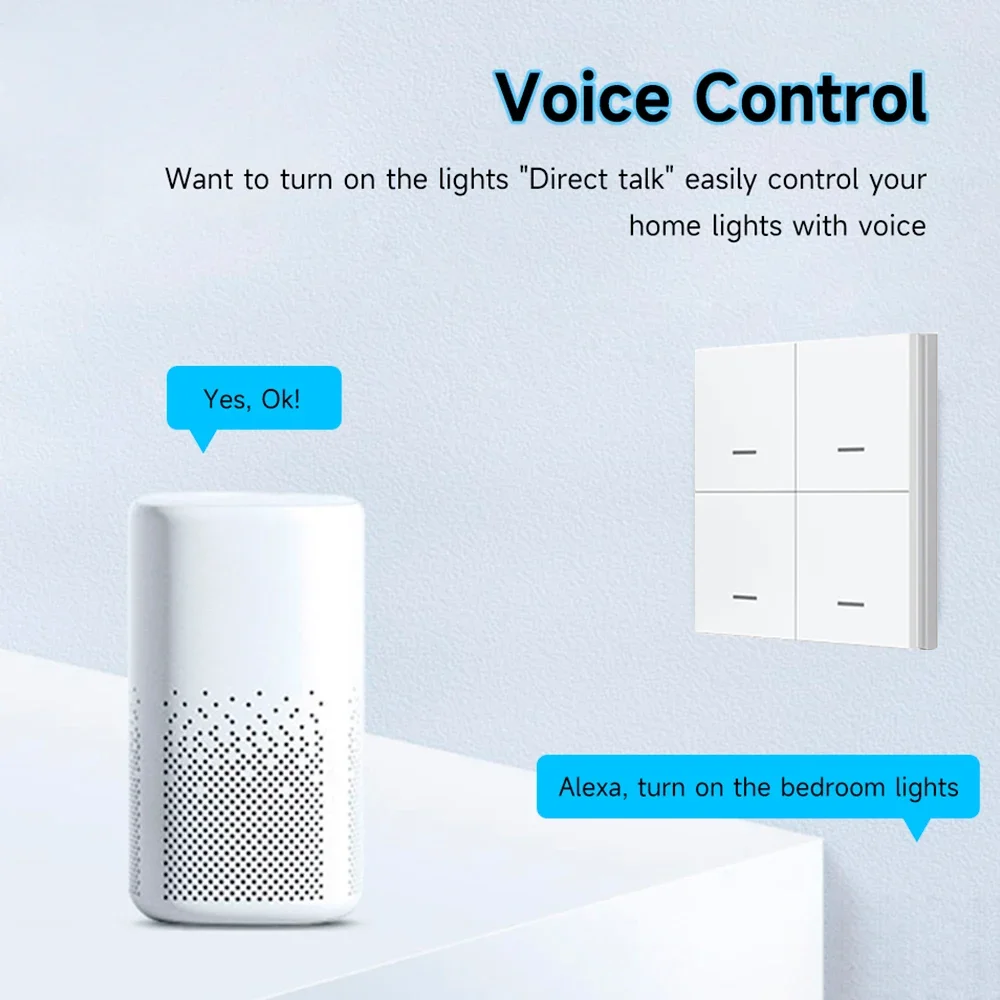
3. Smart Home Integration – Works with Smart Life, Alexa, Google Assistant (via Zigbee hub) for voice and app control.
4. Wireless & Easy Installation – No wiring required, simply mount with adhesive or screws.
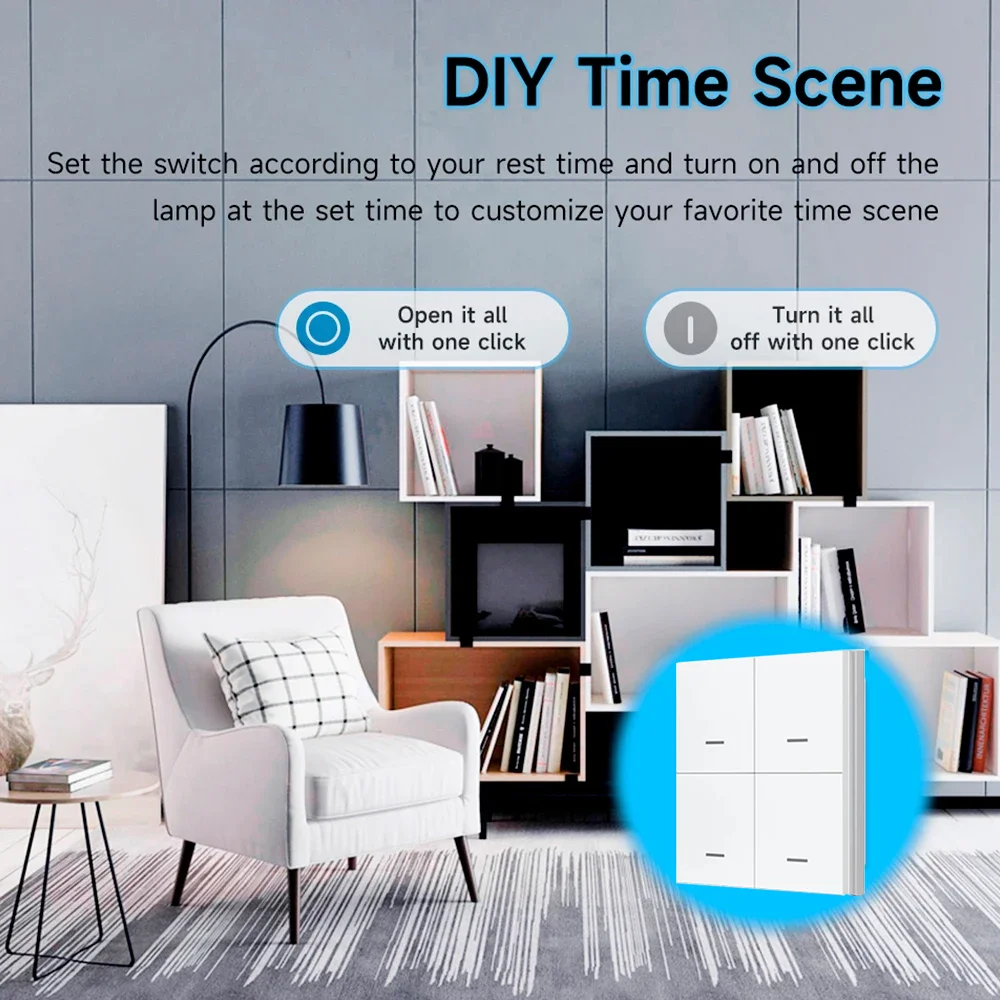
5. Customizable Automation – Set up scenes, schedules, and device linkages for a smarter home.
6. Compact & Stylish Design – Sleek and modern, fits seamlessly into any home decor.
Q&A
1.How to connect products?
This product connection requires Tuya zigbee gateway, the gateway is powered on, the product on the battery, the product should be as close as possible to the Zigbee smart gateway, and then long press the product reset button for 6 seconds until the indicator light flashes quickly, open the smart life or Tuya APP, click on the upper right corner of the “+” sign, click on the add device, and wait for the search to be added!