Free shipping
Only 2 left!
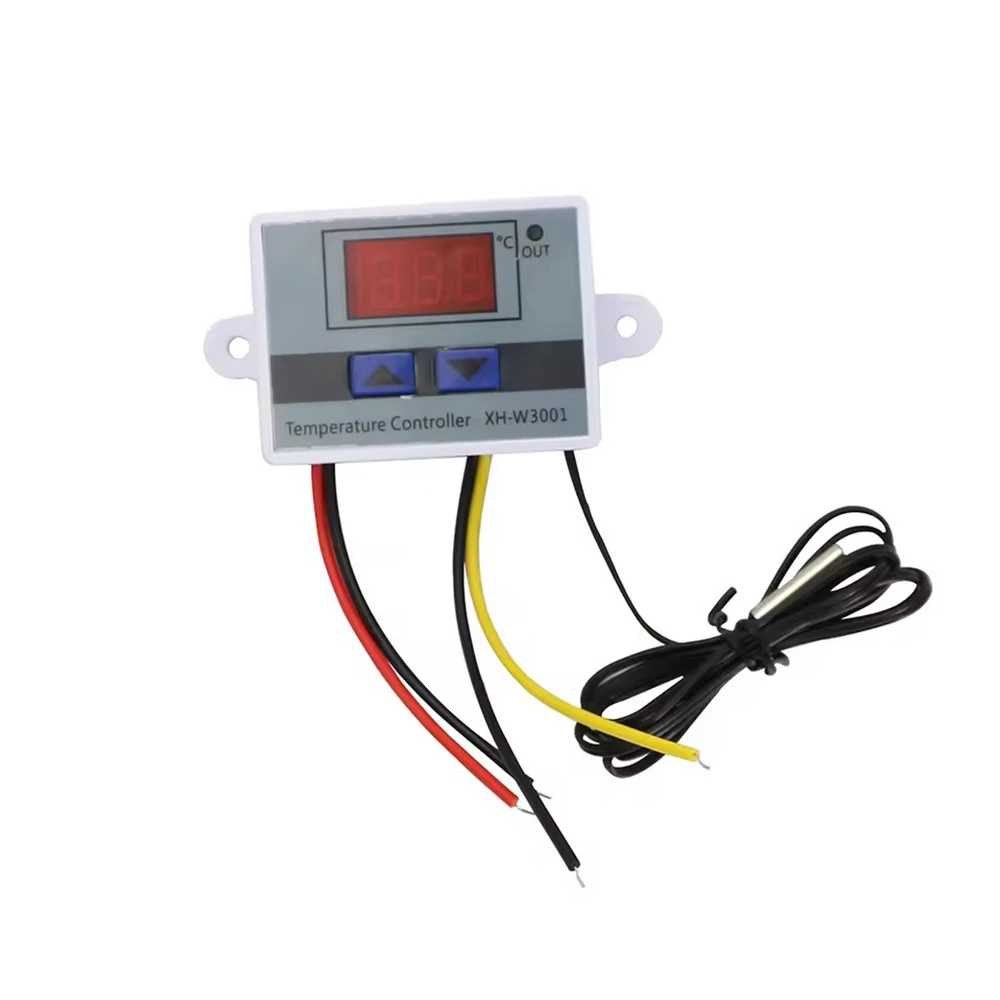
Choice AC110V to 220V Microcomputer Temperature controller 110V~220V 12V 24V -50~110C Output Egg Incubator
No reviews yet.
Lowest price in 30 days
Checkout Discount 30% Off
At checkout
21.35 SAR
30.50 SAR
Free shipping
Delivery address

Select your address, find out the delivery date!
Trendyol's commitments
Easy and free return in 15 days.
Payment methods




Highlighted features:
Choice1 AC110V to 220V Microcomputer Temperature controller 110V~220V 12V 24V -50~110C Output Egg Incubator features
Instructions for Use/Warnings
*AC110V to 220V

Big Save Store
8.8
81.4K followers
Seller information
Similar items


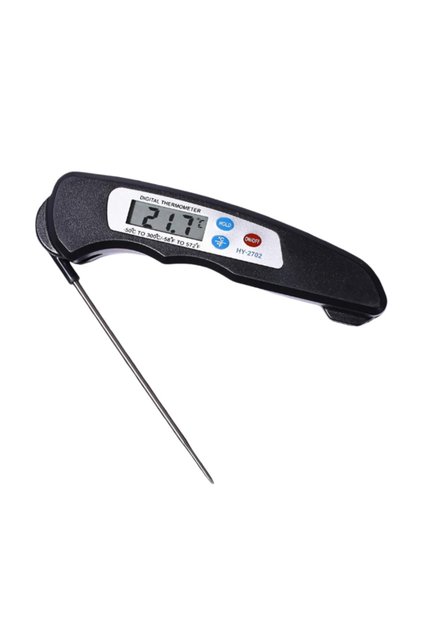


 Digital Meat Thermometer Instant Read









Choice1 AC110V to 220V Microcomputer Temperature controller 110V~220V 12V 24V -50~110C Output Egg Incubator reviews
No reviews yet.
Product details
Additional info
- A maximum of 10 units of this product can be ordered. Trendyol reserves the right to cancel orders over 10 units.
- Barcode No: 3625489255631
Choice1 AC110V to 220V Microcomputer Temperature controller 110V~220V 12V 24V -50~110C Output Egg Incubator features
Instructions for Use/Warnings
*AC110V to 220V
Safety information
Product safety information
Product description
Color:AC110V to 220V
Product Specification:
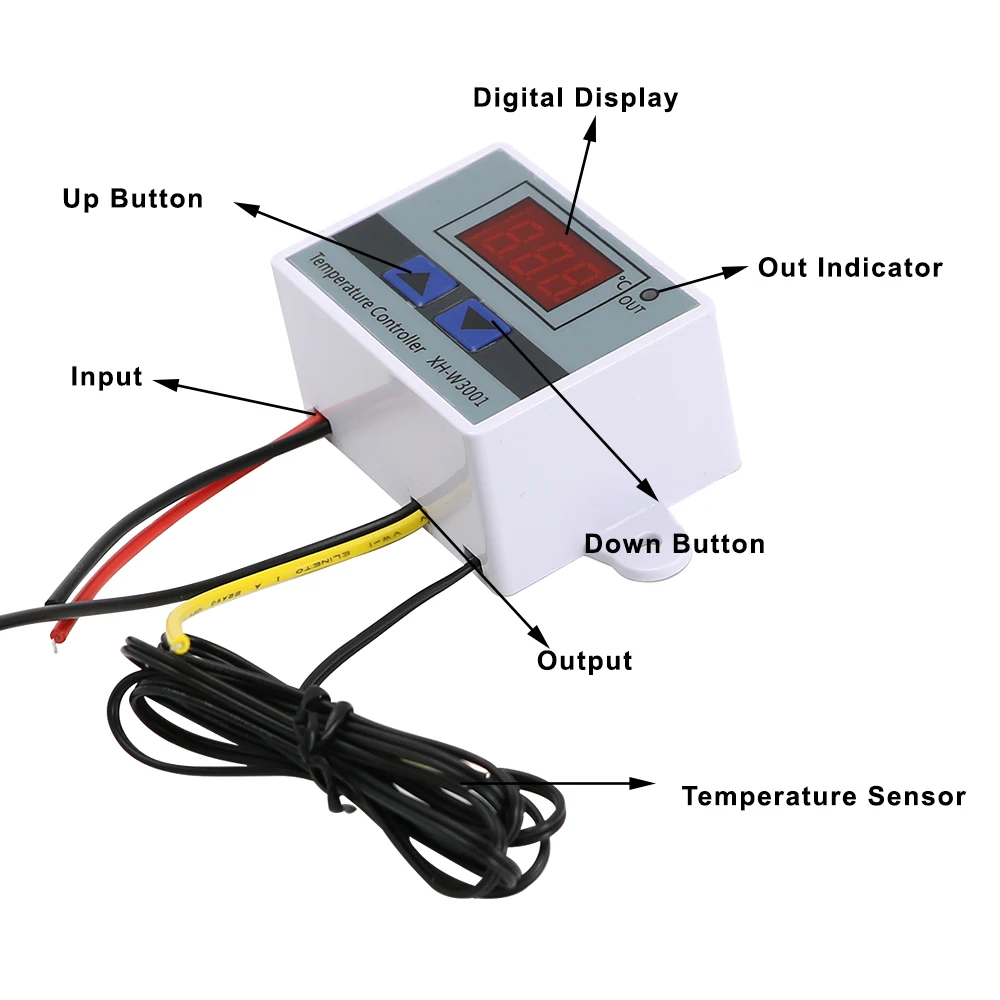
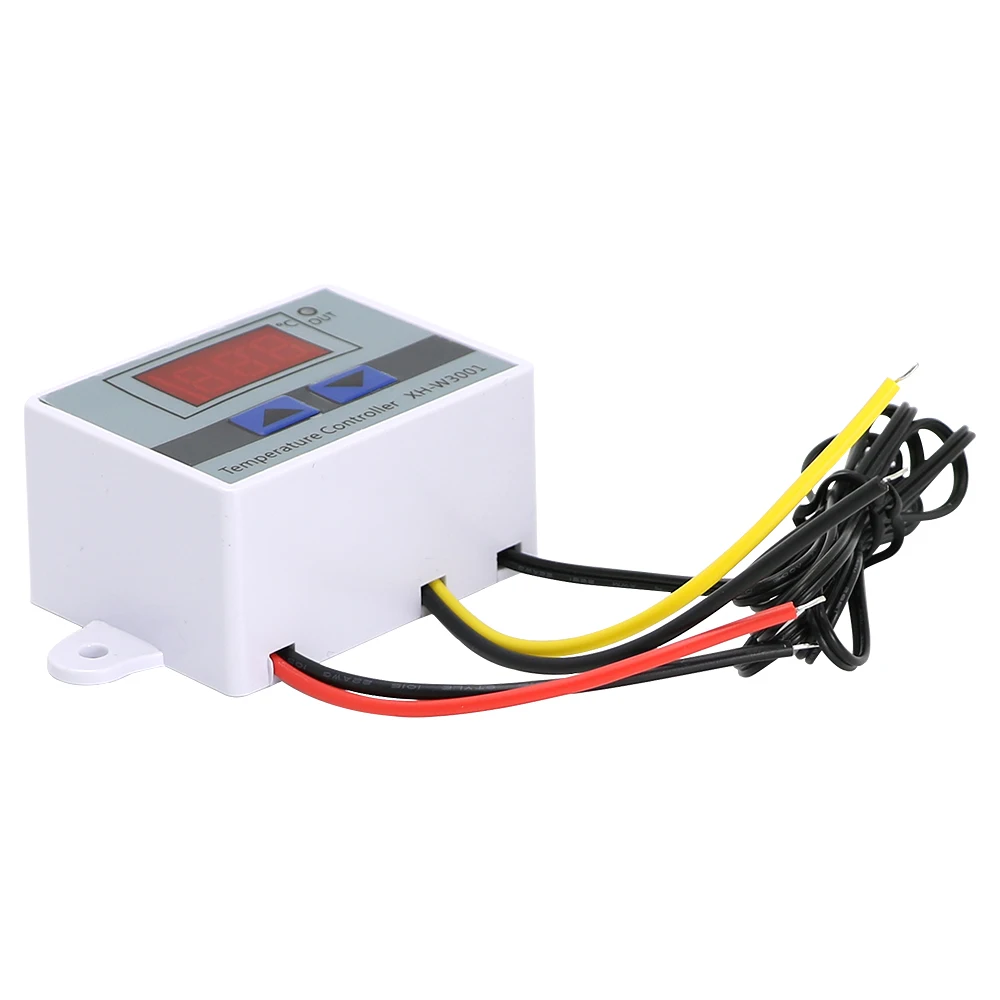
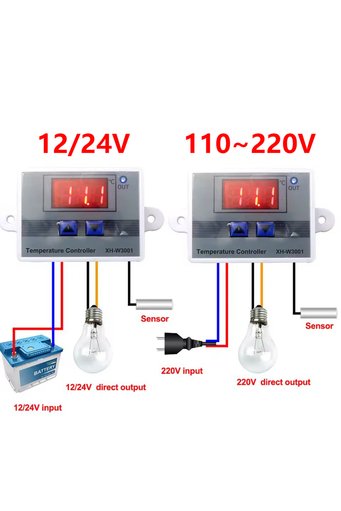
Product name: microcomputer temperature controller
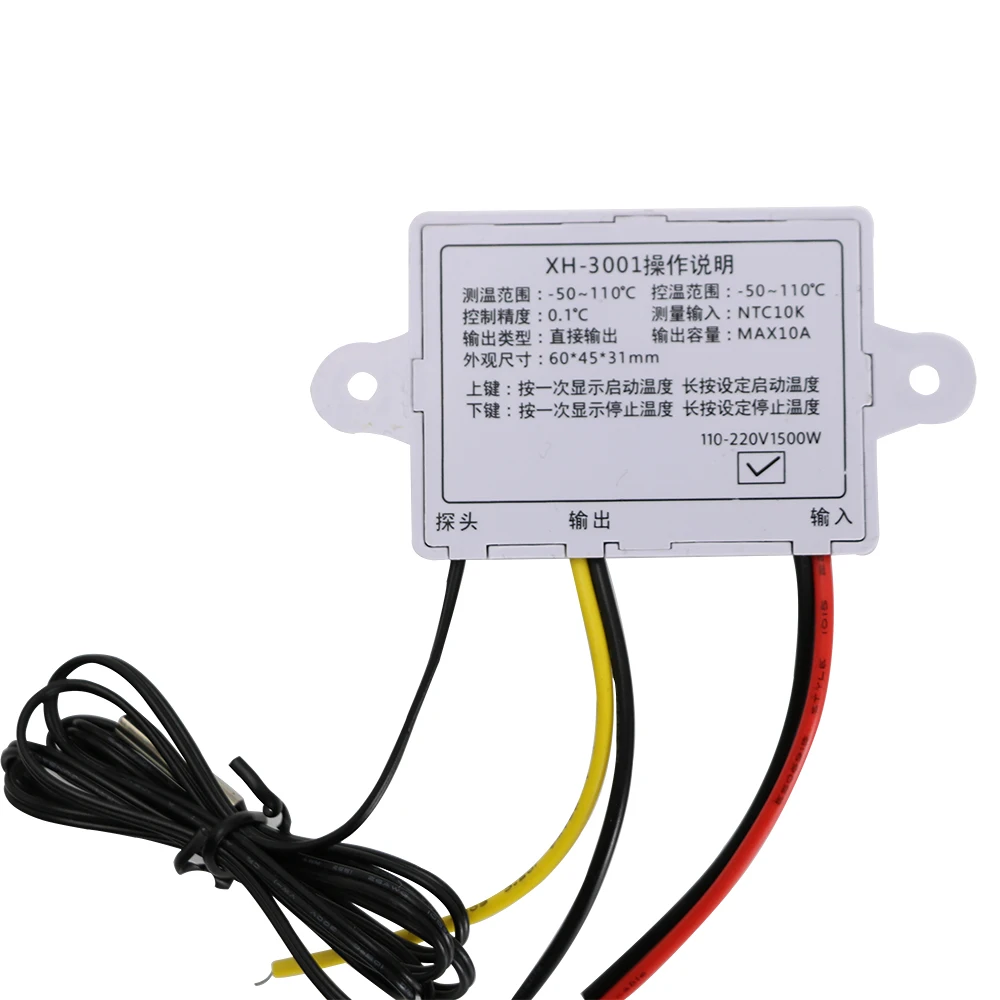
Model: XH-W3001
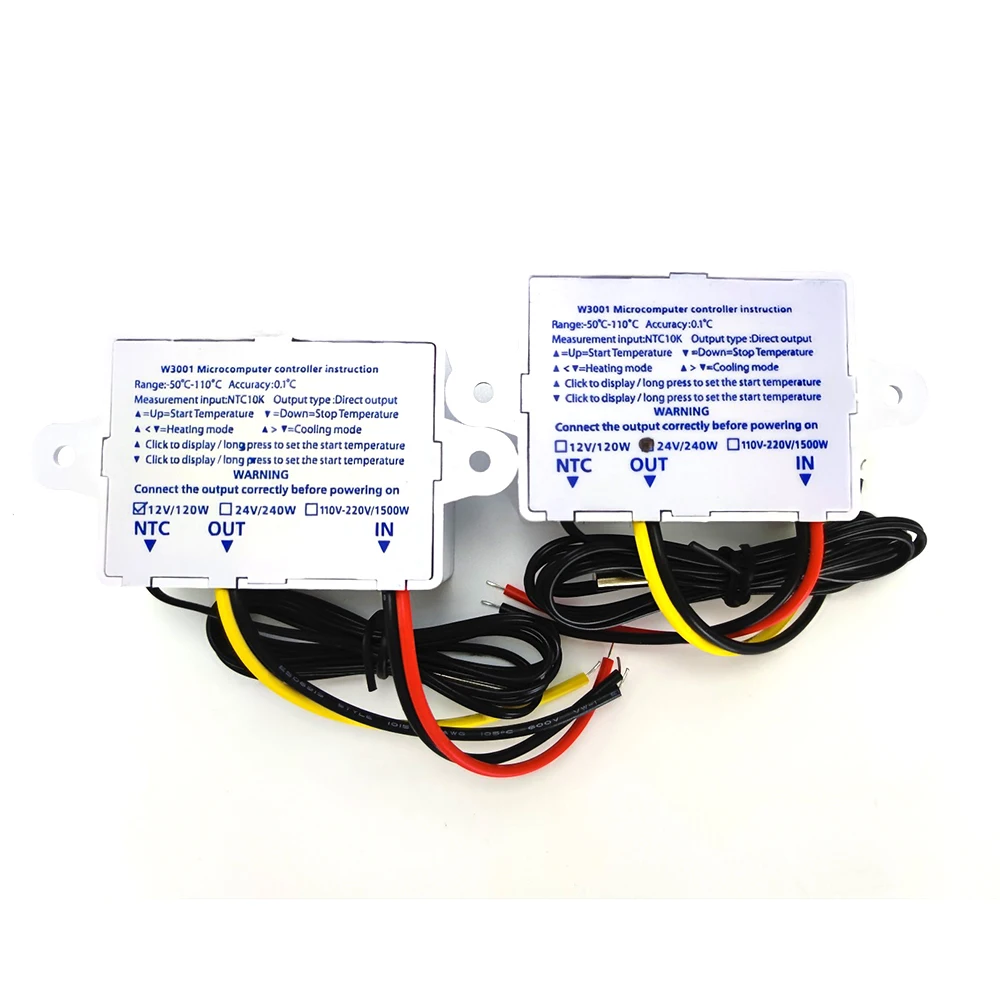
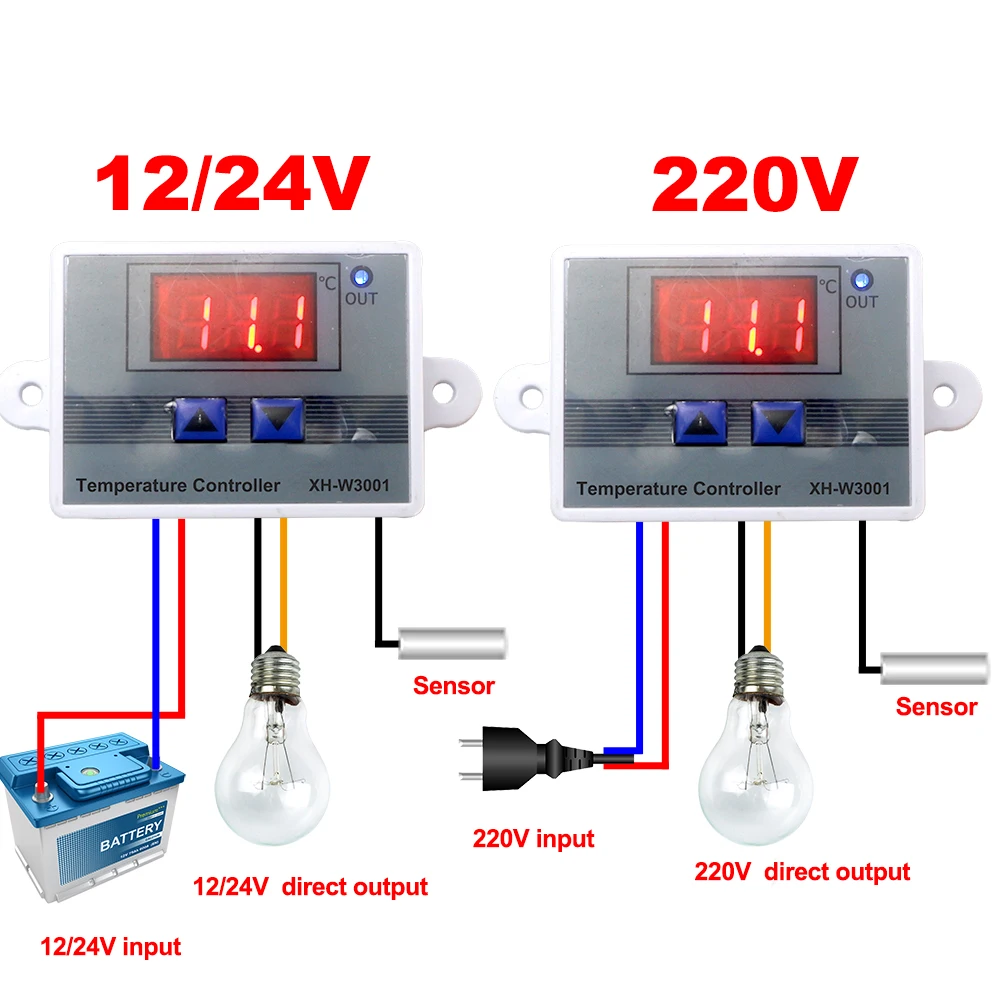
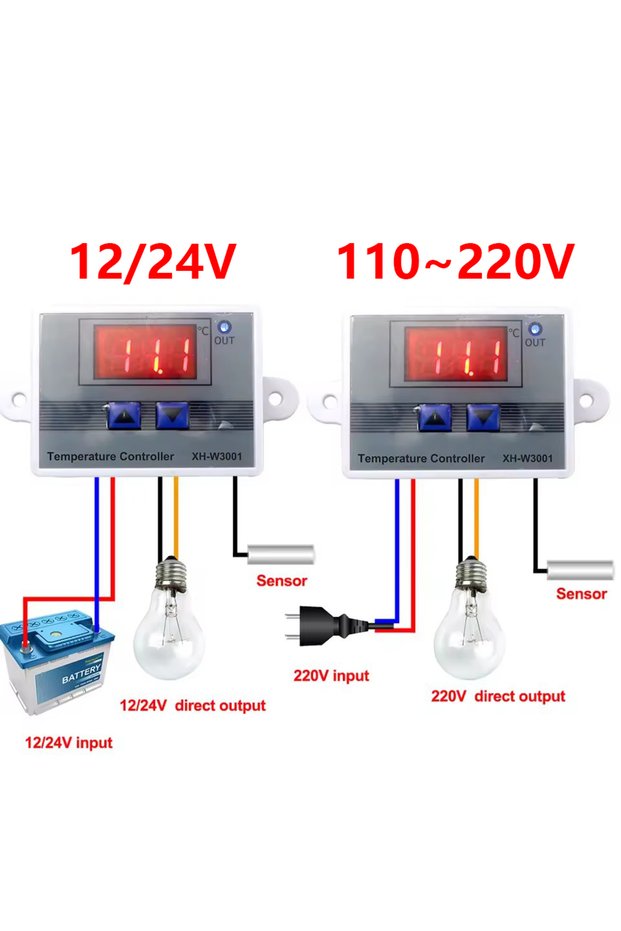
Input power: AC 110~220V DC 12V DC 24V (Optional)
Temperature measurement range: - 50 ~ 110°C
Temperature control range: - 50 ~ 110°C
Temperature measuring accuracy: +/-0.2 °C
Temperature control precision: +/- 0.1 °C
Measuring input: NTC10K, 1 meters long waterproof probe
Output Type: Direct Output
Output Capacity: MAX 10A AC 110~220V or dc 12v 24v
Appearance size: 60 * 45 * 31 mm
How to set the controller?
1. Set the start temperature:
Press Up button show the starting temperature;
long press UP button the temperature display Flashing , press the UP or Down button to set the start temperature value.
2. Set the stop temperature:
Press Down button show the Stop temperature;
long press Down button the temperature display Flashing , press the UP or Down button to set the stop temperature value.
3. Restore factory settings:
Long press the Up and Down buttons when the controller is powered, the display shows "888" and switch to detection temperature.
Package includes:
1 X microcomputer temperature controller with probe
Notice:
The back cover of the thermostat may have slightly different printed words due to different production batches. If you mind, please do not buy it. Thanks!