Free shipping
Almost sold out!
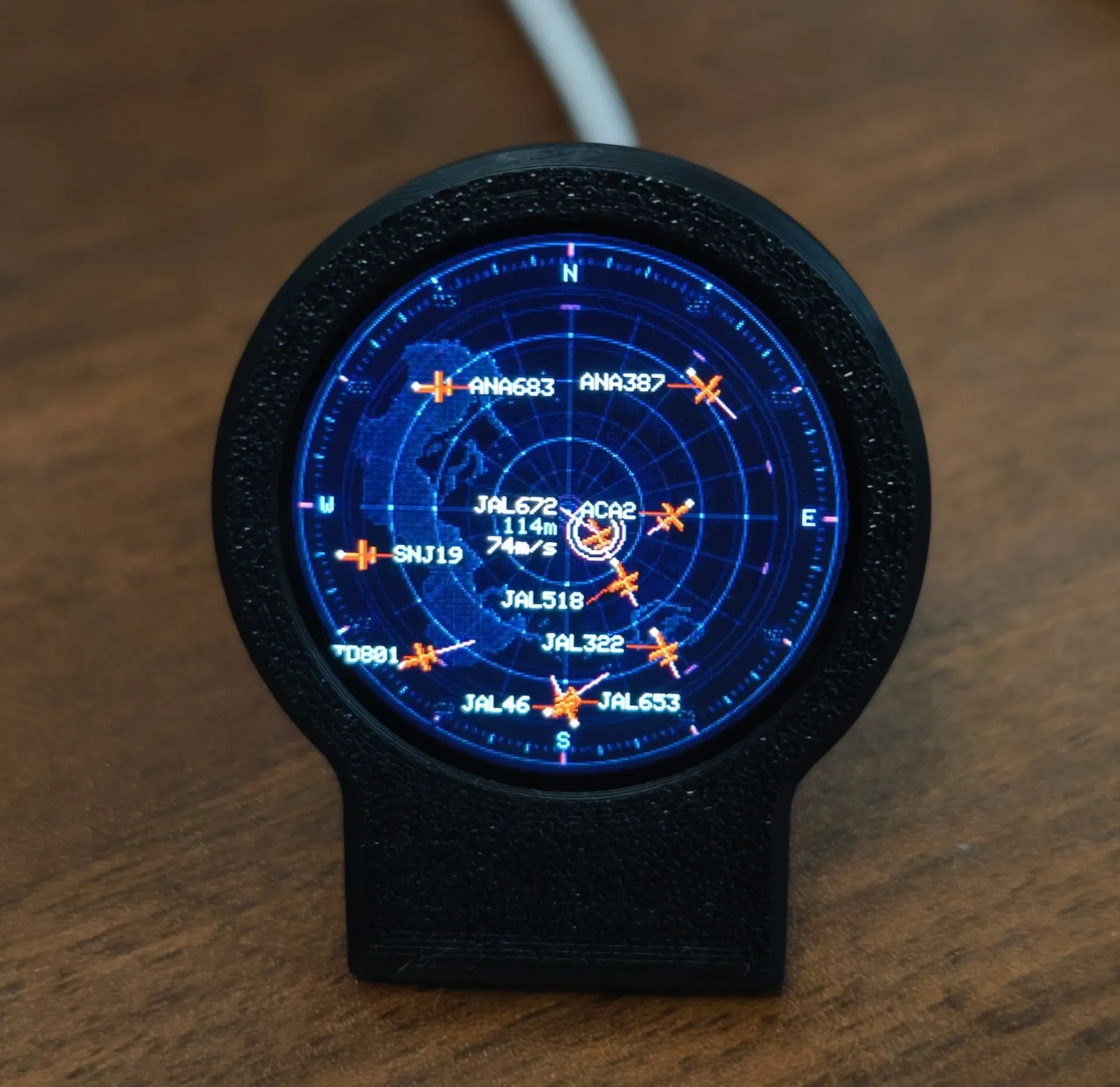
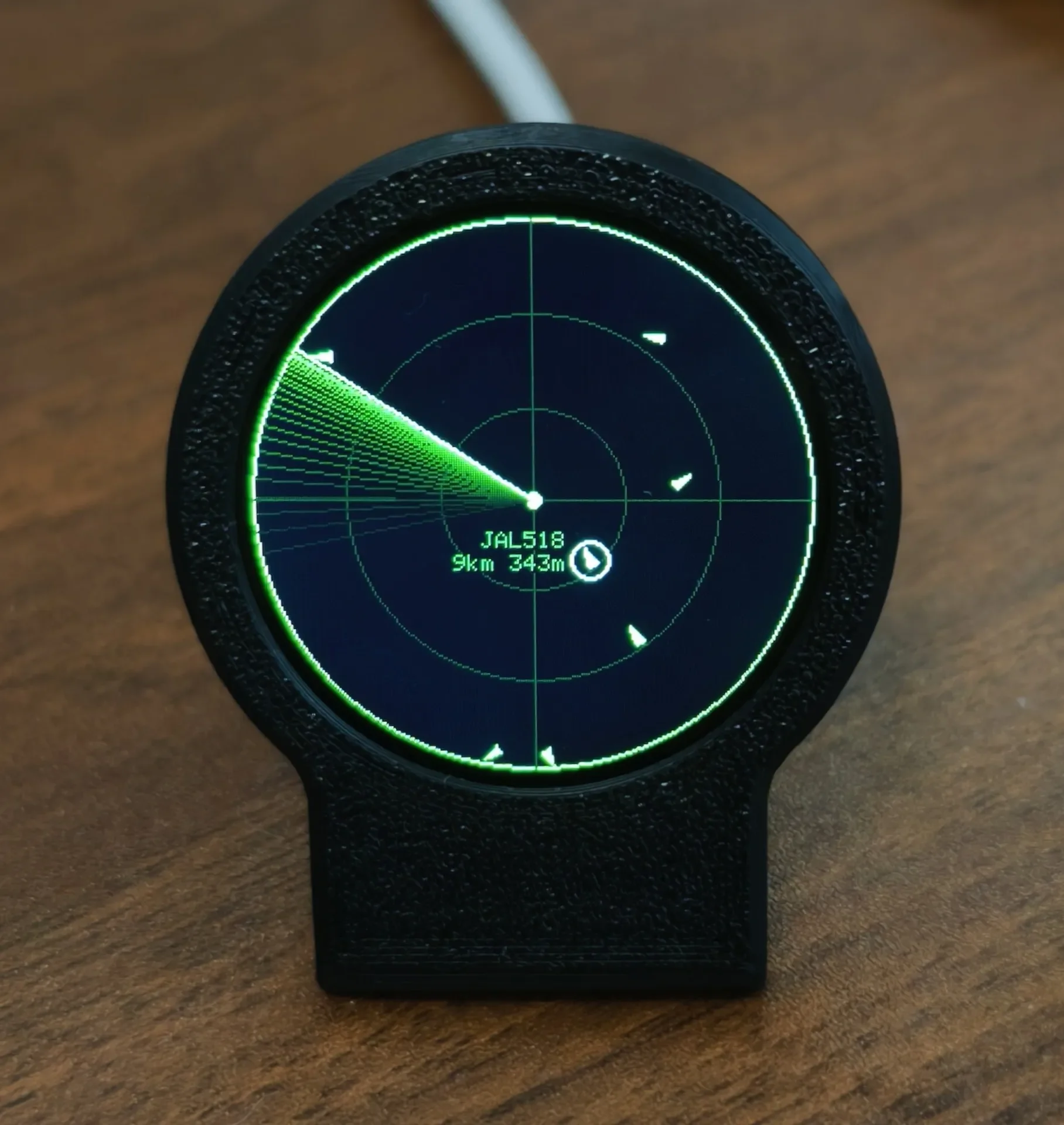
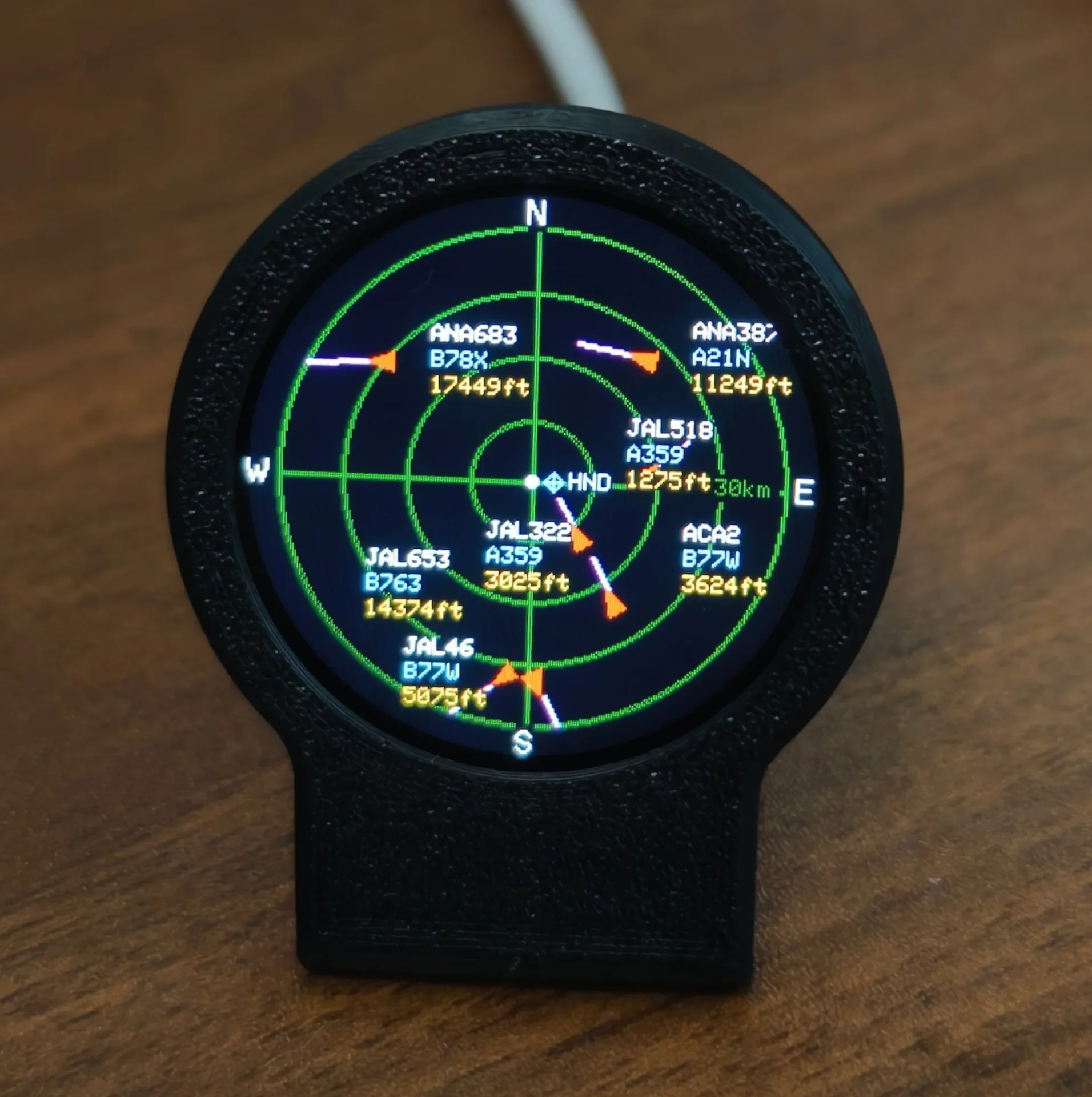
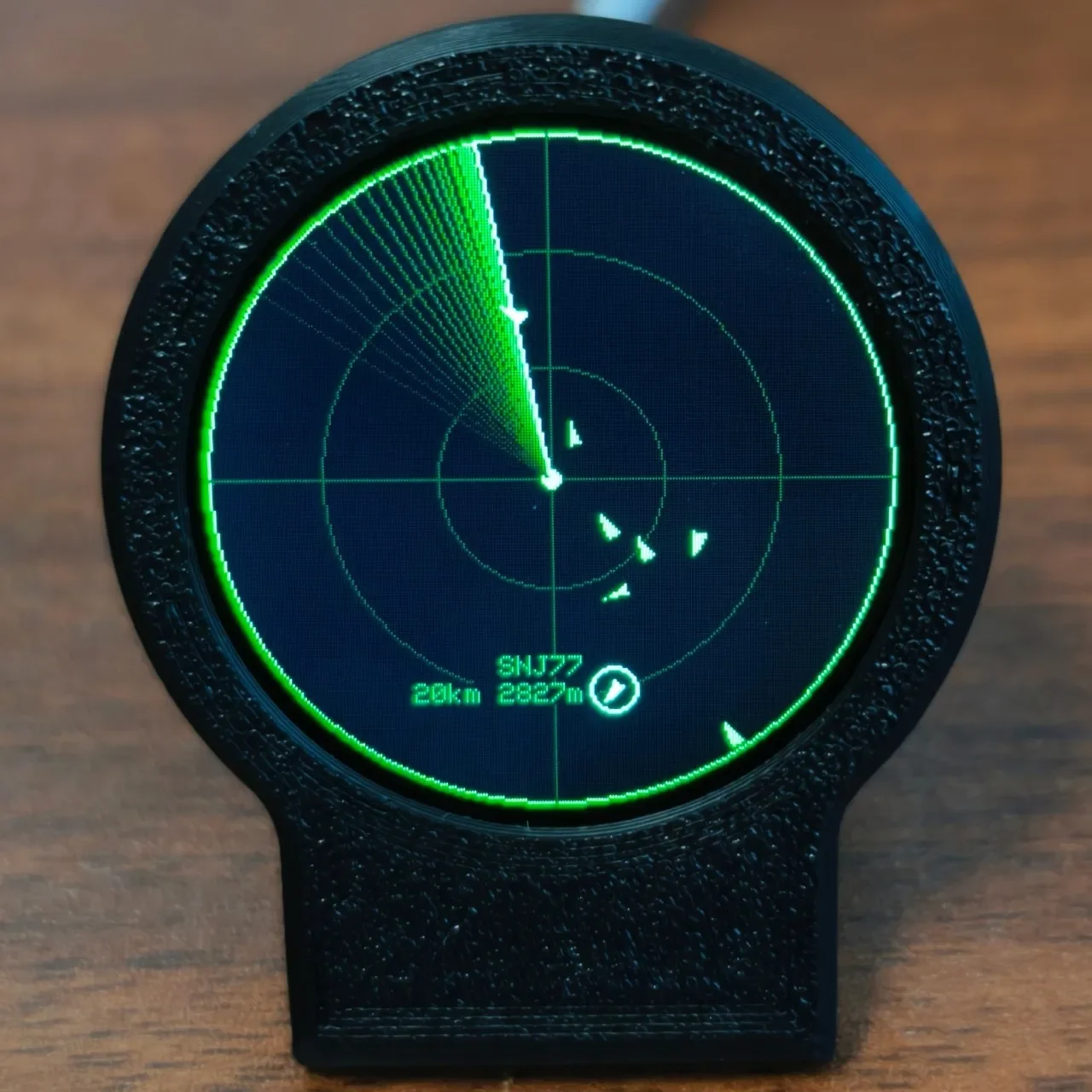
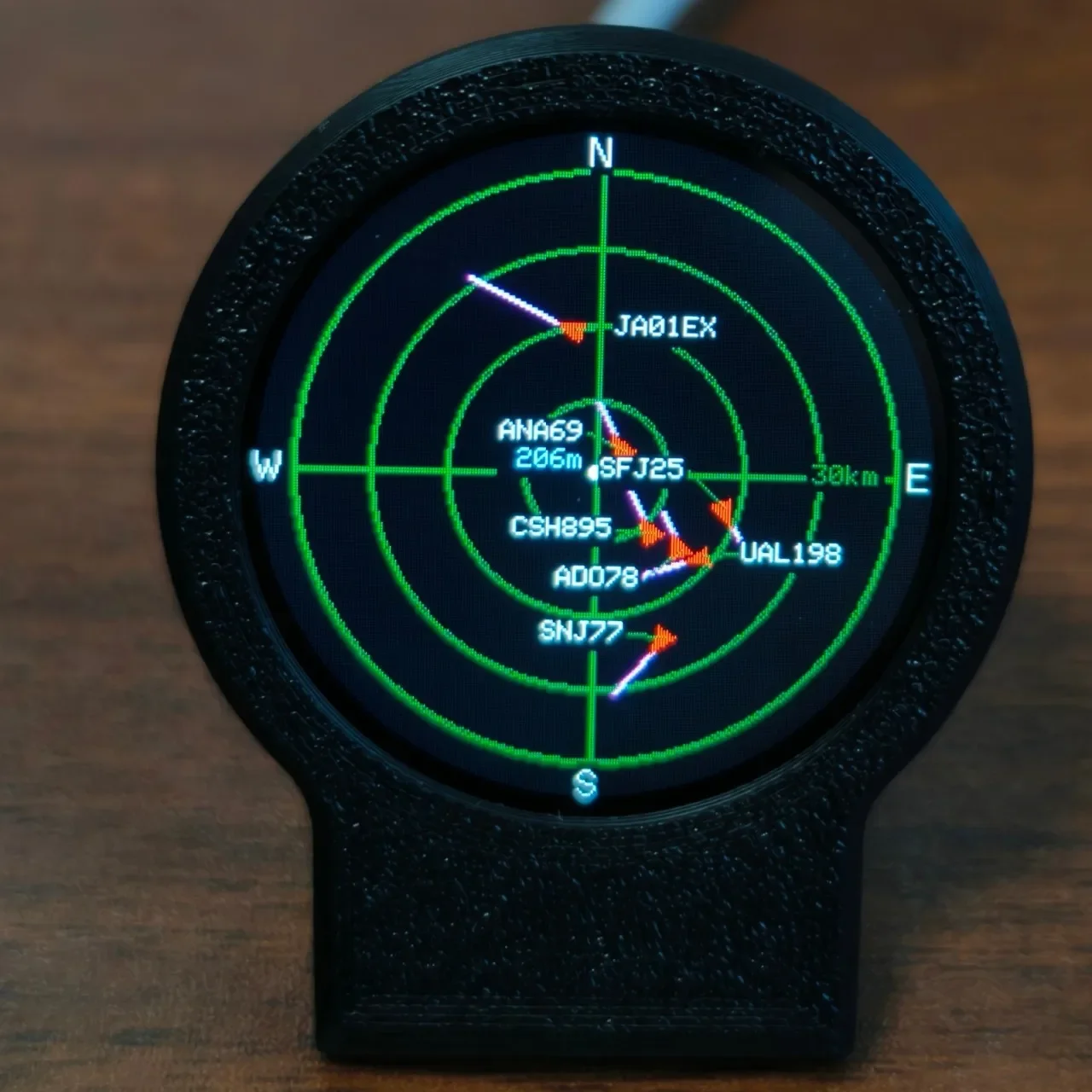
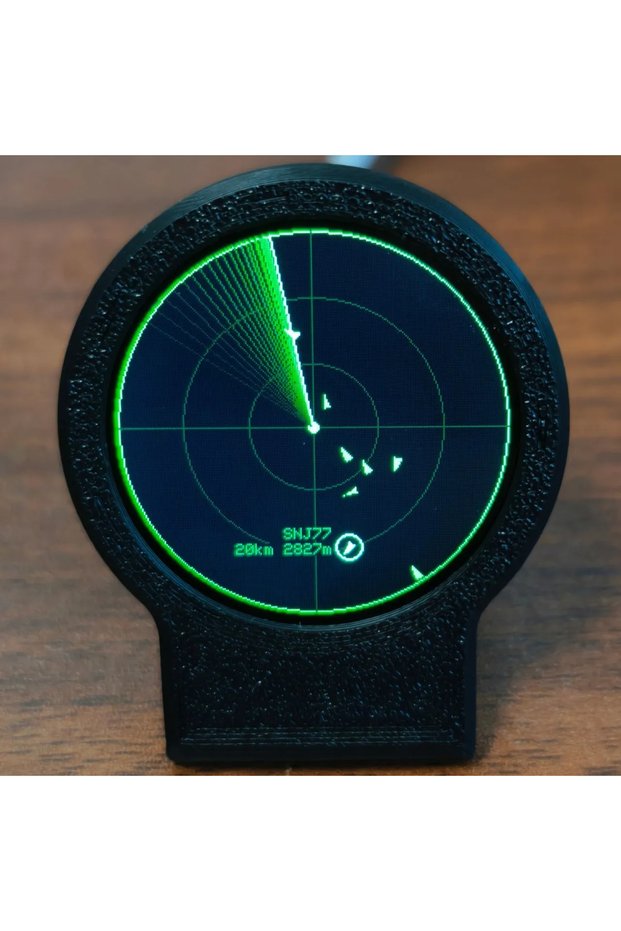
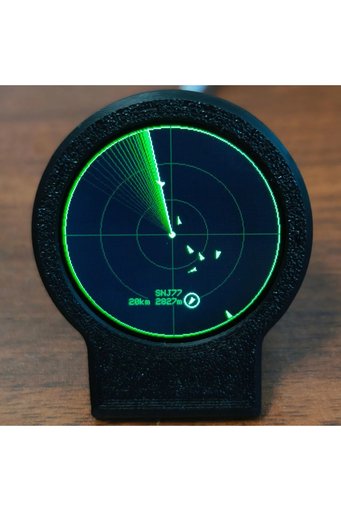
Choice black USB-C Deskradar, Live ADS-B Flight Tracker Gadget with Sonar Grid Screen With 3D Printed Case
No reviews yet.
Checkout Discount 24% Off
At checkout
117.02 SAR
153.97 SAR
Free shipping
Delivery address

Select your address, find out the delivery date!
Trendyol's commitments
Easy and free return in 15 days.
Payment methods



Highlighted features:
Choice black USB-C Deskradar, Live ADS-B Flight Tracker Gadget with Sonar Grid Screen With 3D Printed Case features
Color
Multicolor
Product Type
Case

Big Save Store
8.8
80.4K followers
Seller information
Choice black USB-C Deskradar, Live ADS-B Flight Tracker Gadget with Sonar Grid Screen With 3D Printed Case reviews
No reviews yet.
Product details
Additional info
- A maximum of 10 units of this product can be ordered. Trendyol reserves the right to cancel orders over 10 units.
- Barcode No: 3675799009357
Choice black USB-C Deskradar, Live ADS-B Flight Tracker Gadget with Sonar Grid Screen With 3D Printed Case features
Color
Multicolor
Product Type
Case
Safety information
Product safety information
Product description
Color:black

DeskRadar — Your Personal Desktop Aircraft Radar
1. Download firmware
2. Open web.esphome.io in your computer browser, press and hold the button on the back, and insert the data cable already connected to your computer to prepare for flashing the firmware.
3. Click Connect, and select the USB JTAG COM device in the pop-up window.
4. After the device is connected, click the small arrow next to the blue button to upload.
5. Select the firmware package that you placed on your desktop in step 1.
6. Click Upload. After the upload is complete, plug and unplug the power cable once. If the screen displays the firmware, the update is successful.
7. If the update fails, press and hold the button on the back and plug the cable back into the computer, then start from step 3 again.