Free shipping
Almost sold out!
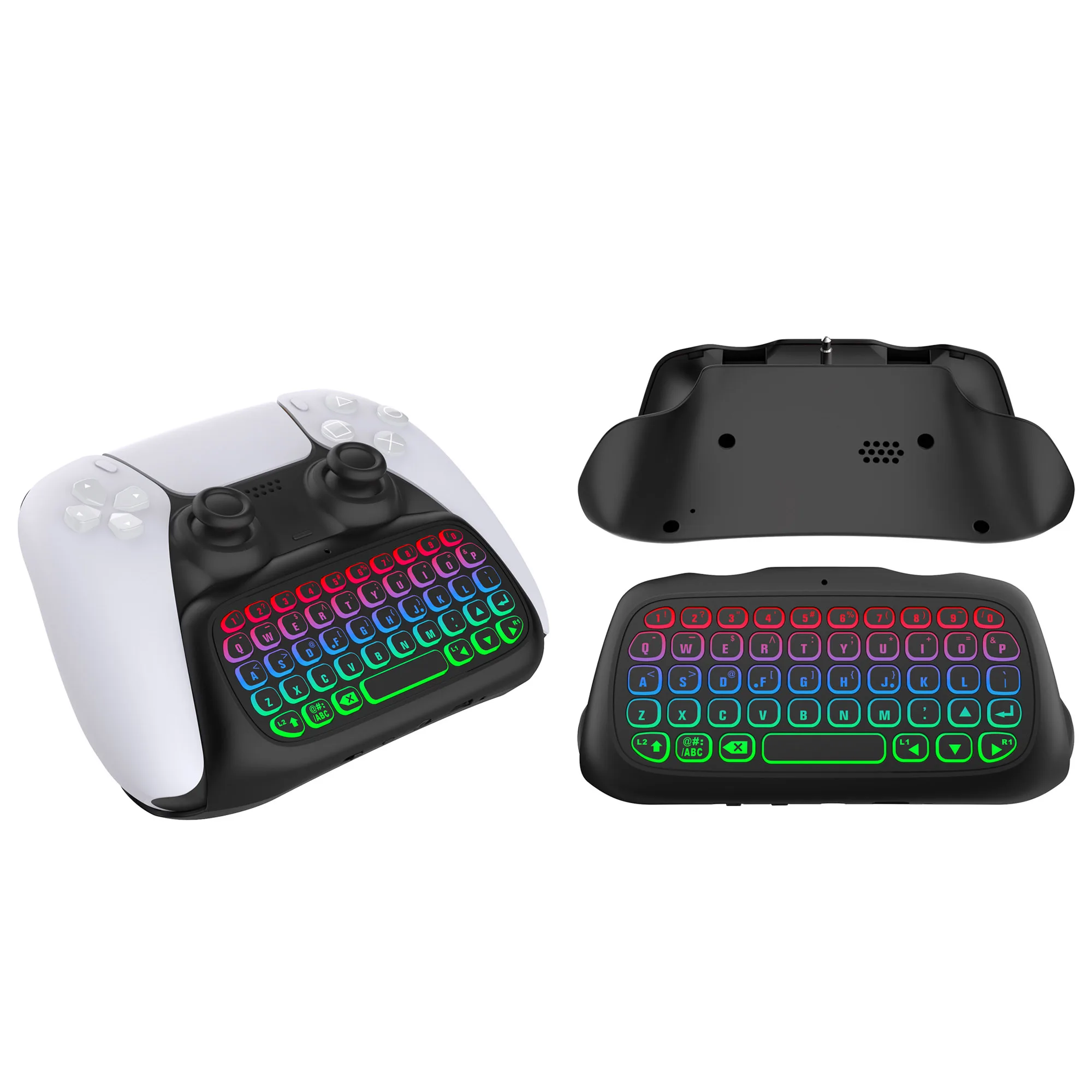
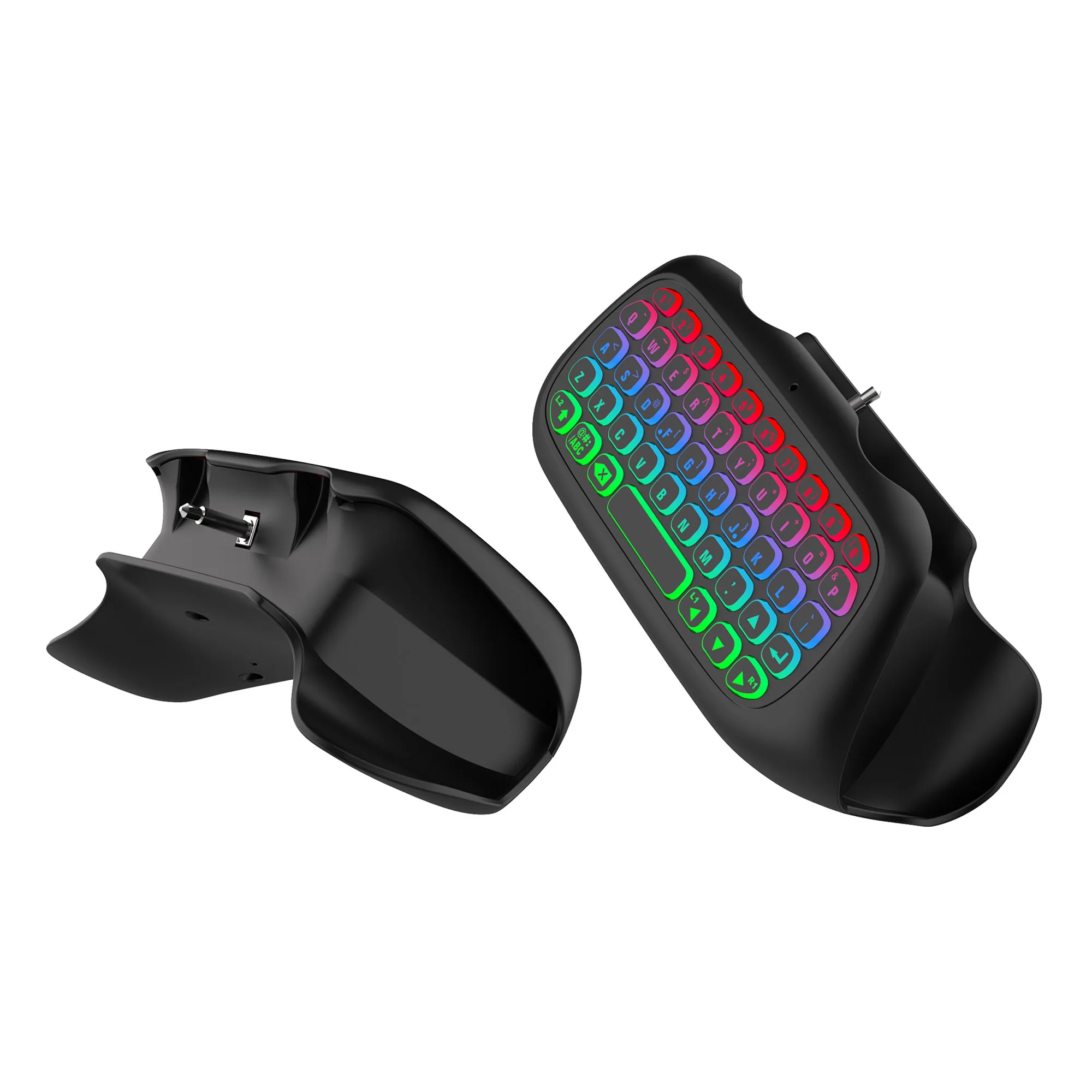
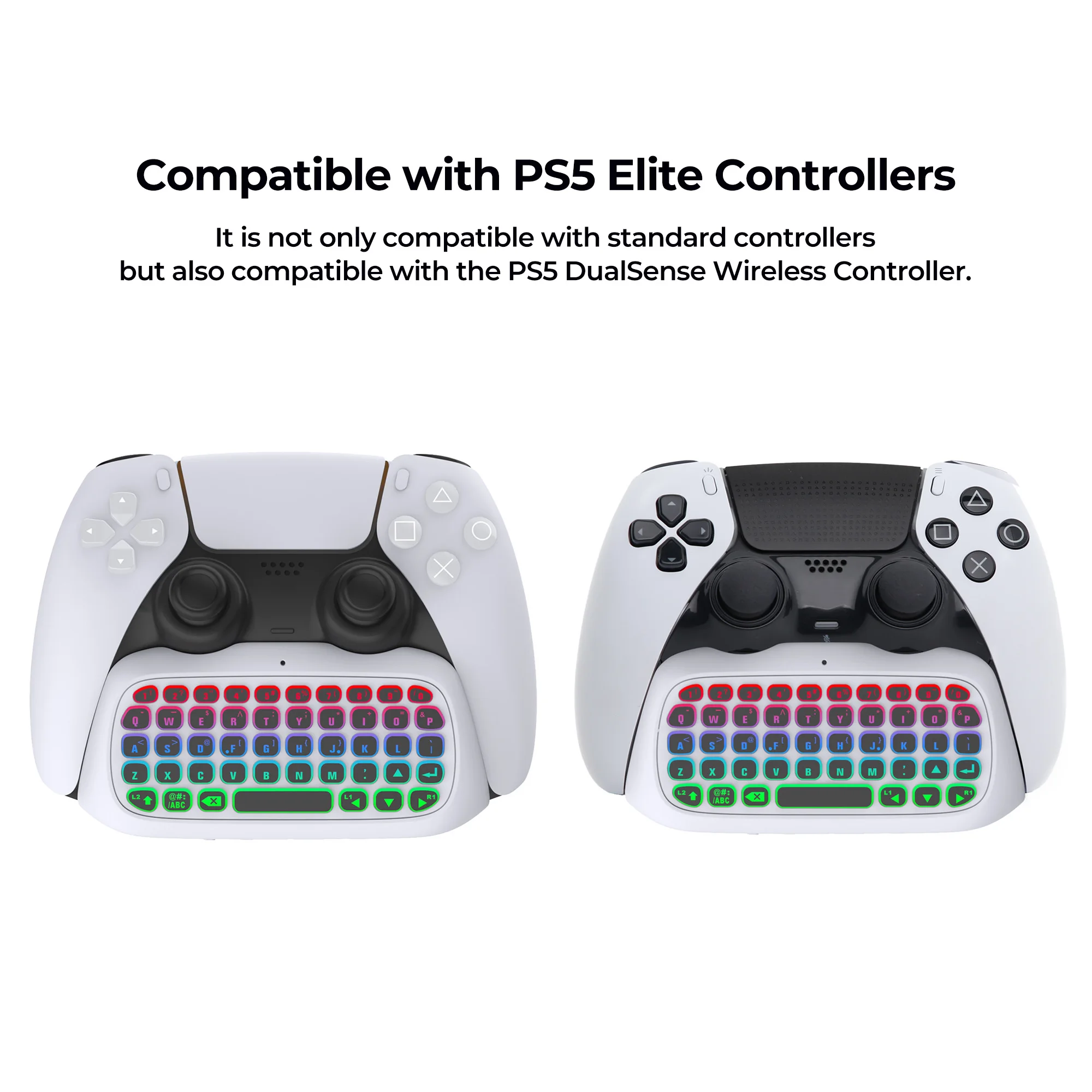
Choice Black Wireless Keyboard for PS5 Controller Handle Bluetooth External Keyboard for Playstation5 ChatP
No reviews yet.
Checkout Discount 22% Off
At checkout
69.37 SAR
88.94 SAR
Free shipping
Delivery address

Select your address, find out the delivery date!
Trendyol's commitments
Easy and free return in 15 days.
Payment methods



Highlighted features:
Choice Black Wireless Keyboard for PS5 Controller Handle Bluetooth External Keyboard for Playstation5 ChatP features
Color
Multicolor
Connection
Bluetooth
Compatible Device
Playstation 5
Bluetooth
Available

Big Save Store
8.8
81.0K followers
Seller information
Choice Black Wireless Keyboard for PS5 Controller Handle Bluetooth External Keyboard for Playstation5 ChatP reviews
No reviews yet.
Product details
Additional info
- A maximum of 10 units of this product can be ordered. Trendyol reserves the right to cancel orders over 10 units.
- Barcode No: 3675798996995
Choice Black Wireless Keyboard for PS5 Controller Handle Bluetooth External Keyboard for Playstation5 ChatP features
Color
Multicolor
Connection
Bluetooth
Compatible Device
Playstation 5
Bluetooth
Available
Safety information
Product safety information
Product description
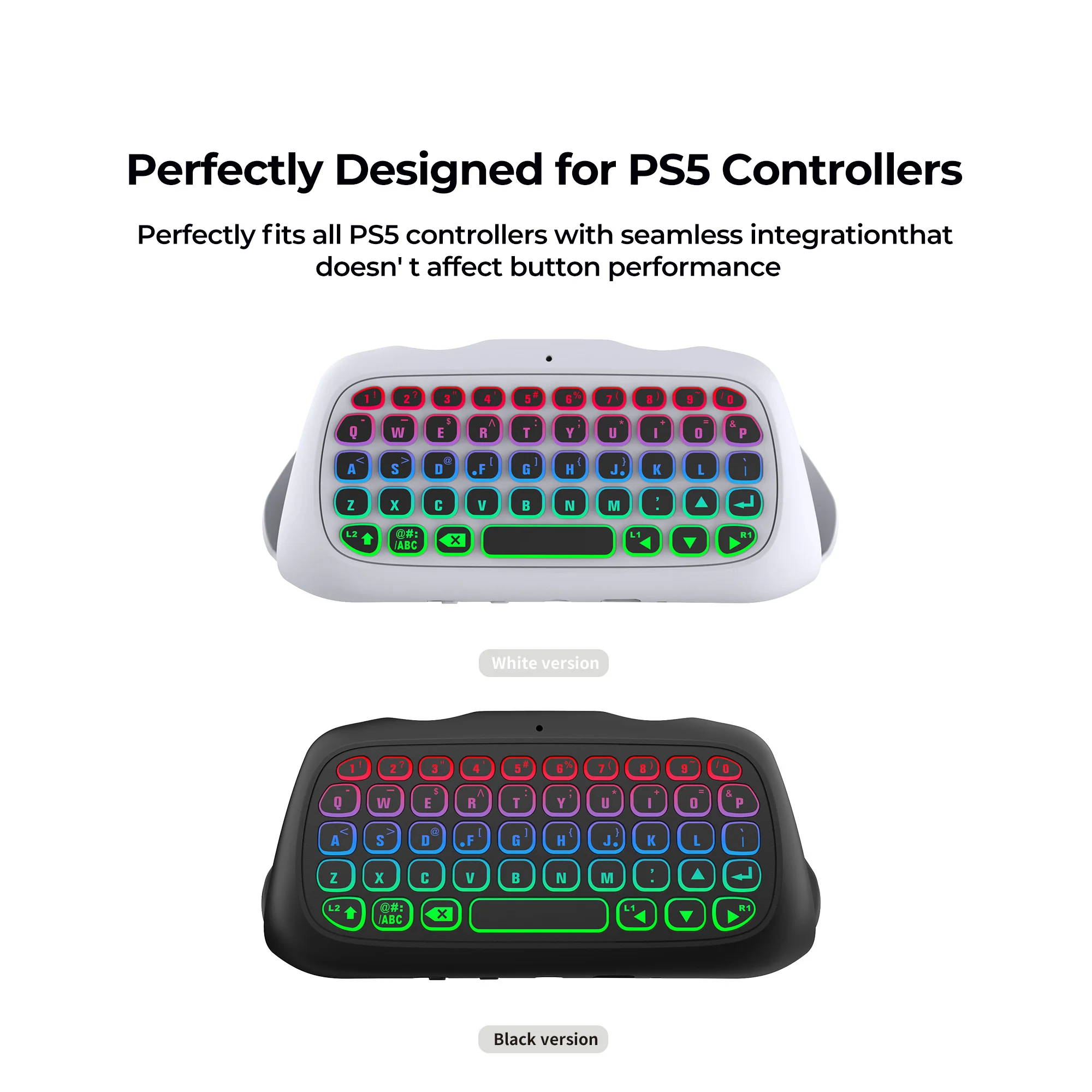
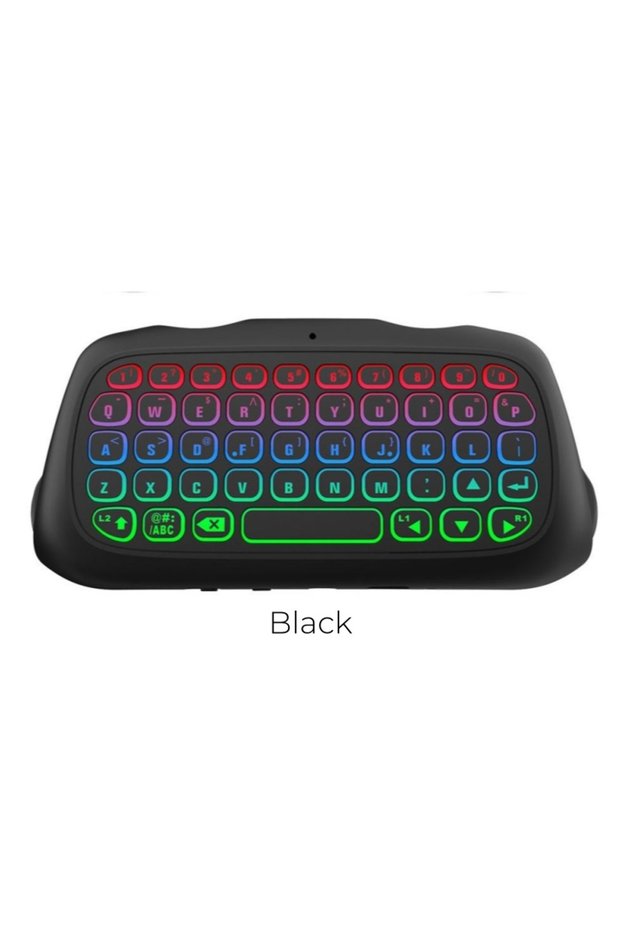
Color:Black
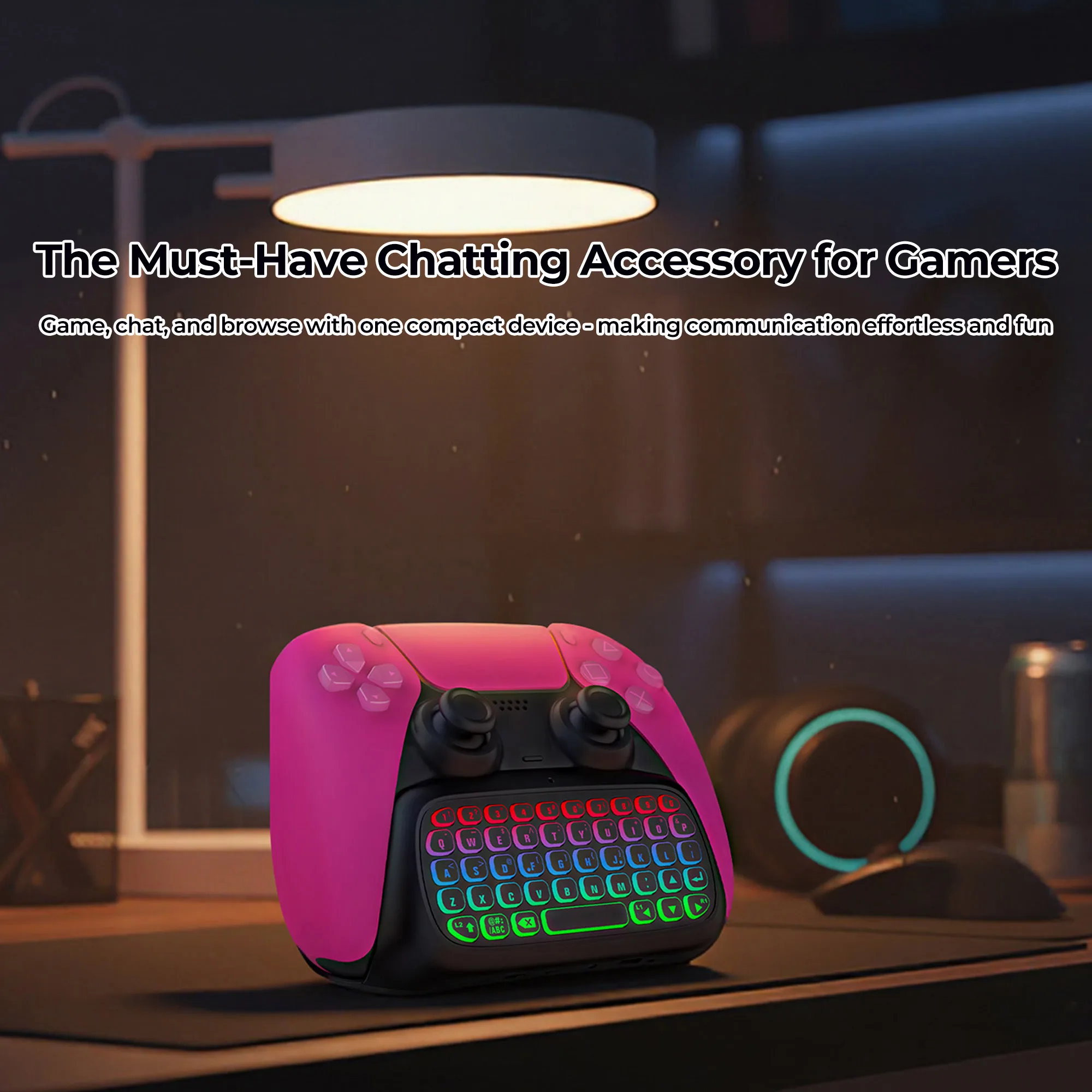
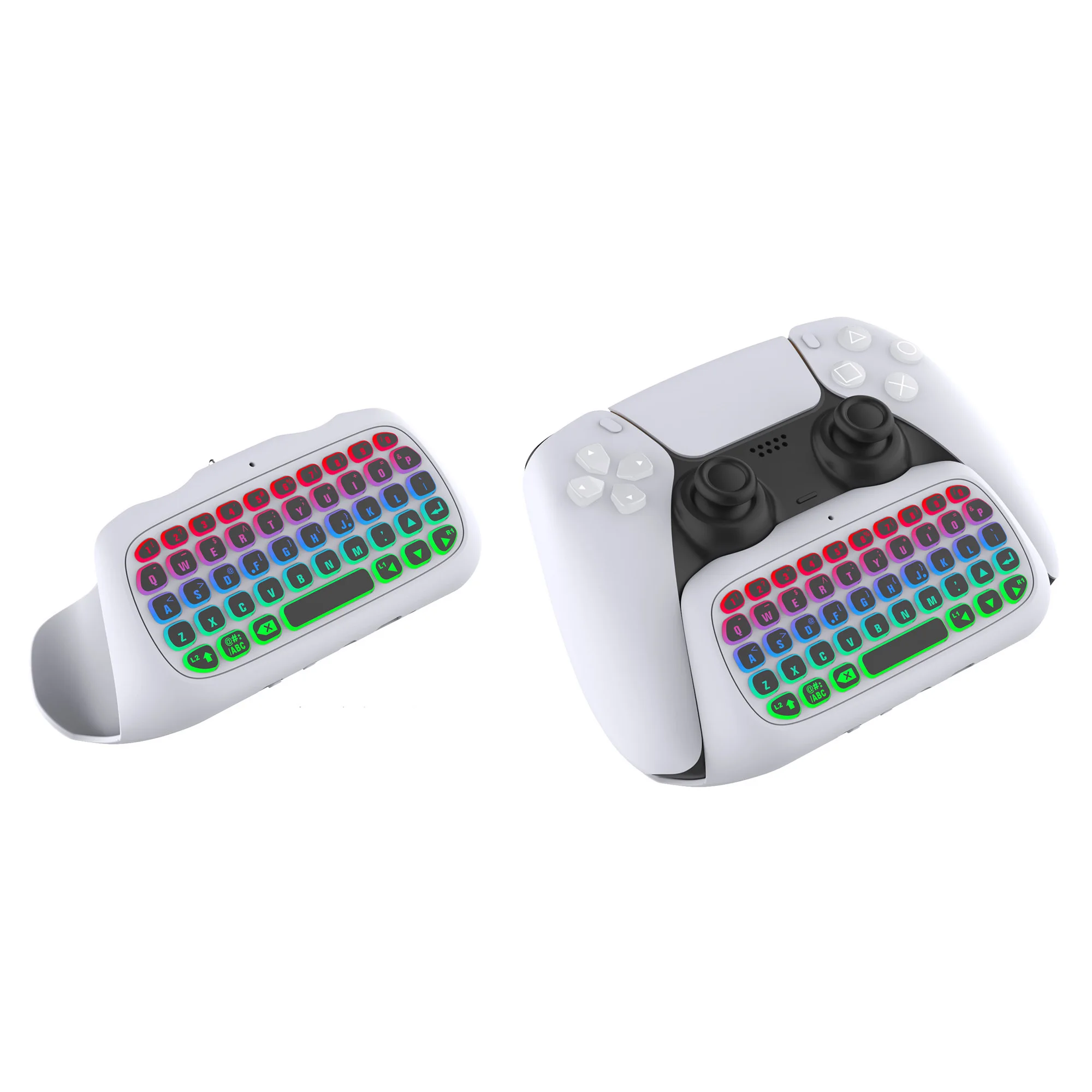
Wireless Keyboard for PS5 Controller Handle Bluetooth External Keyboard for Playstation5
ChatPad Bluetooth Keyboard | With RGB Effect
Production Introduction:
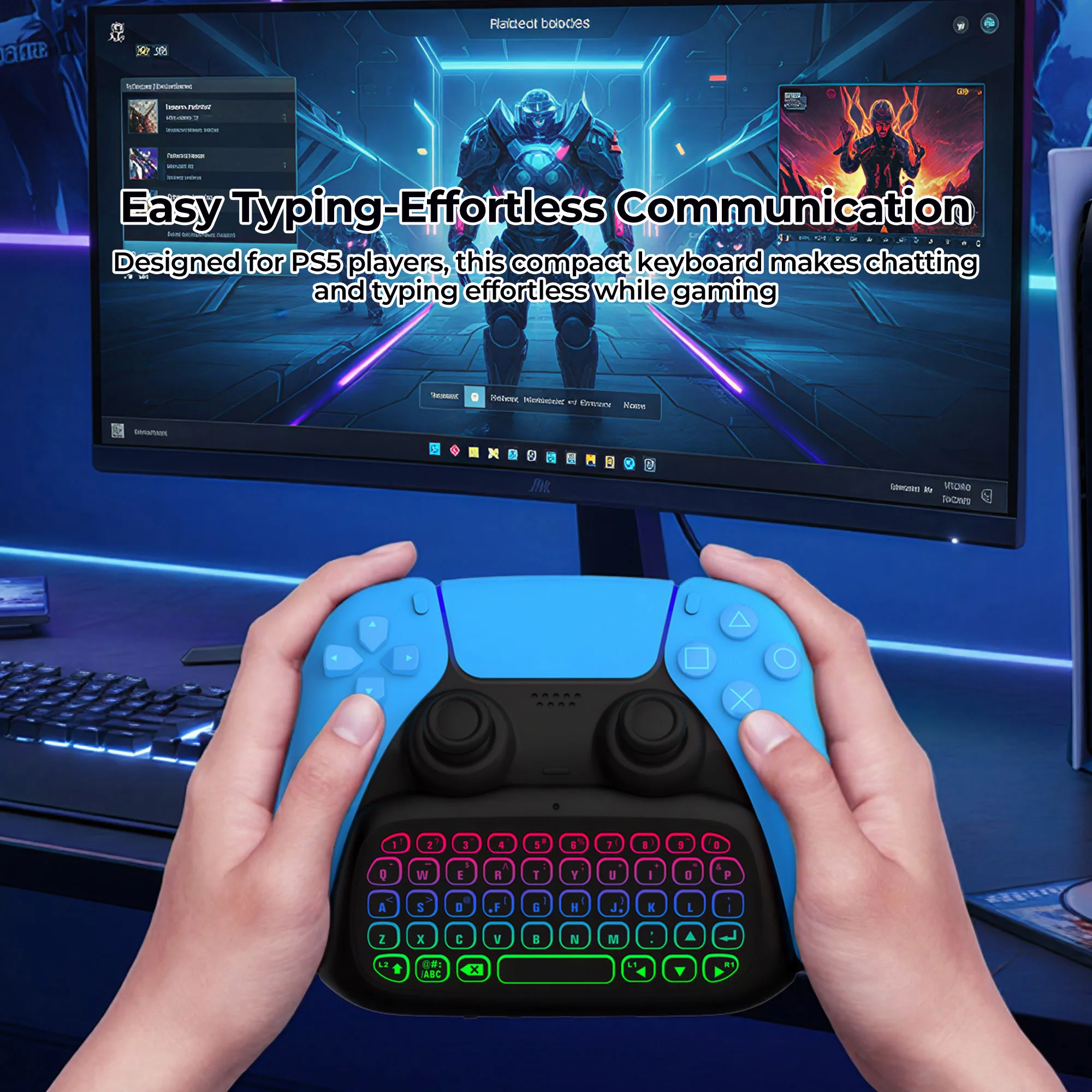
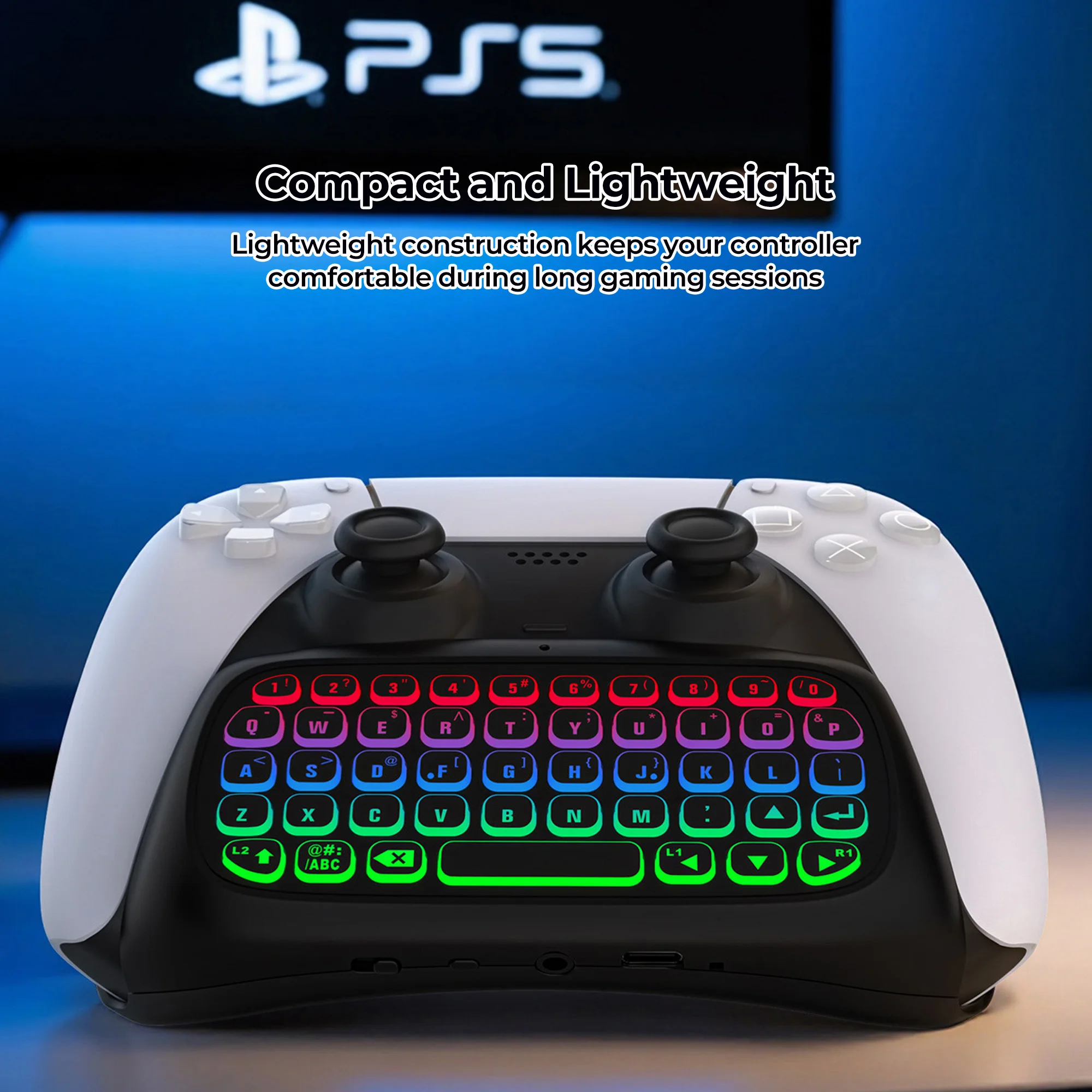
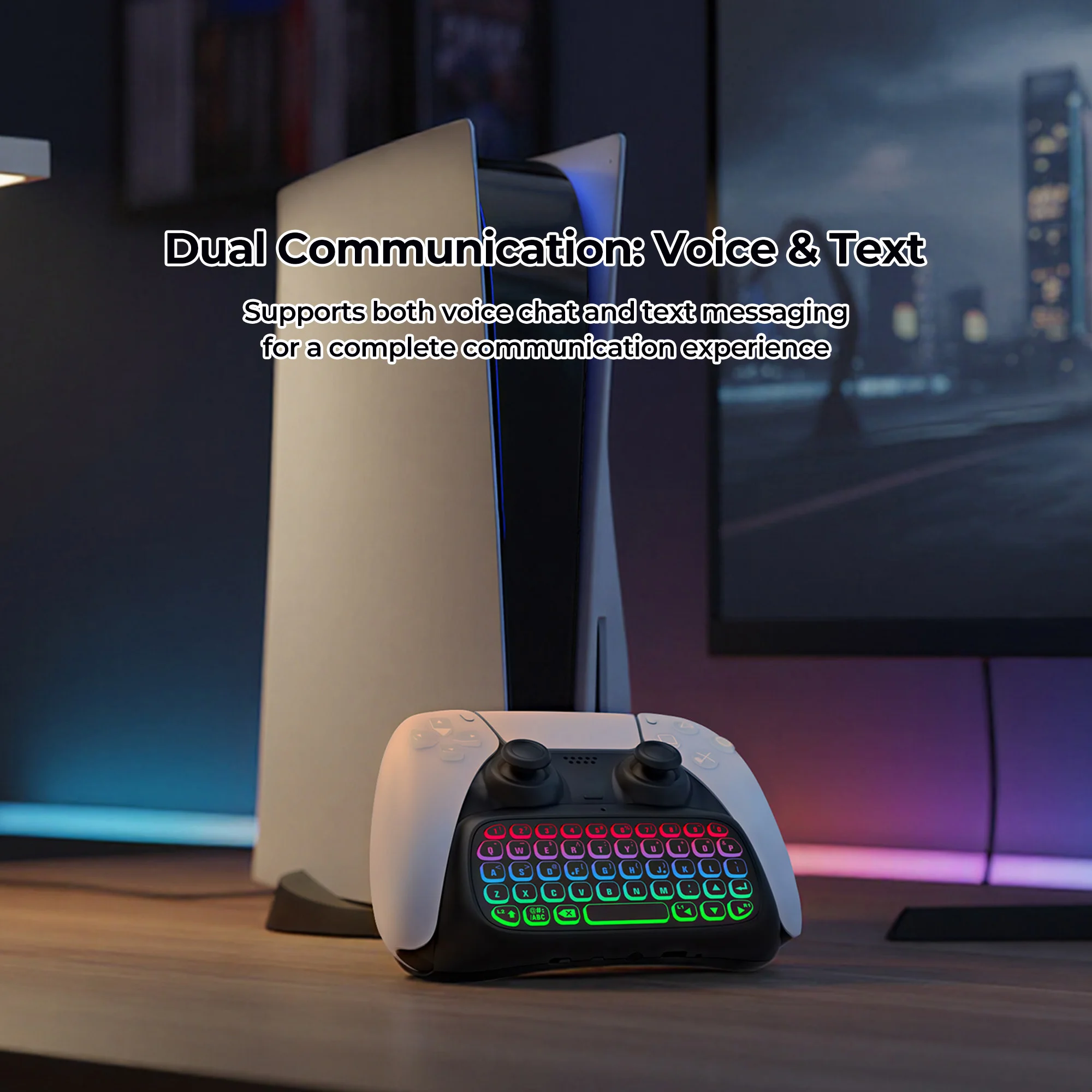
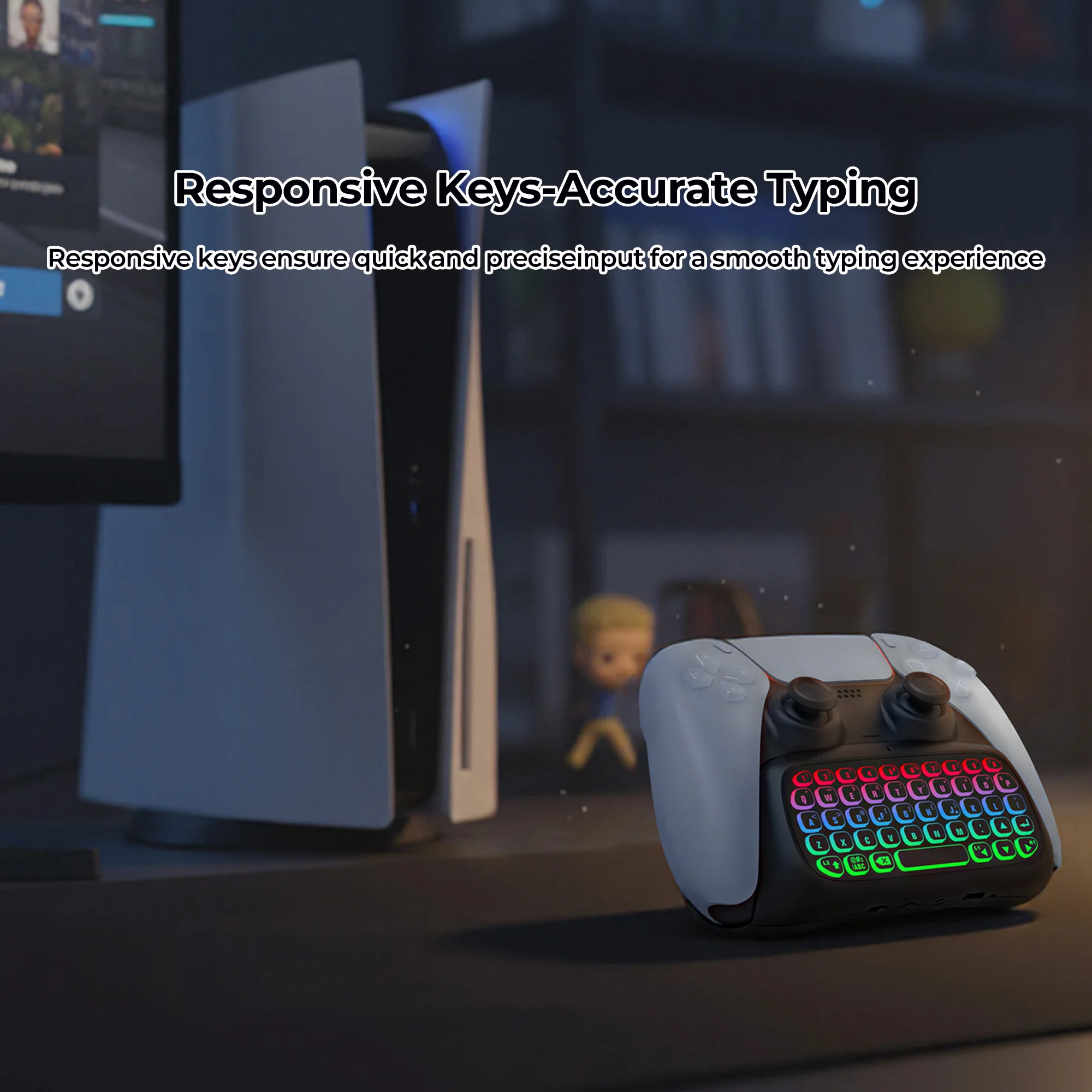
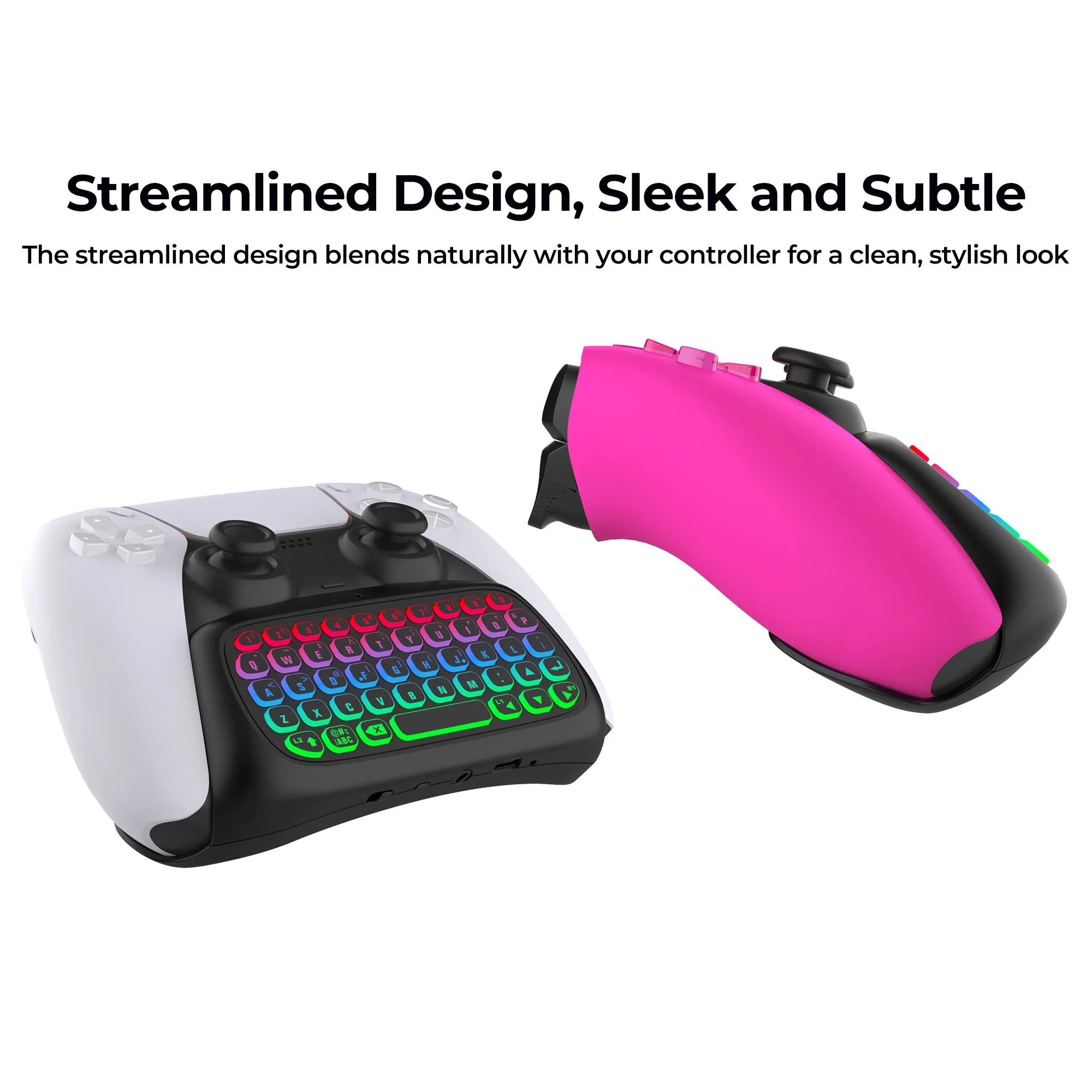
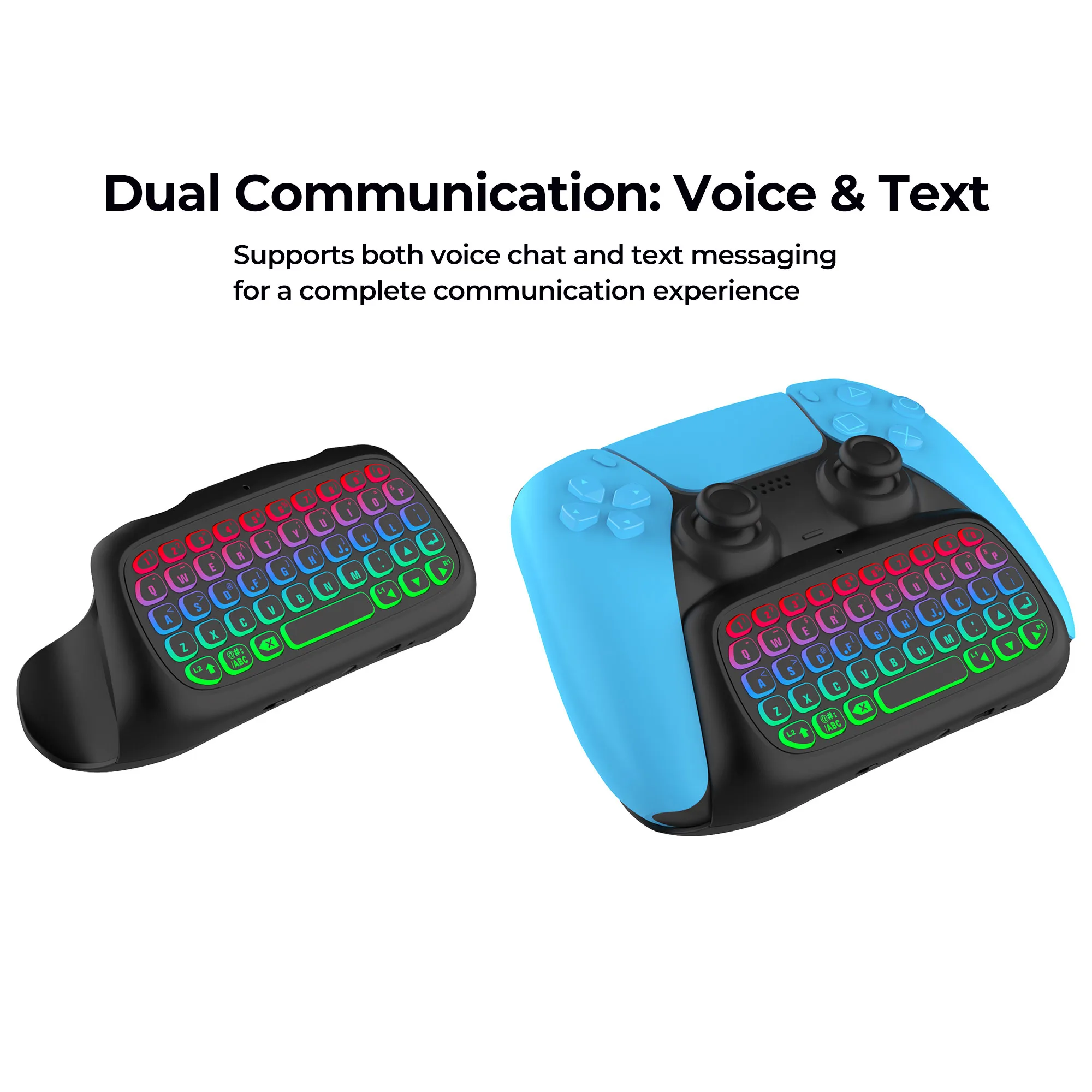
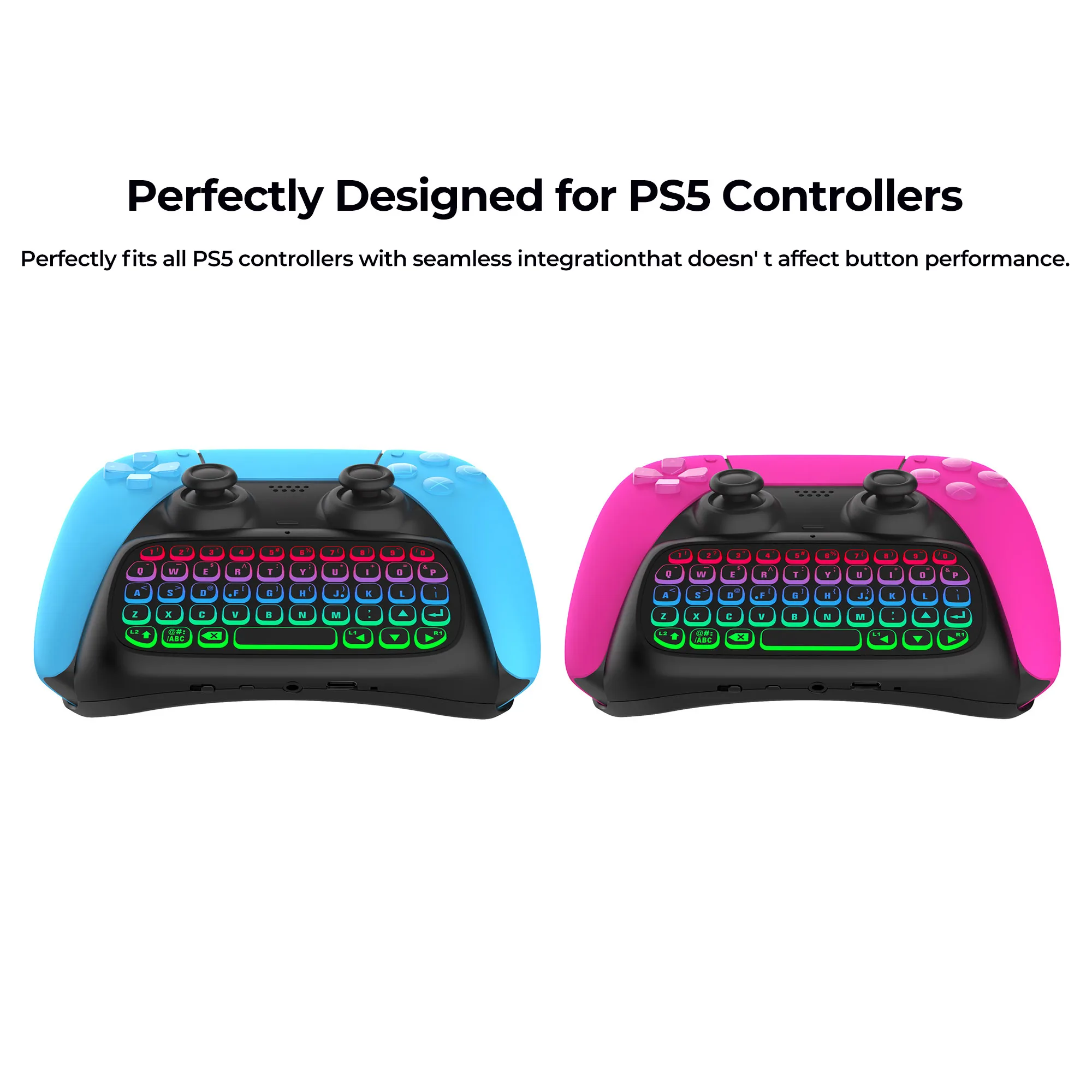
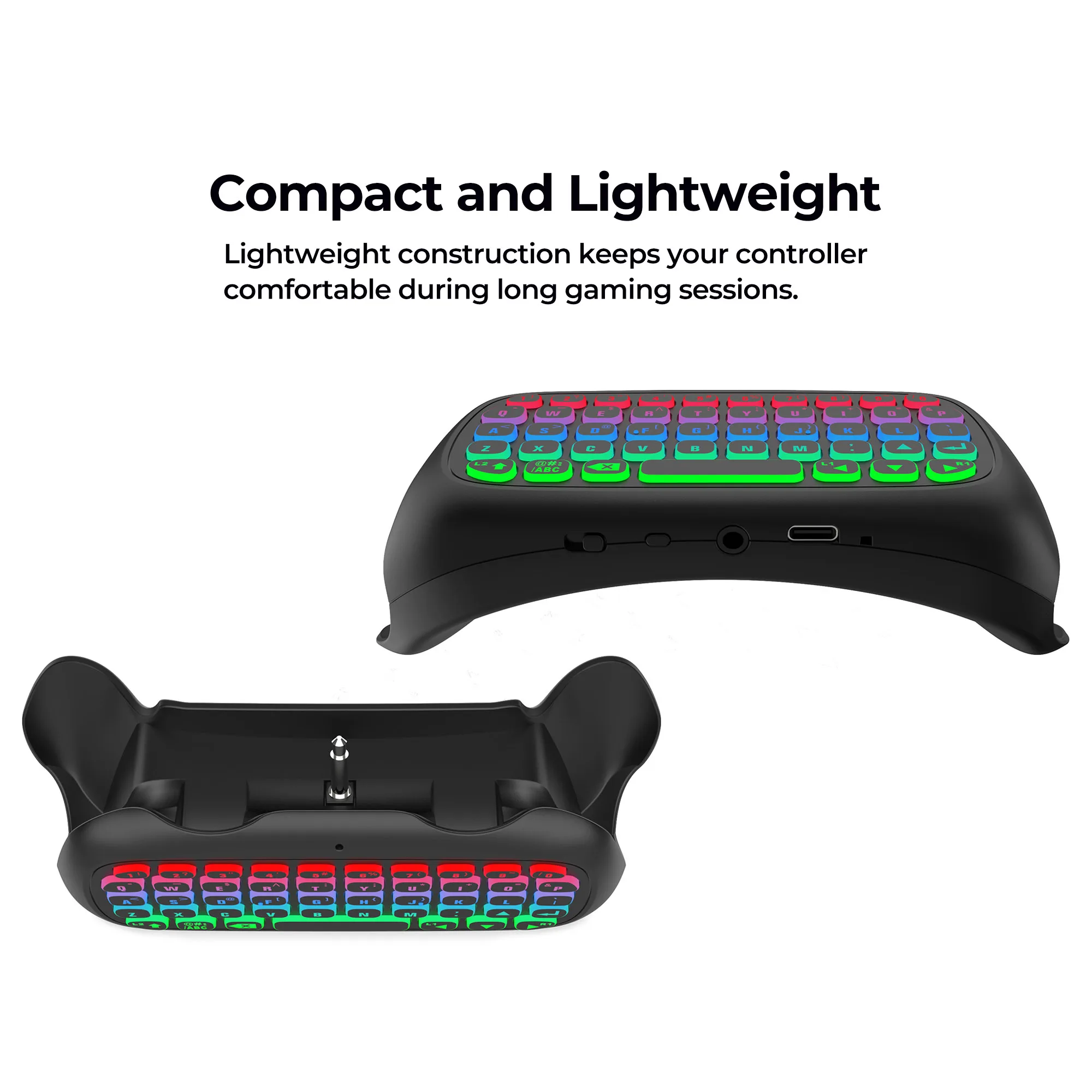
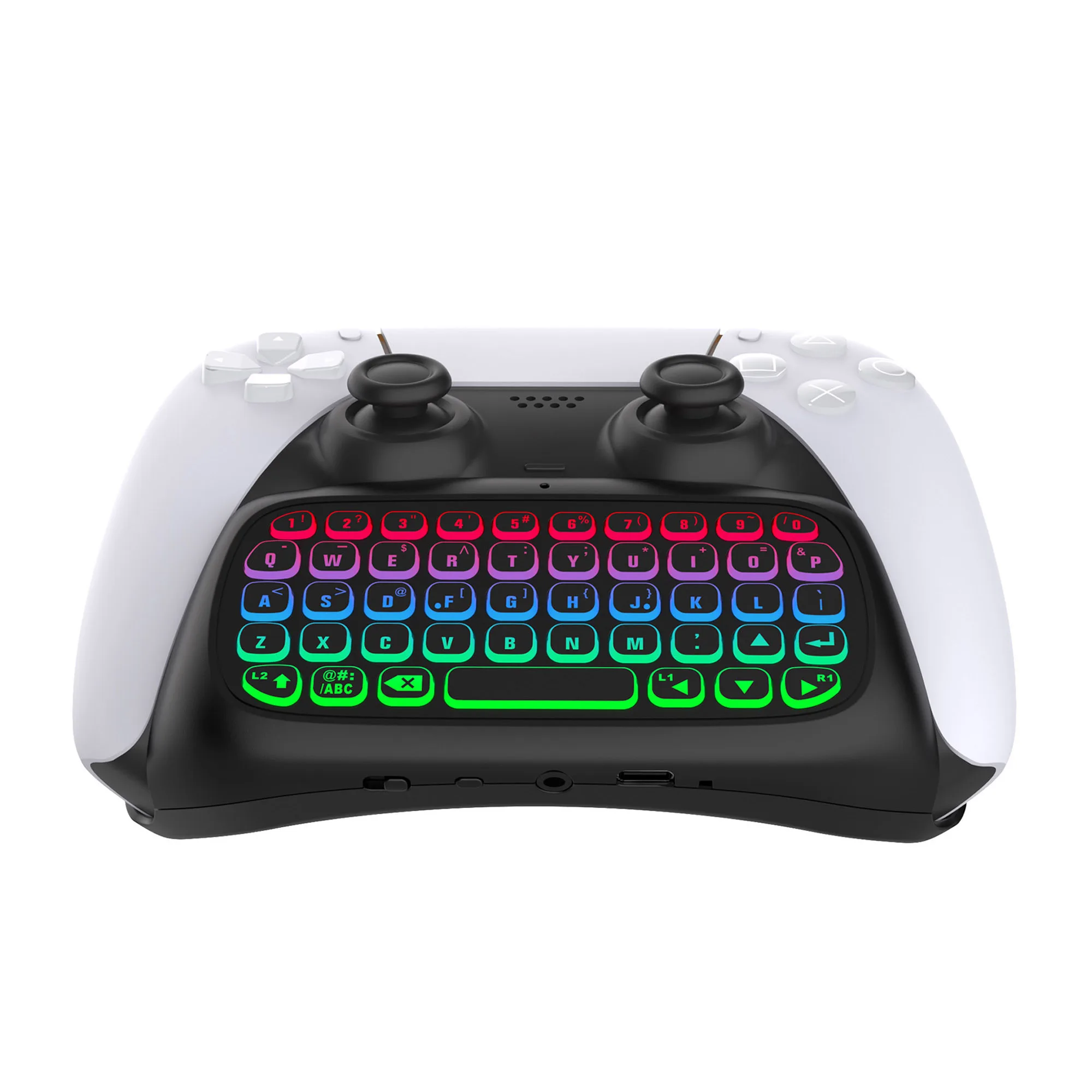
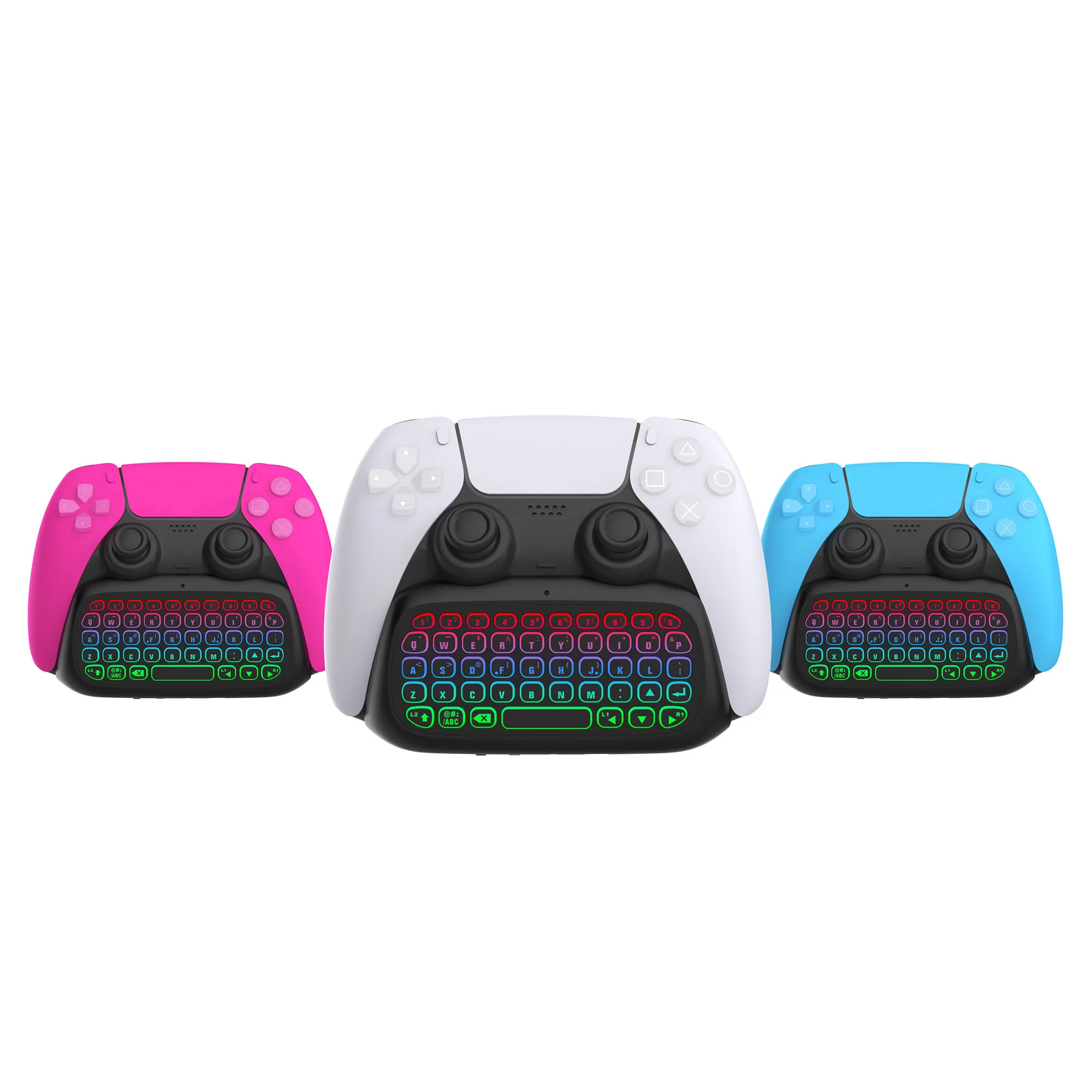
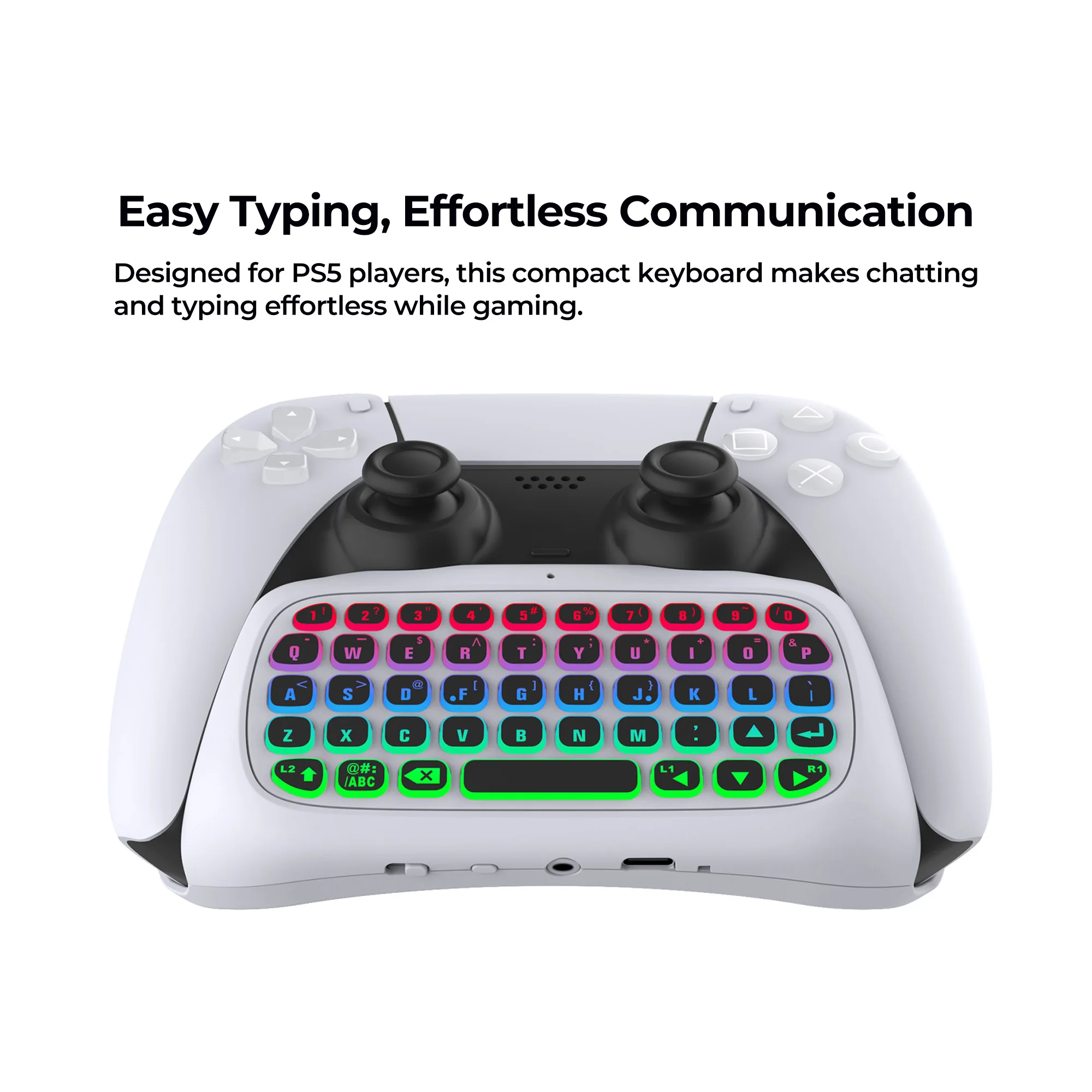
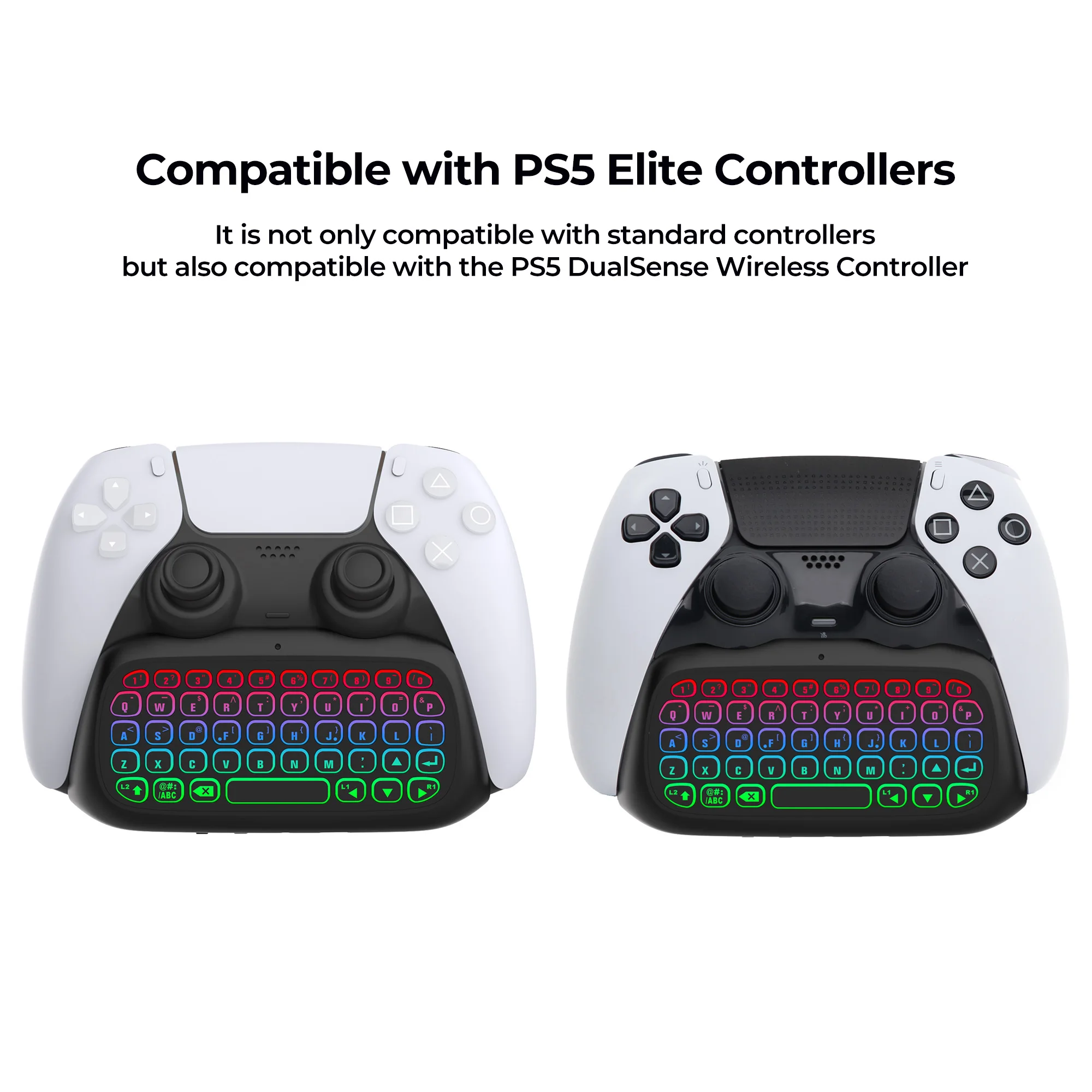
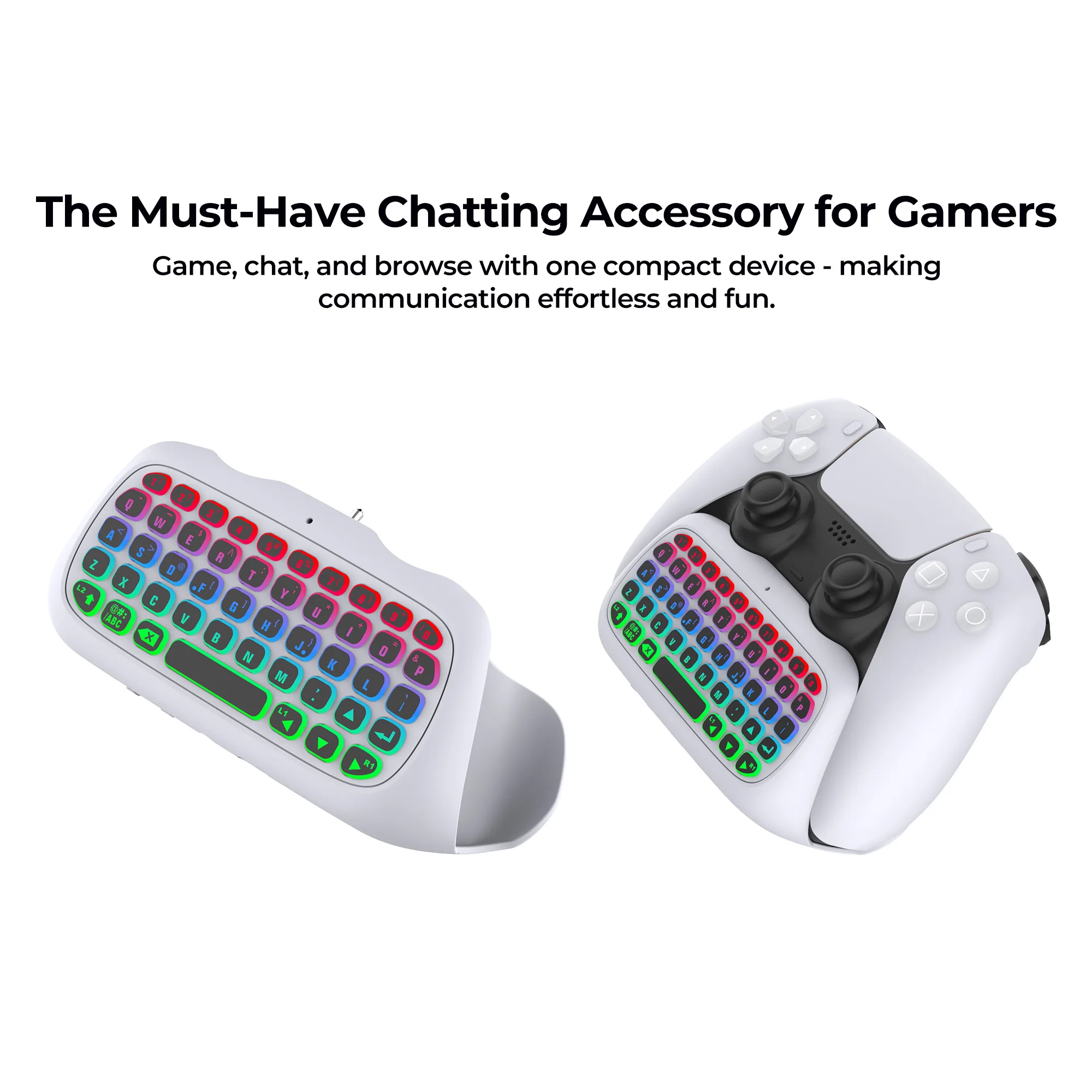
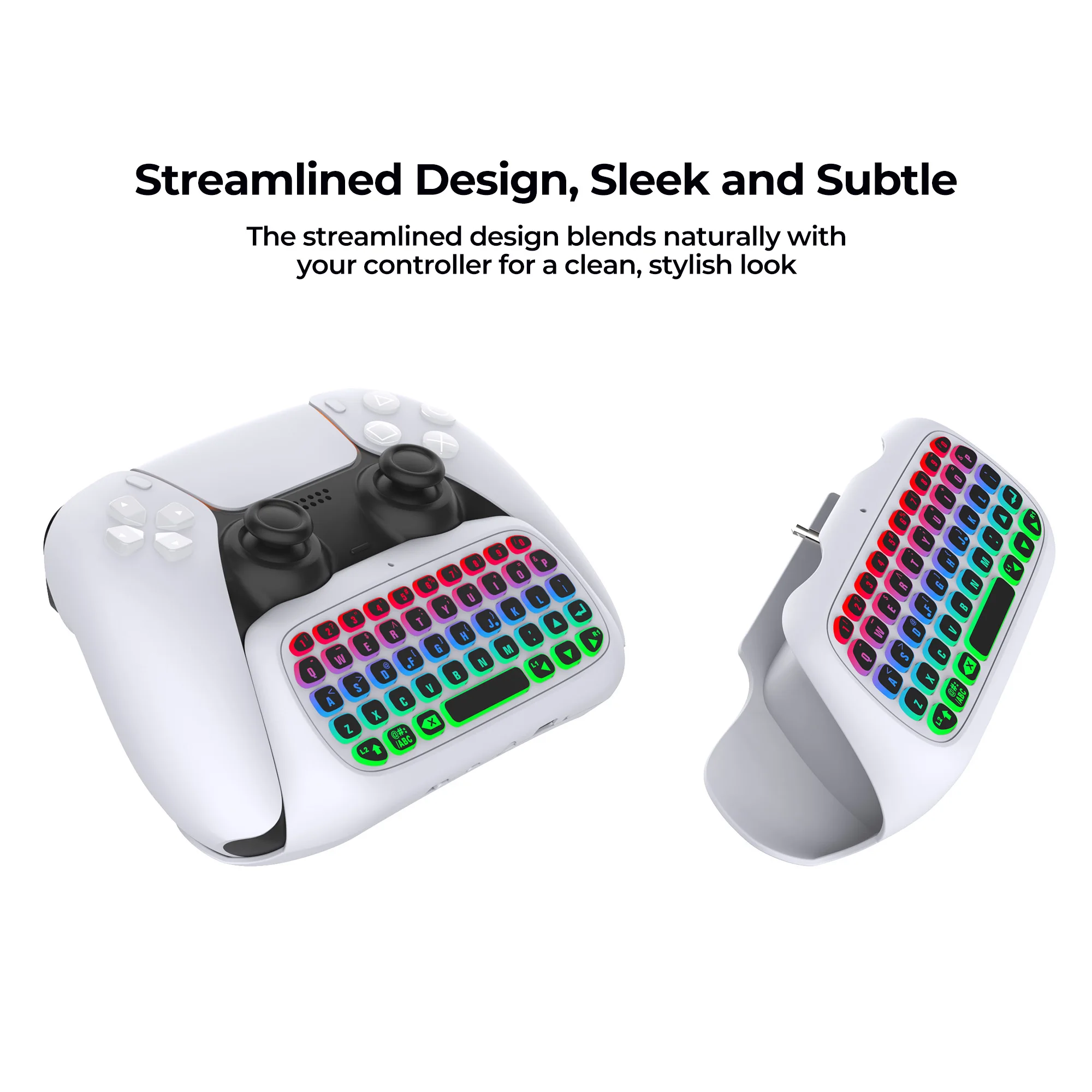
This Wireless keyboard is specially designed for PS5/PS5 Edge controllers, featuring easy installation and full compatibility with PS5 console systems. The backlight function enables precise operation in dark environments. while the built-in 3.5mm audio interface allows direct connection to controllers for audio output or headphone connection, meeting gaming voice communication needs.
Product Features:
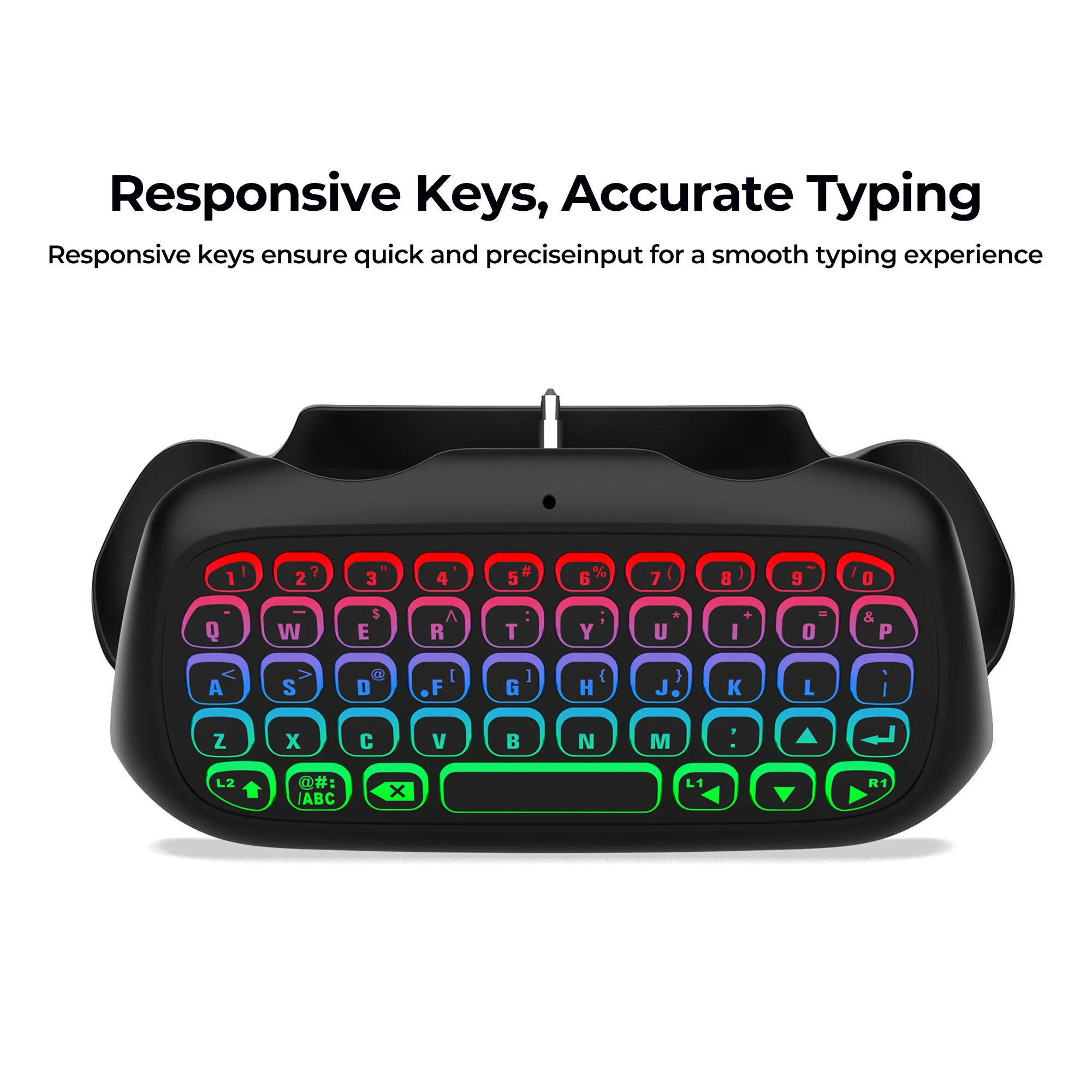
1.Wireless Keyboard: After pairing with the PS5 console via Bluetooth, users can directly input characters and
common punctuation marks on the keyboard interface.
2. Bluetooth Pairing Button: Press and hold this button to turn the keyboard's Bluetooth pairing mode on and off.
3. Toggle Switch: Left Position (OFF)Powers off the device, Middle Position (ON)Turns on the power, Right Position Switches on the external speaker.
4.lndicator Lights: Shared LED port for power and Bluetooth status.Red light: Charging in progress, Blue light: Bluetooth connected
5.Charging Port: Tyрe-C female port; connect to a DC 5V power source via cable to charge the keyboard.
6.Headphone Plug: 3.5mm headphone plug connects to the P-5 controller's headphone jack.
7.Headphone Jack: 3.5mm headphone jack for externalheadphones.
8.Keyboard Interface: Press printed letters/symbols to input corresponding characters.Use shortcut keys to activate backlighting.