Free shipping
Almost sold out!
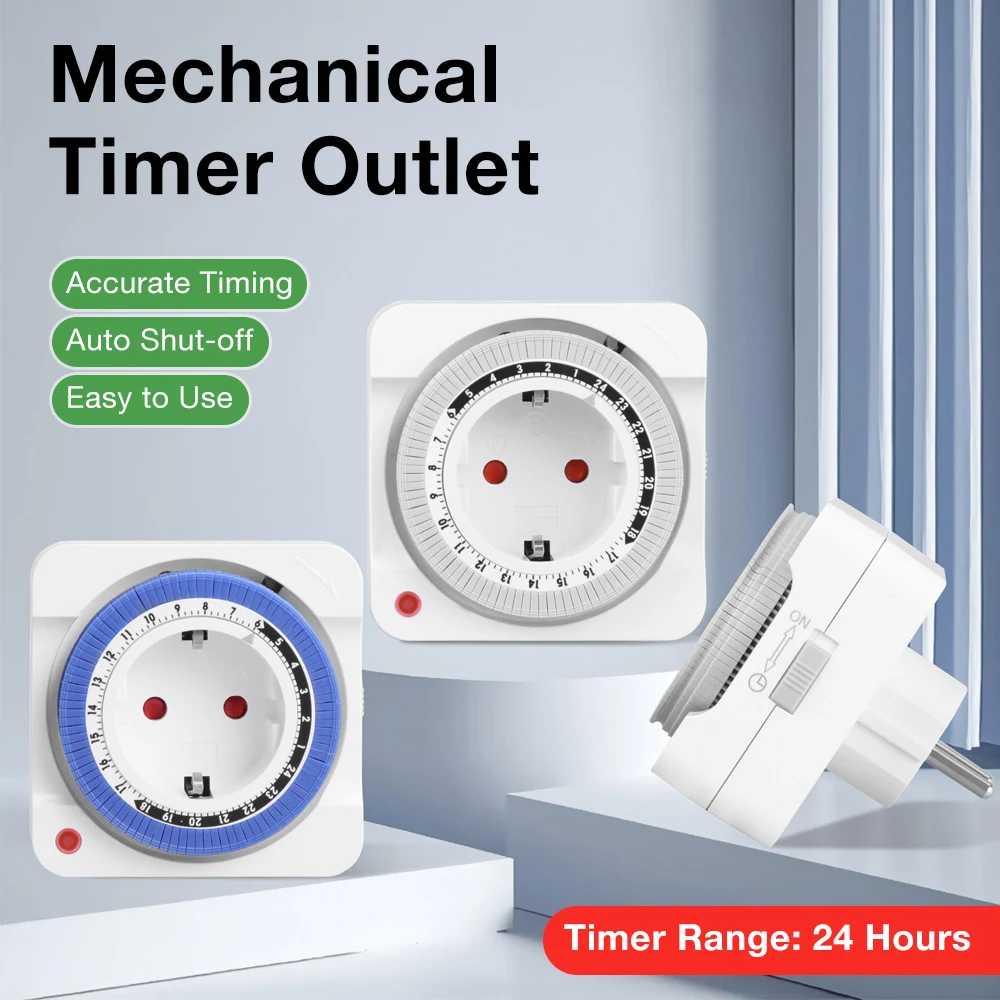
Choice Blue 24H Mechanical Timer Socket EU Plug Programmable Timing Switch Outlet Timer Socket for Home App
No reviews yet.
Checkout Discount 22% Off
At checkout
35.01 SAR
44.89 SAR
Free shipping
Delivery address

Select your address, find out the delivery date!
Trendyol's commitments
Easy and free return in 15 days.
Payment methods



Highlighted features:
Choice Blue 24H Mechanical Timer Socket EU Plug Programmable Timing Switch Outlet Timer Socket for Home App features
Instructions for Use/Warnings
*Blue

Big Save Store
8.8
80.3K followers
Seller information
Choice Blue 24H Mechanical Timer Socket EU Plug Programmable Timing Switch Outlet Timer Socket for Home App reviews
No reviews yet.
Product details
Additional info
- A maximum of 10 units of this product can be ordered. Trendyol reserves the right to cancel orders over 10 units.
- Barcode No: 3674735089731
Choice Blue 24H Mechanical Timer Socket EU Plug Programmable Timing Switch Outlet Timer Socket for Home App features
Instructions for Use/Warnings
*Blue
Safety information
Product safety information
Product description
Color:Blue
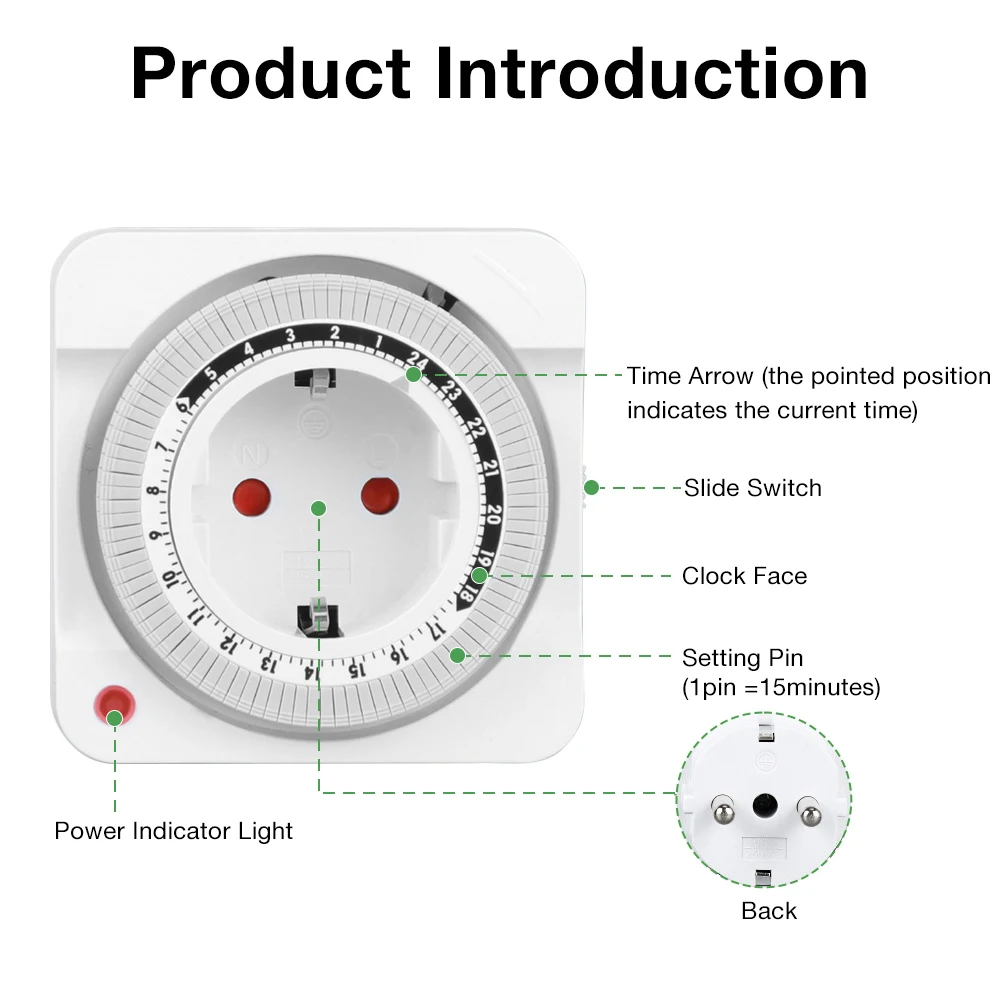
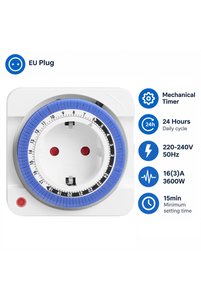
24H Mechanical Timer Socket EU Plug Programmable Timing Switch Outlet Countdown Timer Socket for Home Appliance Power Saving
Make your daily electrical routines easier with this EU-standard 24-hour timer switch socket. It allows connected appliances to turn on and off automatically according to your preset schedule, helping improve convenience and reduce unnecessary power consumption.
Features
■24-hour daily cycle
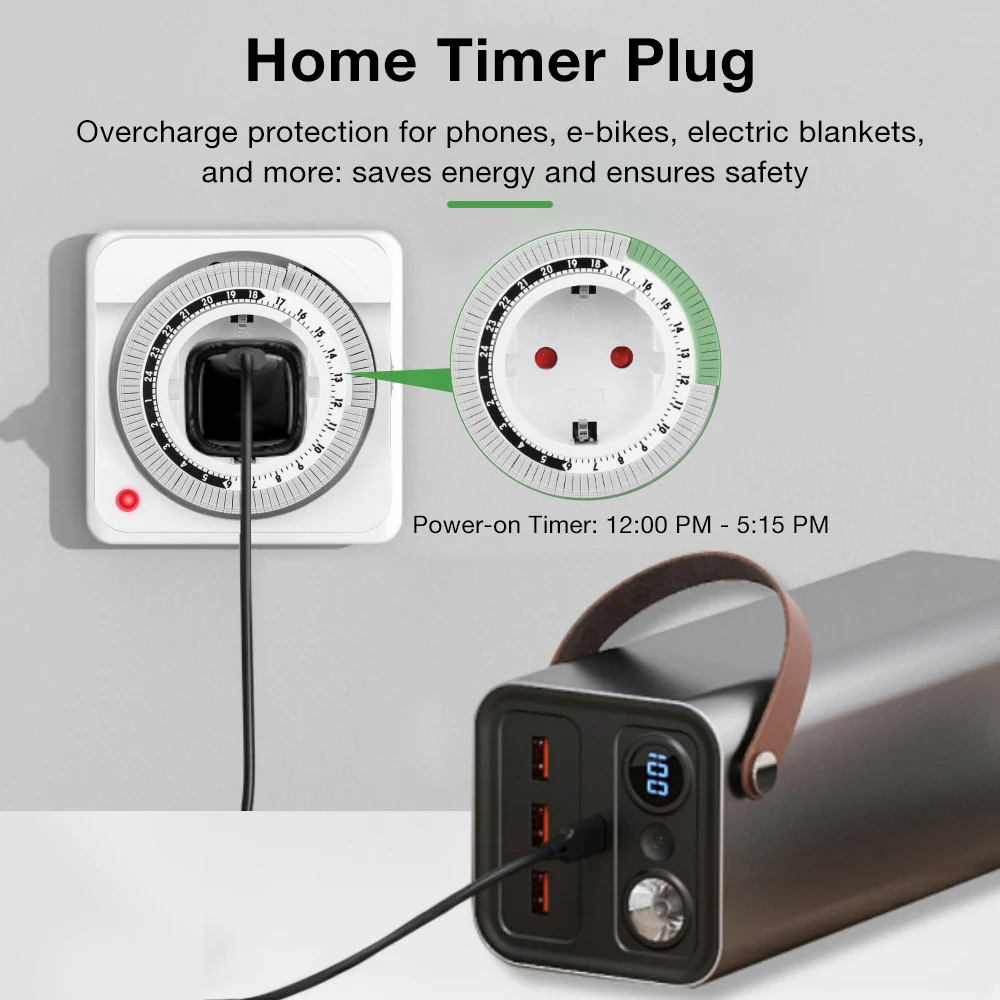
Set a daily on/off schedule according to your needs.
■Automatic control
Automatically switches connected appliances on and off at preset times.
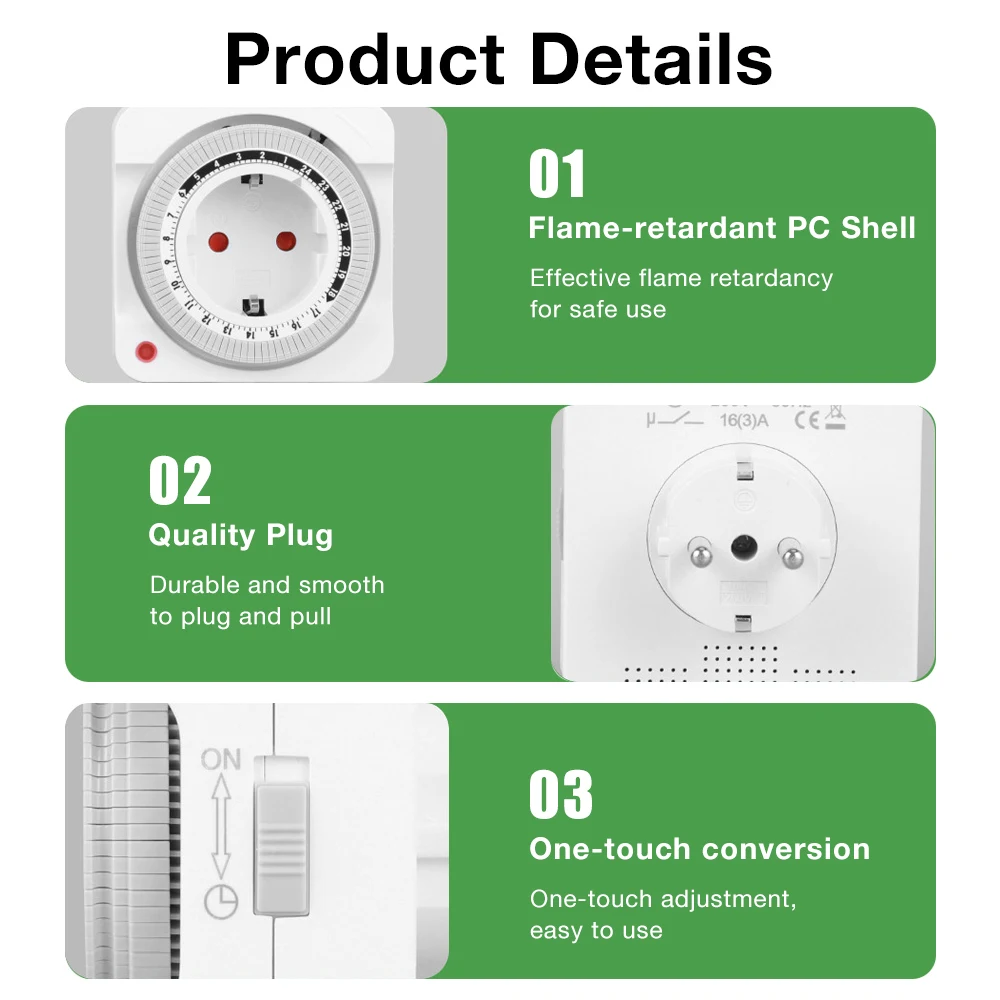
■Simple mechanical operation
Easy-to-use timer design without complicated programming.
■EU standard plug design
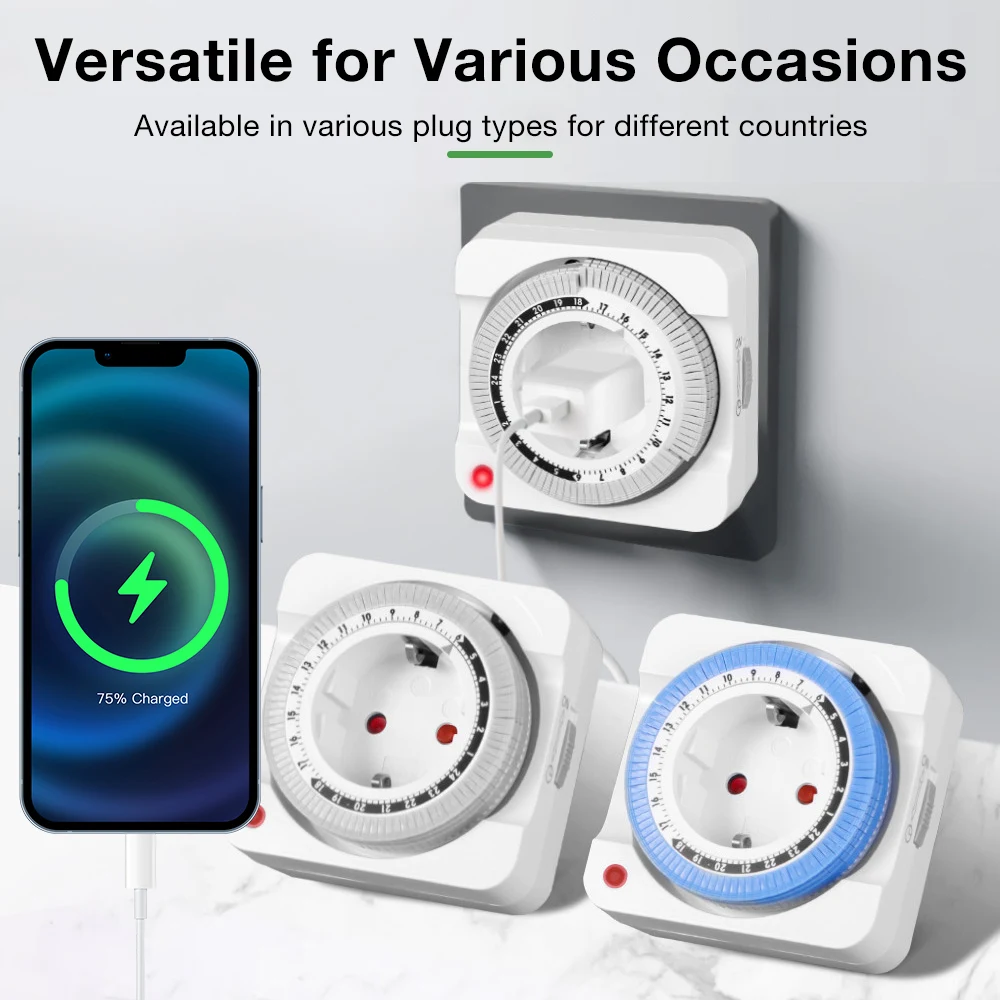
Compatible with European standard wall sockets.
■Wide range of applications
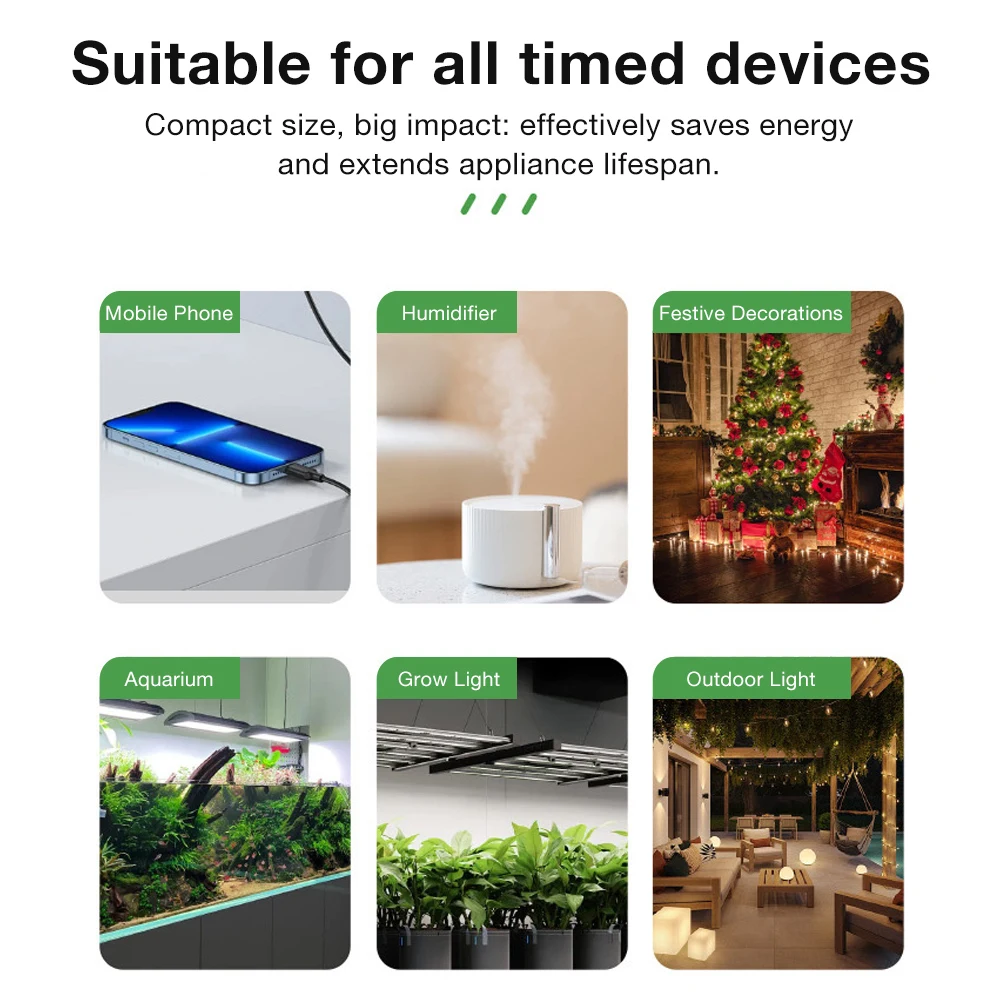
Suitable for lamps, aquarium pumps, fans, decorative lights, small household appliances and more.
Specifications
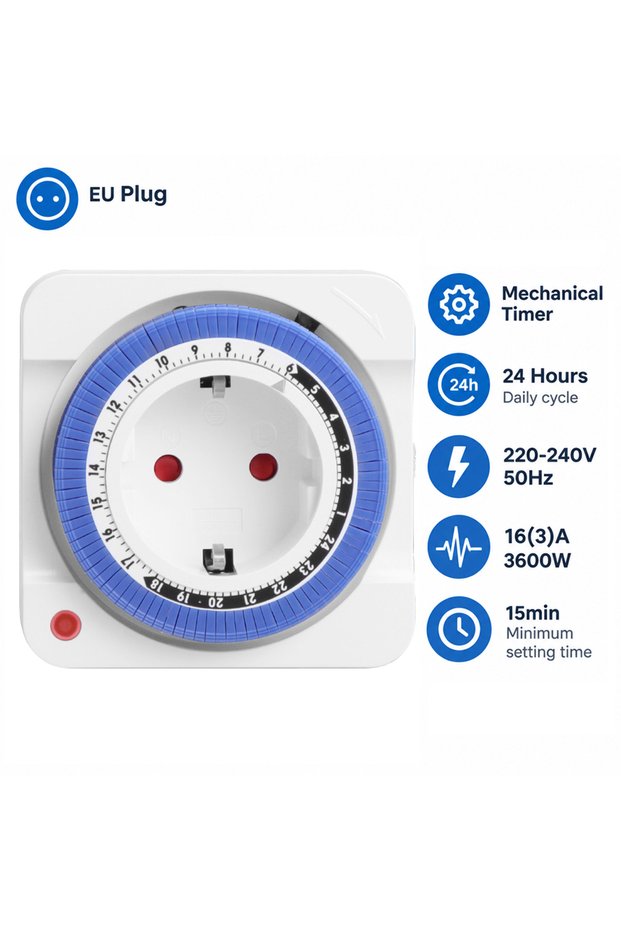
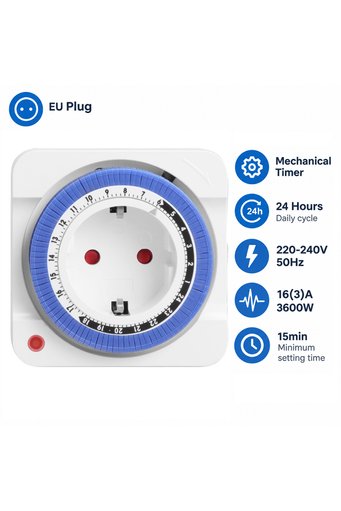
●Product Name: 24-Hour Timer Switch Socket
●Plug Standard: EU Standard
●Timer Type: Mechanical Timer
●Operating Cycle: 24-Hour Daily Cycle
●Power Input :~220-240V 50Hz
●Power Output :16(3)A 3600W
●Min Setting Time: 15 Minutes
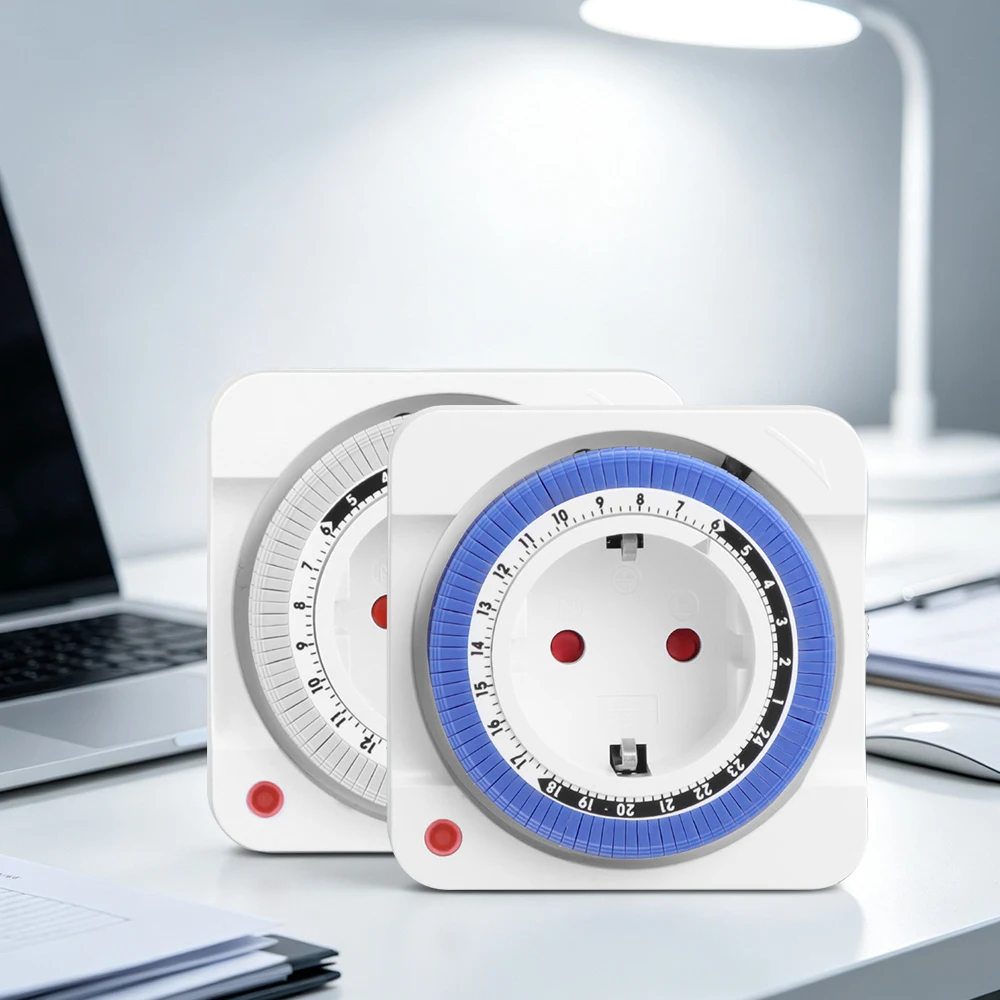
●Color:White or Blue
●Operating Temperature -10°C to +55°C
Packing List
1 * EU Timer Switch Socket
1 * Manual
HOW TO USE?
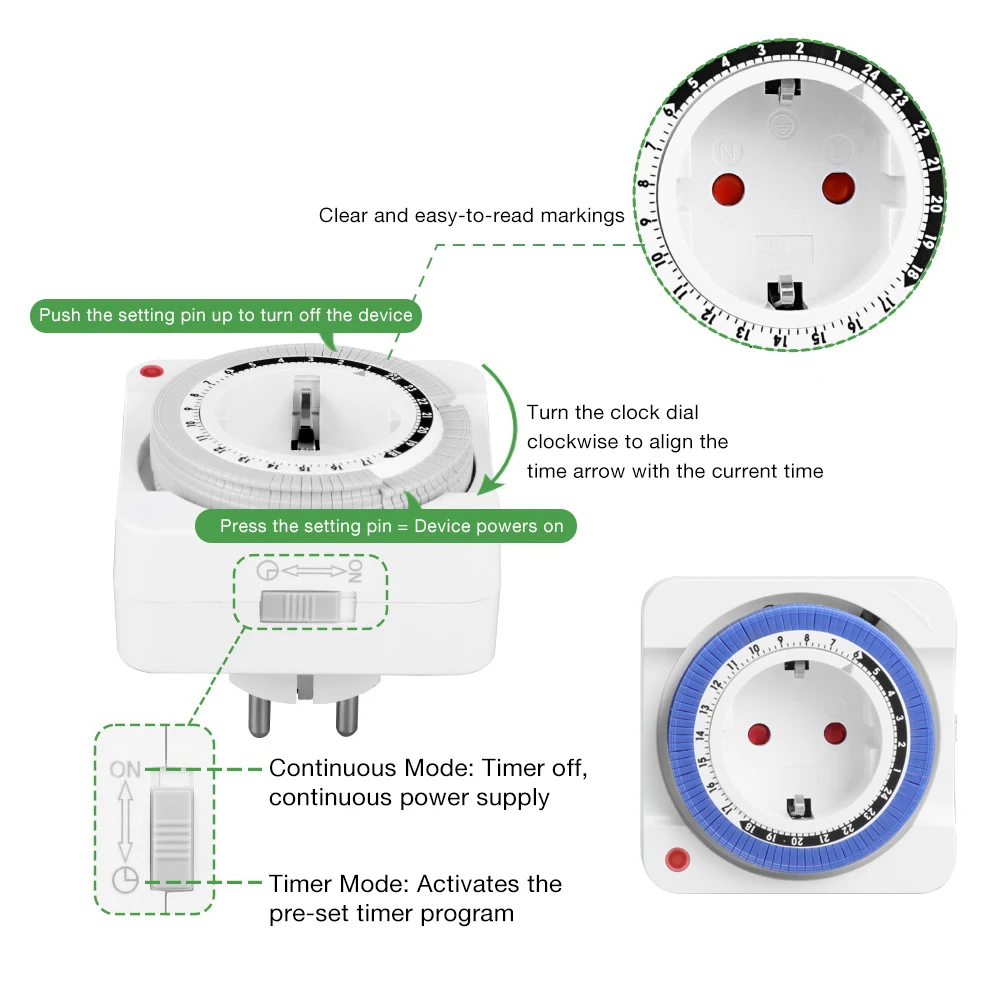
Step 1. Pull up all pins on the dial.
Step 2. Select the desired time period(s) during which you wish the appliance to be activated. Then, press down all the
pins corresponding to the selected time frame. Example: "ON" time is 19:00, "OFF" time is 23:00
Step 3. Rotate the timer dial clockwise until the indicator aligns with the current time. (Do not rotate the dial counterclockwise!)
Step 4. Slide the switch to the clock position.
Step 5. Connect the timer to a power outlet. Step 6. Connect your device to the timer.