Free shipping

Choice Green Solar Motorcycle Digital Clock Date Week Temperature LCD Backlit Display Waterproof Thermomete
No reviews yet.

Special Deals
48.2733.79SAR
Free shipping
Delivery address

Select your address, find out the delivery date!
Trendyol's commitments
Easy and free return in 15 days.
Payment methods




Highlighted features:
Choice1 Green Solar Motorcycle Digital Clock Date Week Temperature LCD Backlit Display Waterproof Thermomete features
Instructions for Use/Warnings
*Green

Big Save Store
8.9
81.4K followers
Seller information
Choice1 Green Solar Motorcycle Digital Clock Date Week Temperature LCD Backlit Display Waterproof Thermomete reviews
No reviews yet.
Product details

Additional info
- A maximum of 10 units of this product can be ordered. Trendyol reserves the right to cancel orders over 10 units.
- Barcode No: 3642897958813
Choice1 Green Solar Motorcycle Digital Clock Date Week Temperature LCD Backlit Display Waterproof Thermomete features
Instructions for Use/Warnings
*Green
Safety information
Product safety information
Product description
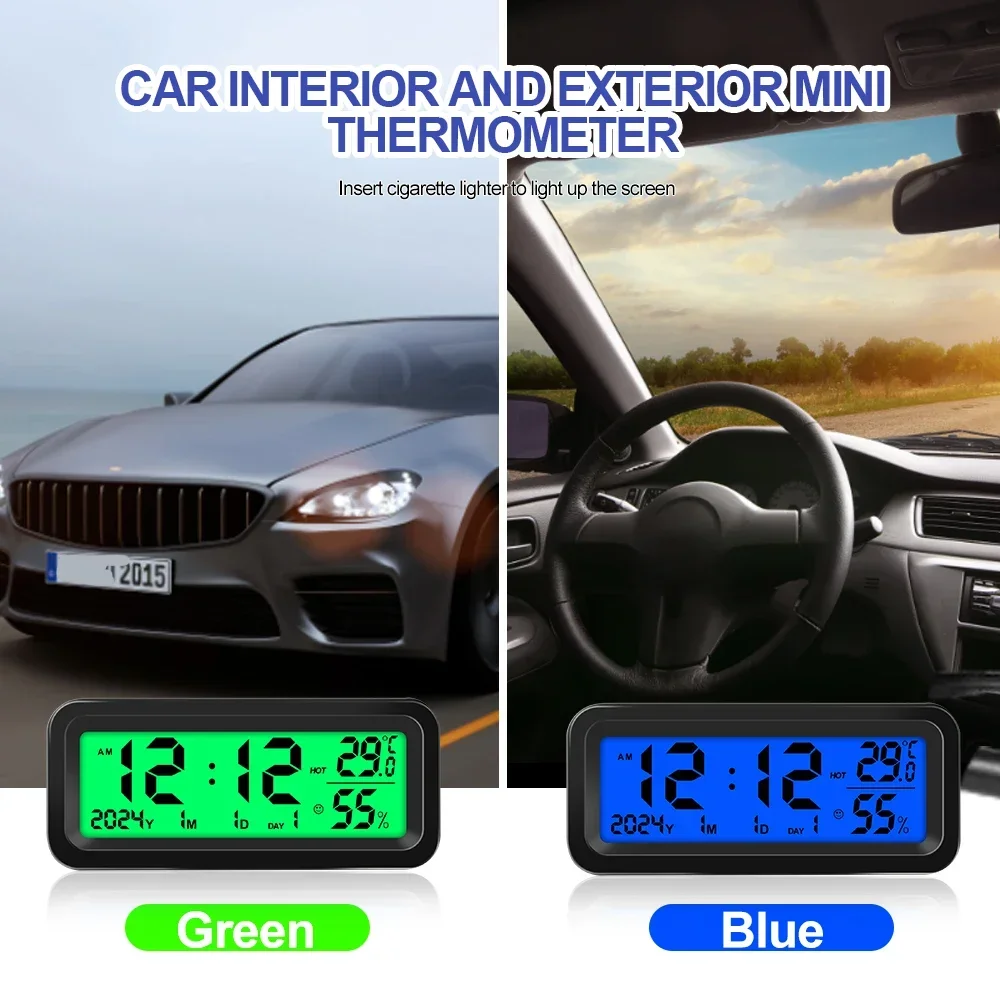
Color:Green
Product Description
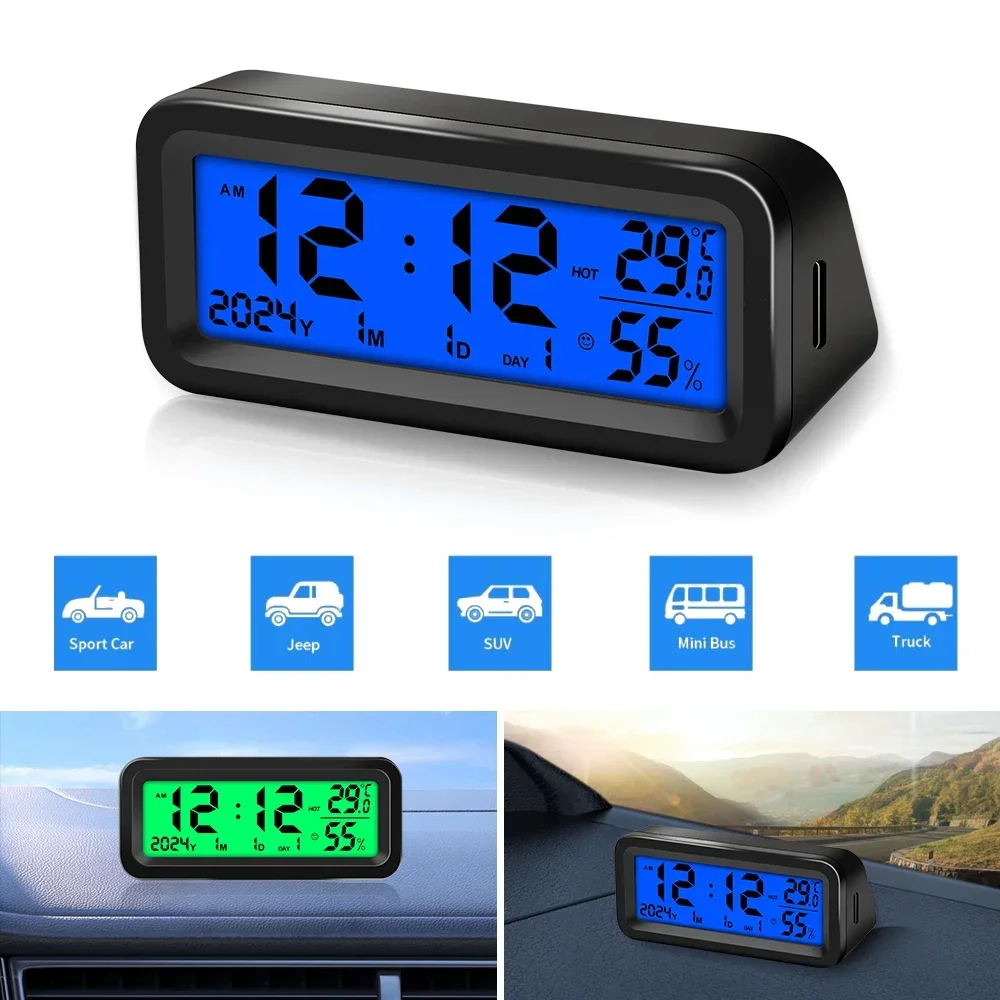
This product can be used in cars, motorbikes, motorbikes and other products.
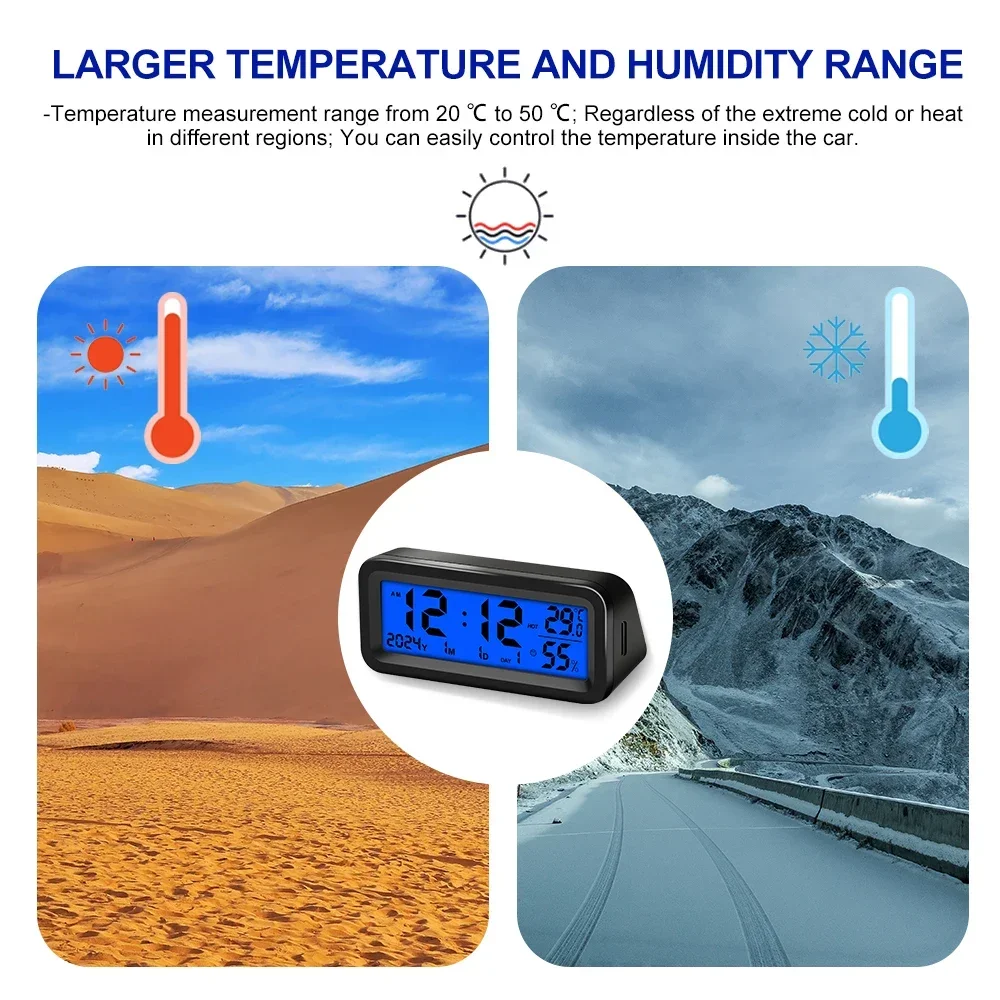
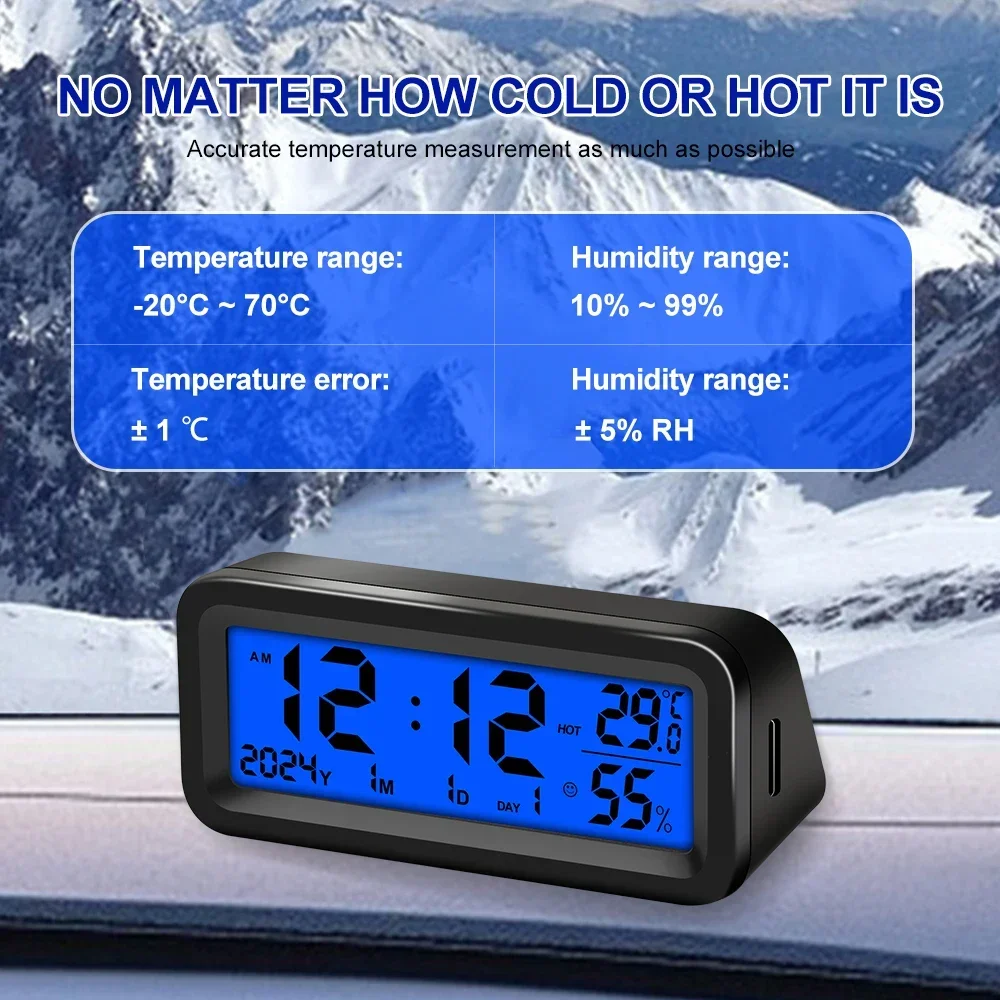
This product can be rainproof after normal installation (heavy rain is not a problem, but can not be immersed in water ), sunproof, shockproof, professional outdoor sports series equipped with products, easy to check the time, temperature, day, week and other information.
Sunscreen, shockproof, professional outdoor sports series equipped with products, easy to view the time, temperature, year, month, day, week and other information.
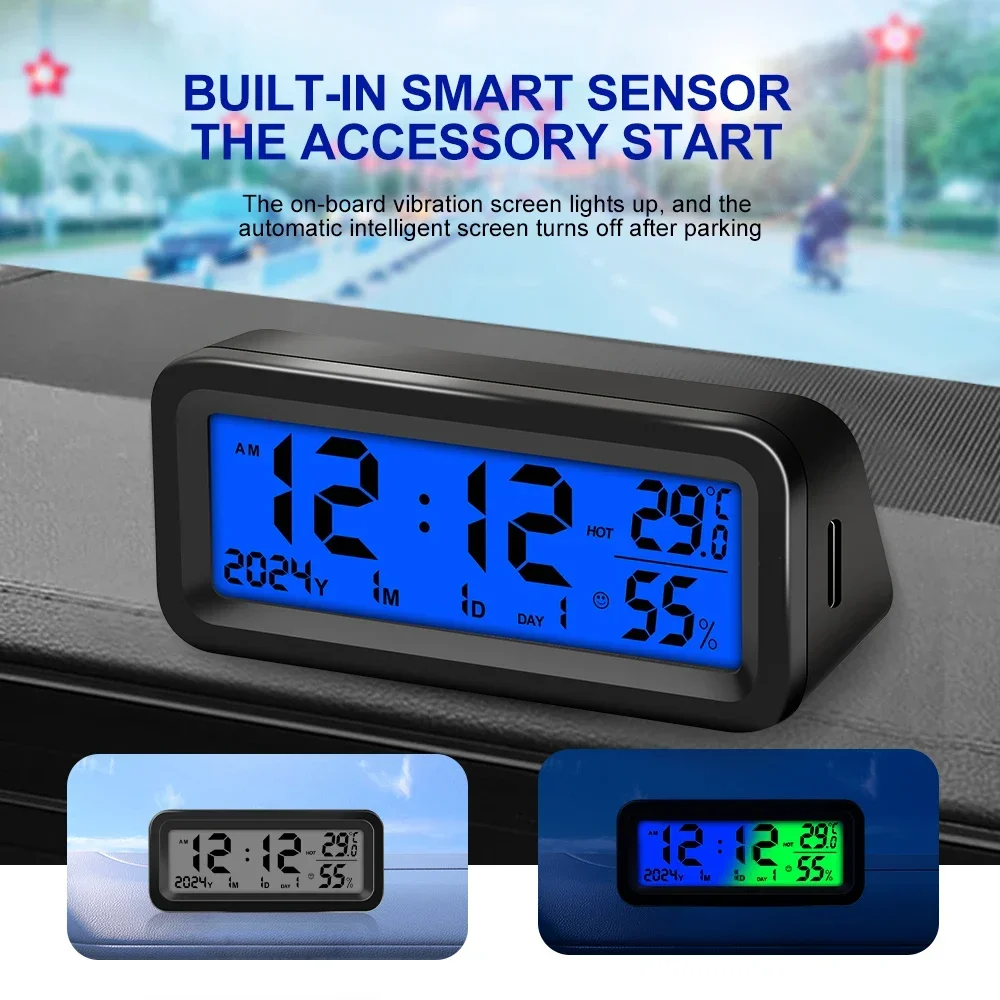
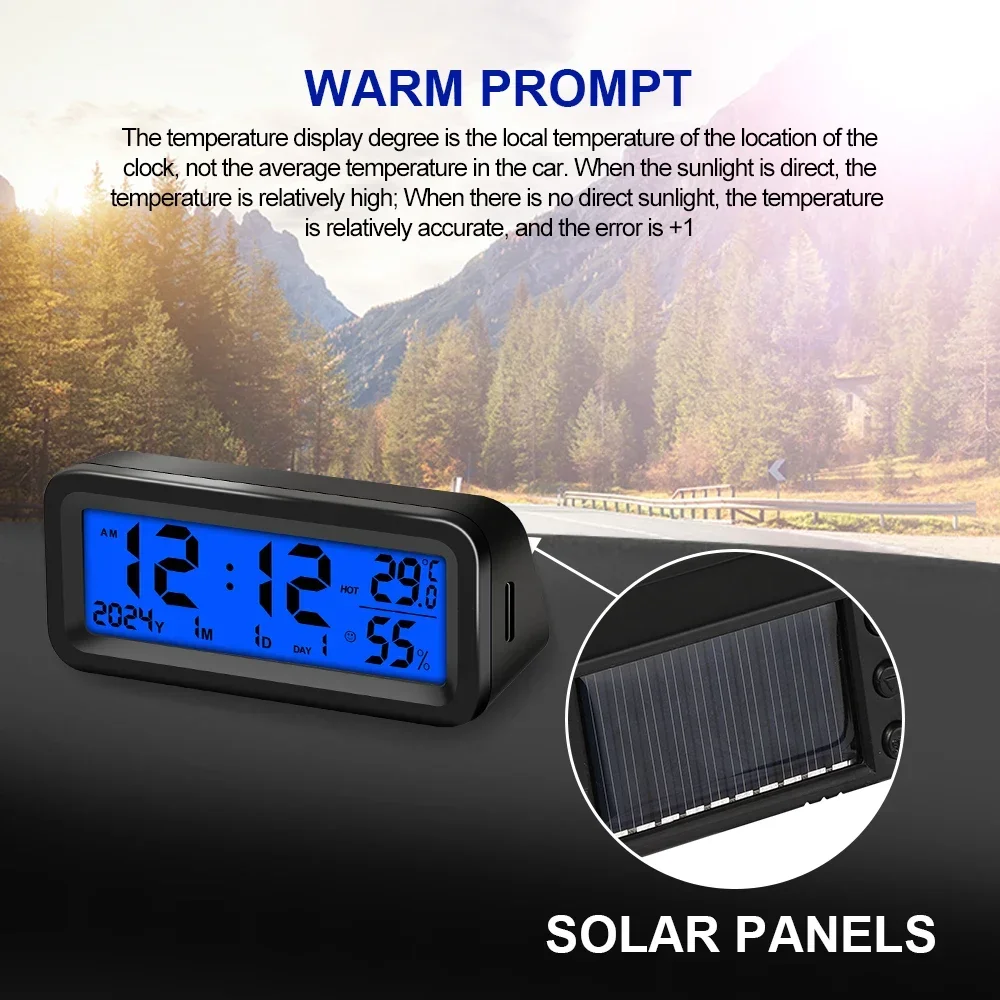
No need to replace the battery, solar panels during the day, there is light when the automatic charging, the night vehicle movement, the product automatically bright light.
There are two installation methods for this product:
1. Double-sided adhesive is provided. Please clean the sticking position before pasting, and then paste it directly.
2.The bracket clip seat is an optional accessory. Tighten the screws and clip it on the handrail. When installing, the solar panel of the product should face the bright position, and it can continuously charge the product.
3. Open the waterproof rubber plug on the back of the product, and use a thin object such as a pen or a toothpick to push the sliding switch inside the product upwards to turn on the power.
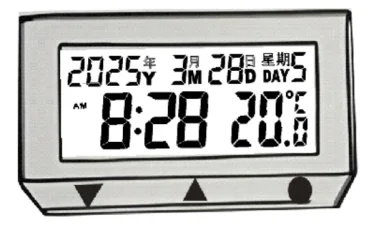
4. This product uses touch buttons and can be operated by touching with your fingers. When operating, only operate one button at a time and then operate another button. Do not press two buttons simultaneously. The button positions are on the side below the display screen, as shown in the following figure:
The time setting operation is as follows:
△Press the or ▽ button to switch between °C and °F.
Press the ○ button for 3 seconds to enter the time setting mode, and then press the ○button again to enter the setting sequence: hour → minute → year → month → date → confirmation.
○
In the setting mode, press the up or down button to adjust the numbers up or down. Press the button to switch between the 12/24 hour modes.
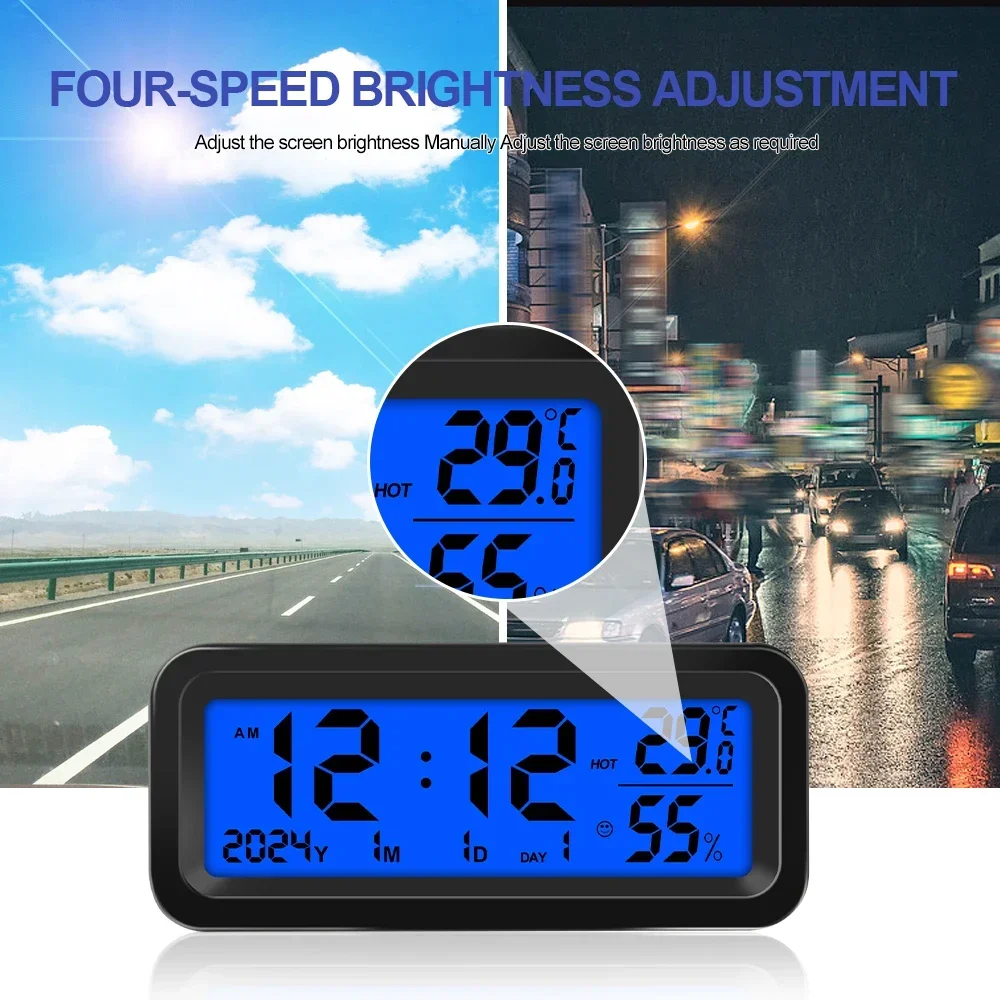
In a dark environment, when the vehicle is driving, the backlight automatically turns on. In the daytime or in a strong light environment, the backlight automatically turns off. When the product freezes, please push the switch on the back of the product to turn it off, and then turn it on again after a few seconds.