Free shipping
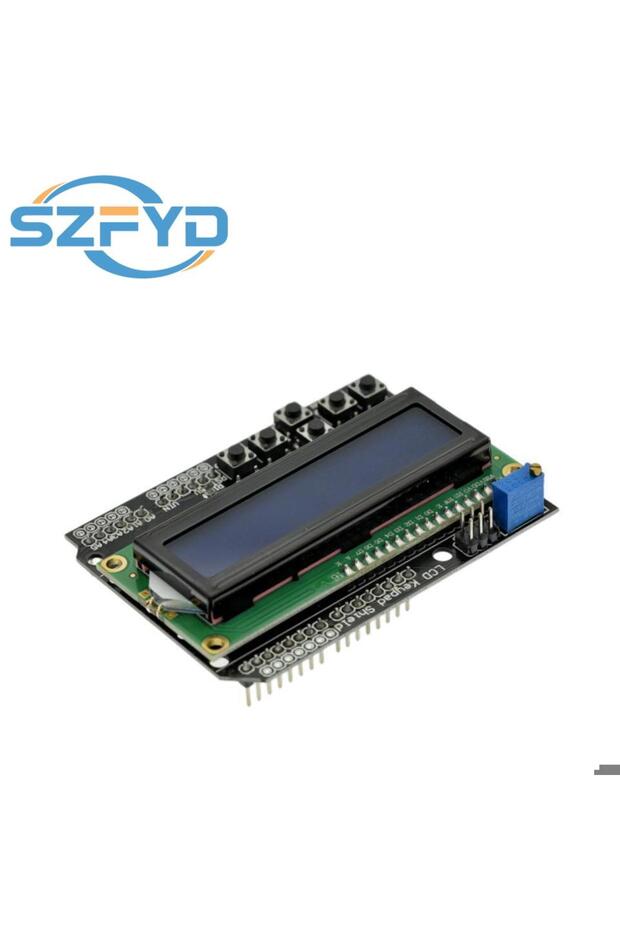
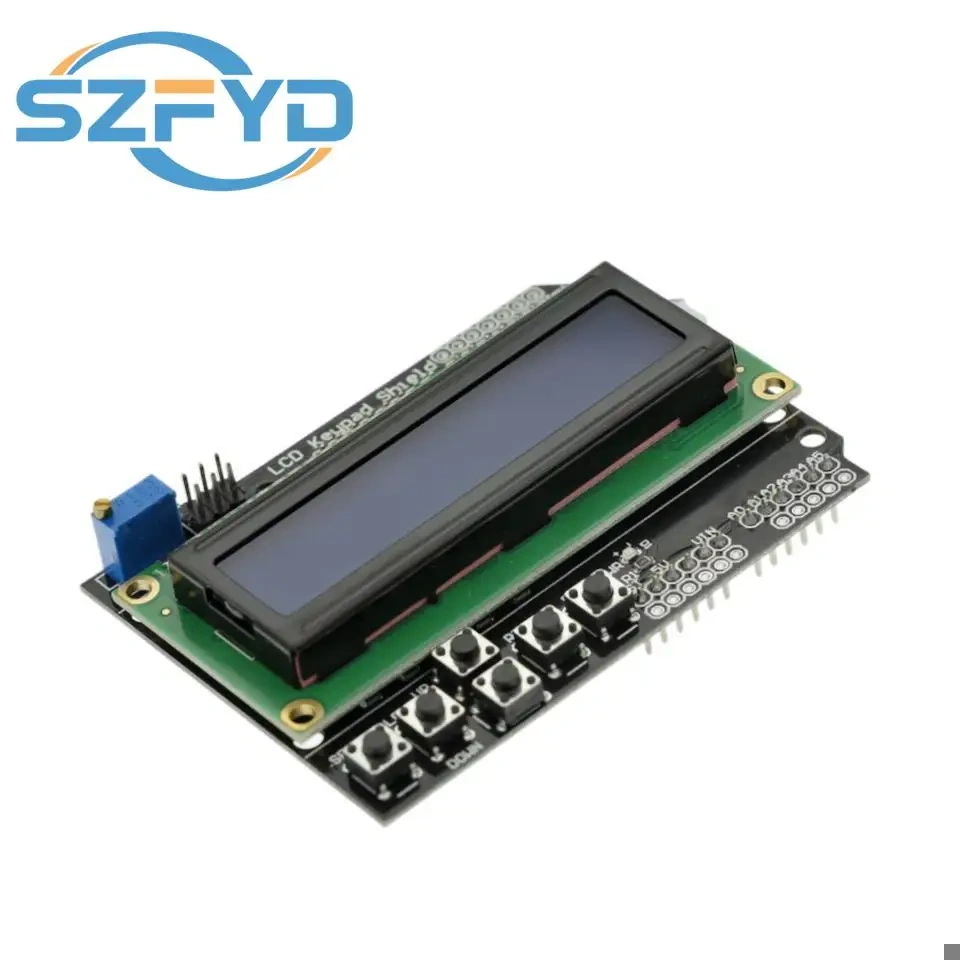
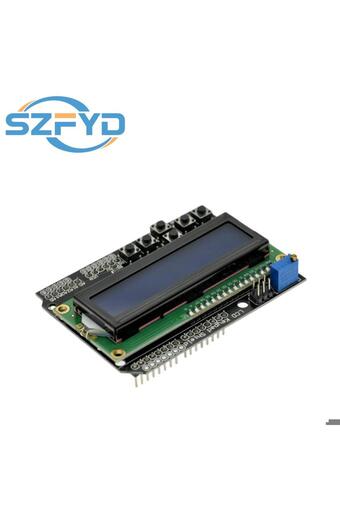
Choice LCD1602Character Input/Output Expansion Board LCD Keypad LCD Shield LCD Display module for Arduino
No reviews yet.
Lowest price in 14 days

Special Deals
31.0523.29SAR
Free shipping
Delivery address

Select your address, find out the delivery date!
Trendyol's commitments
Easy and free return in 15 days.
Payment methods




Coupons
Highlighted features:
Choice LCD1602Character Input/Output Expansion Board LCD Keypad LCD Shield LCD Display module for Arduino features
HDMI
No

Big Save Store
8.8
79.3K followers
Seller information
Similar items



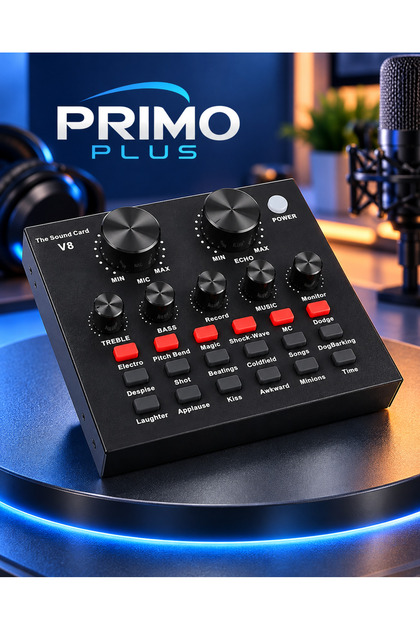
 V8 Live Sound Card





Shoppers also viewed


 Trendyol Plus Exclusive


Choice LCD1602Character Input/Output Expansion Board LCD Keypad LCD Shield LCD Display module for Arduino reviews
No reviews yet.
Product details
Additional info
- A maximum of 10 units of this product can be ordered. Trendyol reserves the right to cancel orders over 10 units.
- Barcode No: 3574565234763
Choice LCD1602Character Input/Output Expansion Board LCD Keypad LCD Shield LCD Display module for Arduino features
HDMI
No
Safety information
Product safety information
Product description
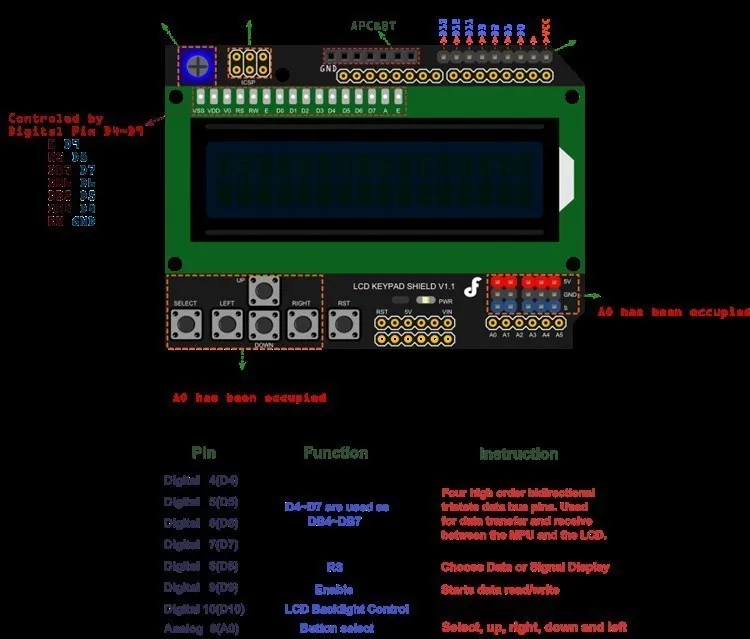
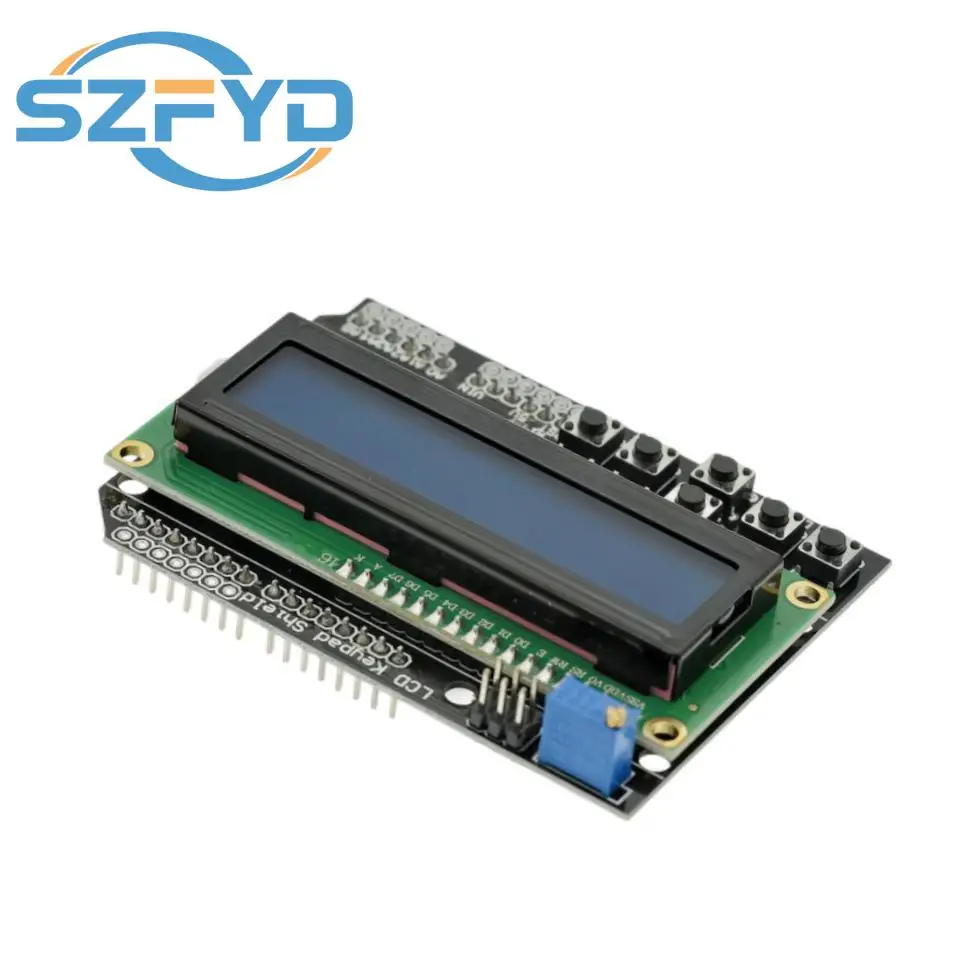
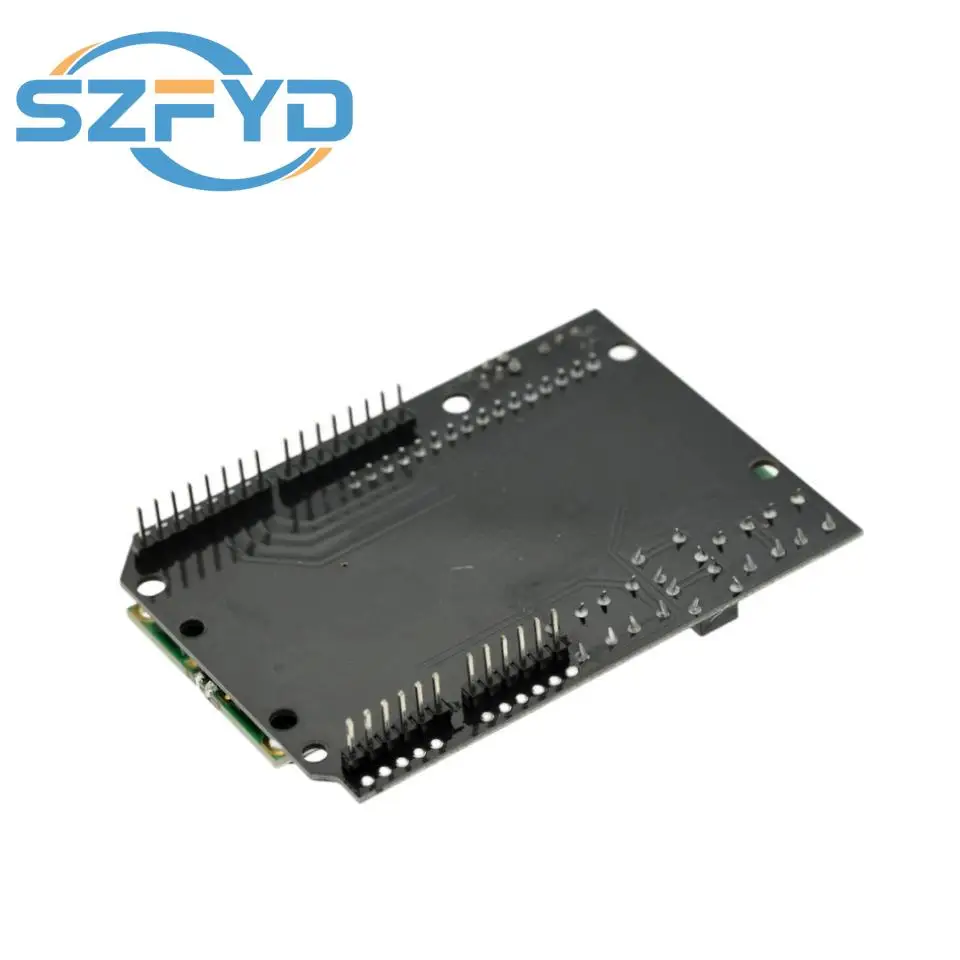
I / O expansion board LCDKeypad Shield
LCD Keypad shields input/output extended use 2 lines 16 characters LCD panel, with contrast adjustment and backlight, use a simulated input of mouth, completing five buttons, a reset button, the unused IO mouth extend out spare, make full use of I/o port. Take up the digital port: PIN4 (db3), 5 (DB5), 6 (DB6), 7 (DB7), 8 (RS), 9 (E), 10 (backlight control), A0 simulate keystrokes port. (LCD color is not specified, random delivery.)
Used with Roboduino:
Module debugging:
Will LCD Keypad shields inserted to the controller, then need to download the LCD4Bit_mod. H (right click save as) library files to the - 0015 \ \ hardware \ \ in the libraries, and then compile the following a test program to download to the , first use the LCD Keypad shields, did observe LCD display character first, if there is no contrast shows characters that may be incorrect, you can use a word screwdriver adjustment RP1 (clockwise), characters can be transferred to appear clearly.
The test renderings:
GP2D12Ranging code:
#include
LCD4Bit_mod lcd = LCD4Bit_mod(2);
char GP2D12;
char a,b;
char str1[]="Renge:";
char str2[]=" Renge Over ";
char str3[]="cm";
void setup()
{
lcd.init();
lcd.clear();
lcd.printIn("GP2D12 testing...");
}
void loop()
{
GP2D12=read_gp2d12_range(1);
if(GP2D12>80||GP2D12<10)
{
lcd.cursorTo(2,0);
lcd.printIn(str2);
}
else
{
a=0x30+GP2D12/10;
b=0x30+GP2D12%10;
lcd.cursorTo(2, 3);
lcd.printIn(str1);
lcd.print(a);
lcd.print(b);
lcd.printIn(str3);
}
delay(50);
}
float read_gp2d12_range(byte pin)
{
int tmp;
tmp = analogRead(pin);
if (tmp < 3)return -1;
return (6787.0 /((float)tmp - 3.0)) - 4.0;
}