Free shipping
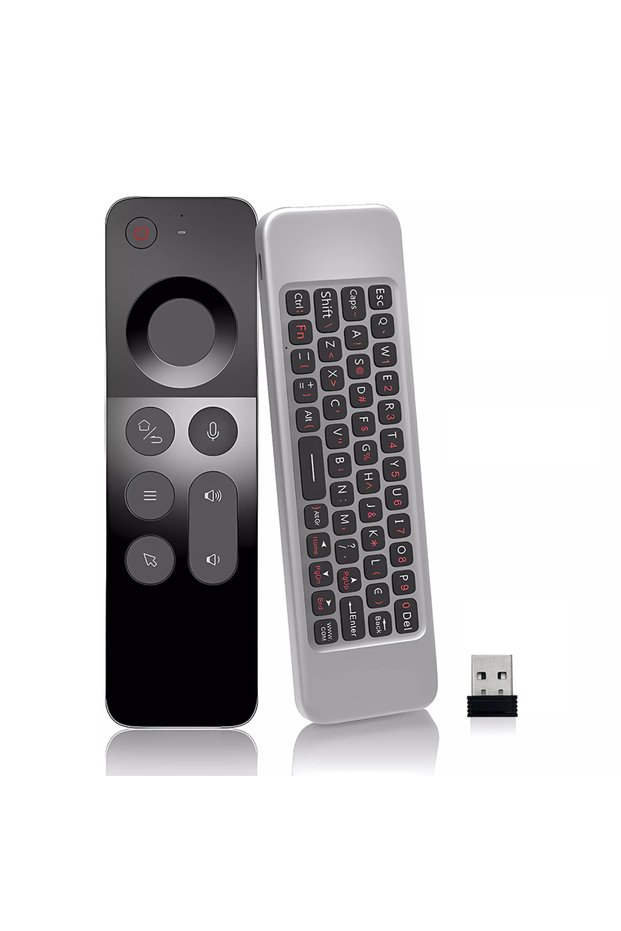
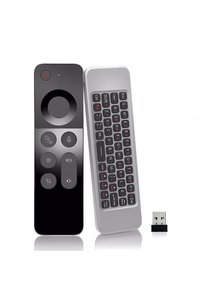
Choice USB Type-C W3 MRSVI W3 2.4G Wireless Voice Air Mouse Remote Controller Rechargeable Mini Keyboard Fo
No reviews yet.

Special Deals
75.5258.15SAR
Free shipping
Delivery address

Select your address, find out the delivery date!
Trendyol's commitments
Easy and free return in 15 days.
Payment methods



Highlighted features:
Choice USB Type-C W3 MRSVI W3 2.4G Wireless Voice Air Mouse Remote Controller Rechargeable Mini Keyboard Fo features
Color
Multicolor

Big Save Store
8.8
79.9K followers
Seller information
Choice USB Type-C W3 MRSVI W3 2.4G Wireless Voice Air Mouse Remote Controller Rechargeable Mini Keyboard Fo reviews
No reviews yet.
Product details
Additional info
- A maximum of 10 units of this product can be ordered. Trendyol reserves the right to cancel orders over 10 units.
- Barcode No: 3675220291584
Choice USB Type-C W3 MRSVI W3 2.4G Wireless Voice Air Mouse Remote Controller Rechargeable Mini Keyboard Fo features
Color
Multicolor
Safety information
Product safety information
Product description
Voltage/Plug Type:USB Type-C
Color:W3
Main parameters:
Standby power consumption: 25ua
Material: Plastic
Remote control distance: 8-12m
Modulation frequency: 2.4~2.4835ghz
Charging port: Micro USB
Working temperature: - 20 °C~65°C
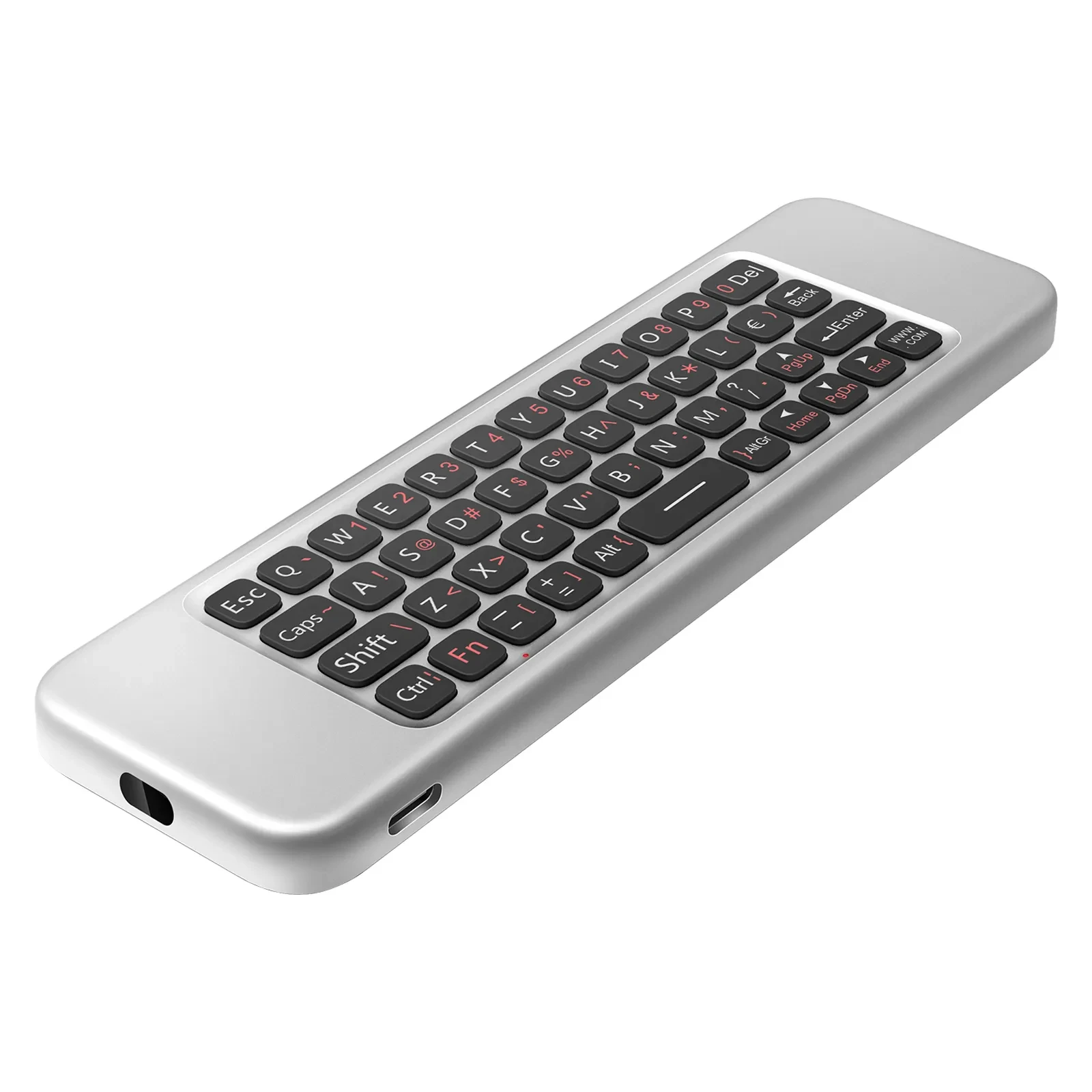
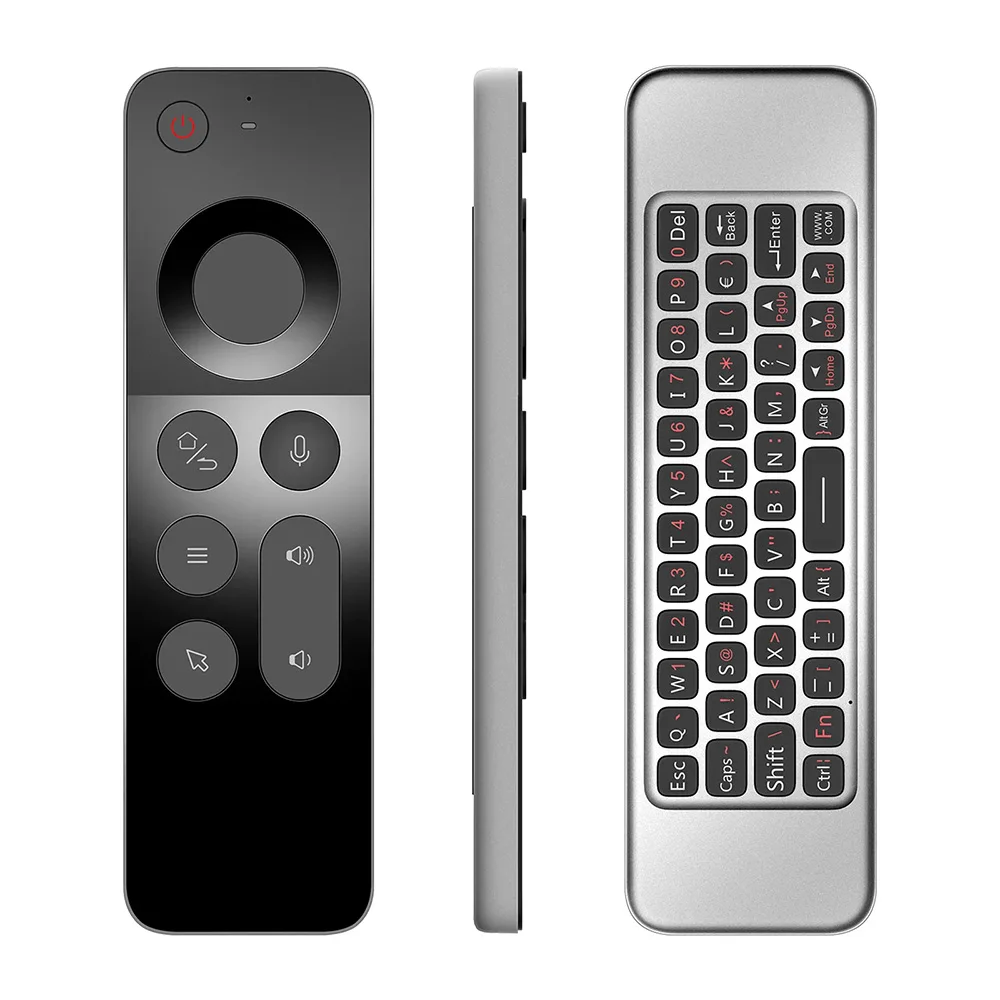
Overall dimension: 152*44* 9.8mm
Number of keys: 58
Battery type: 250mah / 3.7V lithium battery
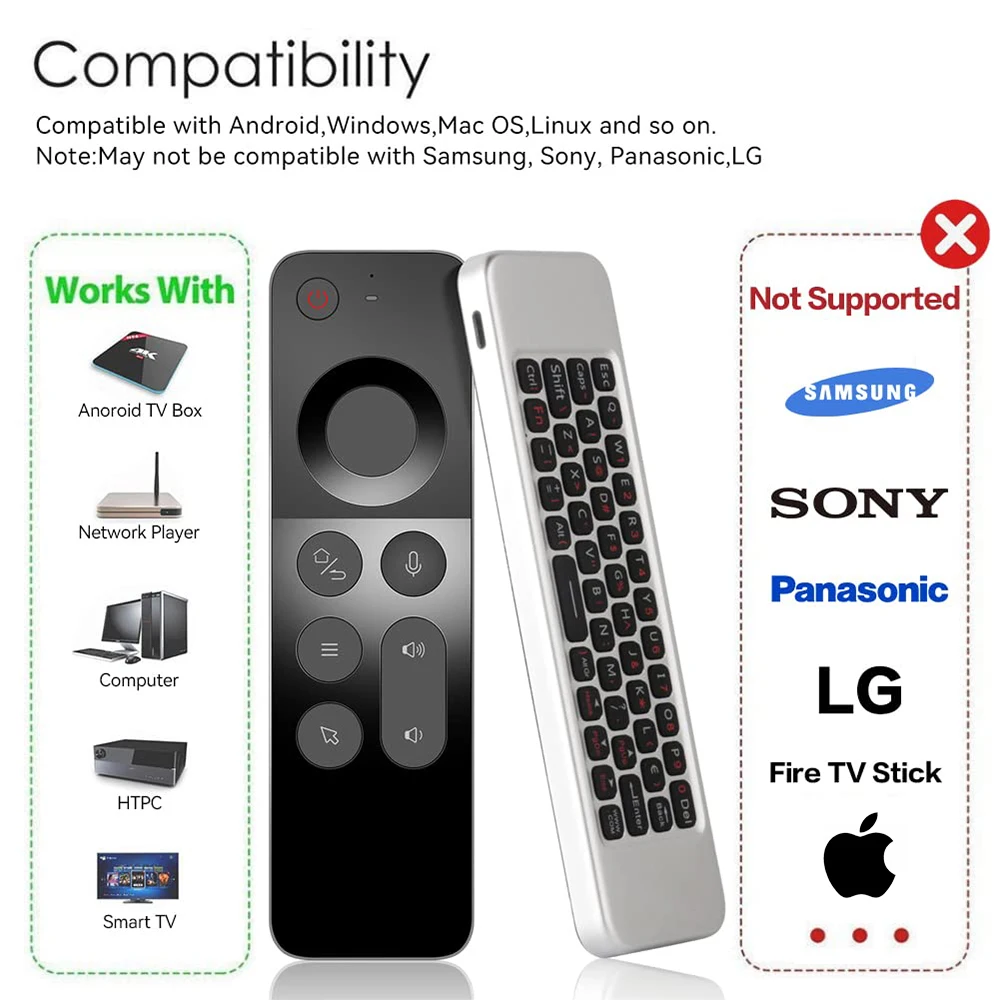
Support system: Android / Windows / OS PC / Linux
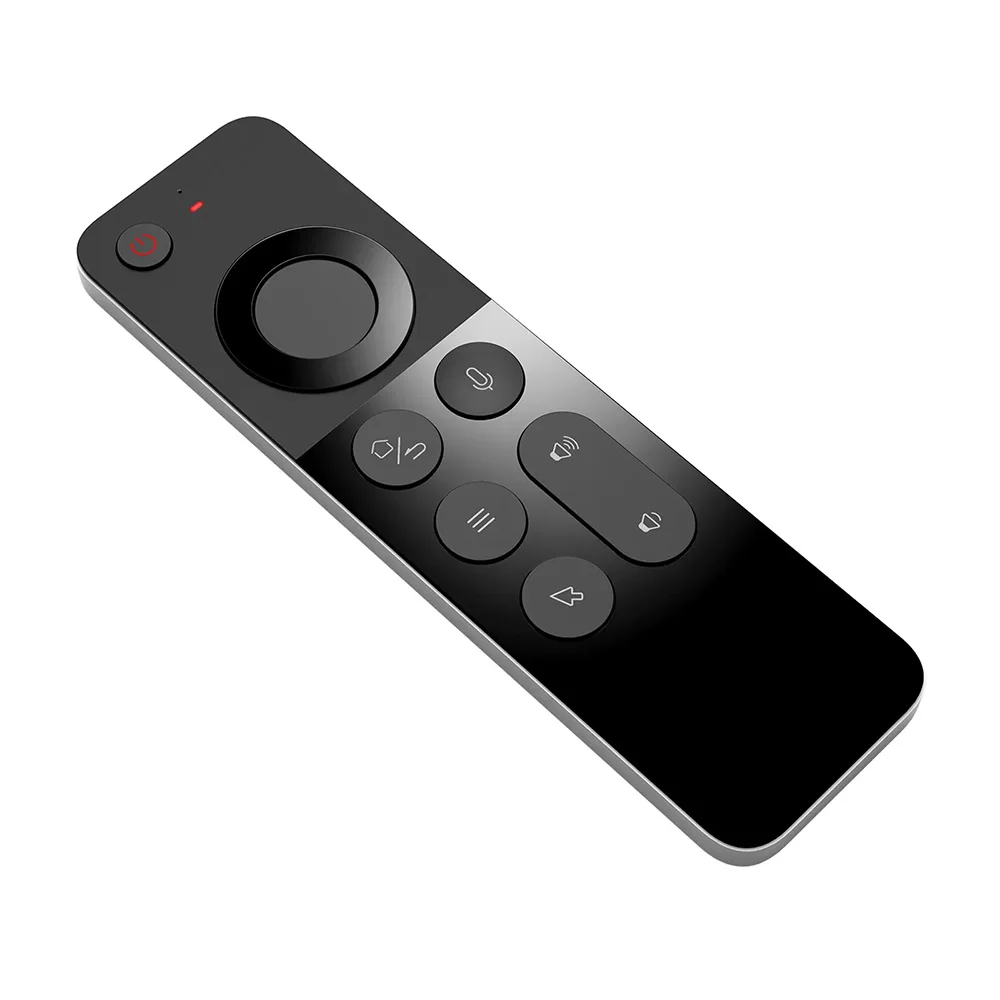
Except for voice keys and air mouse keys, everything else can be learne
Package include:
Remote*1
2.4G receiver*1
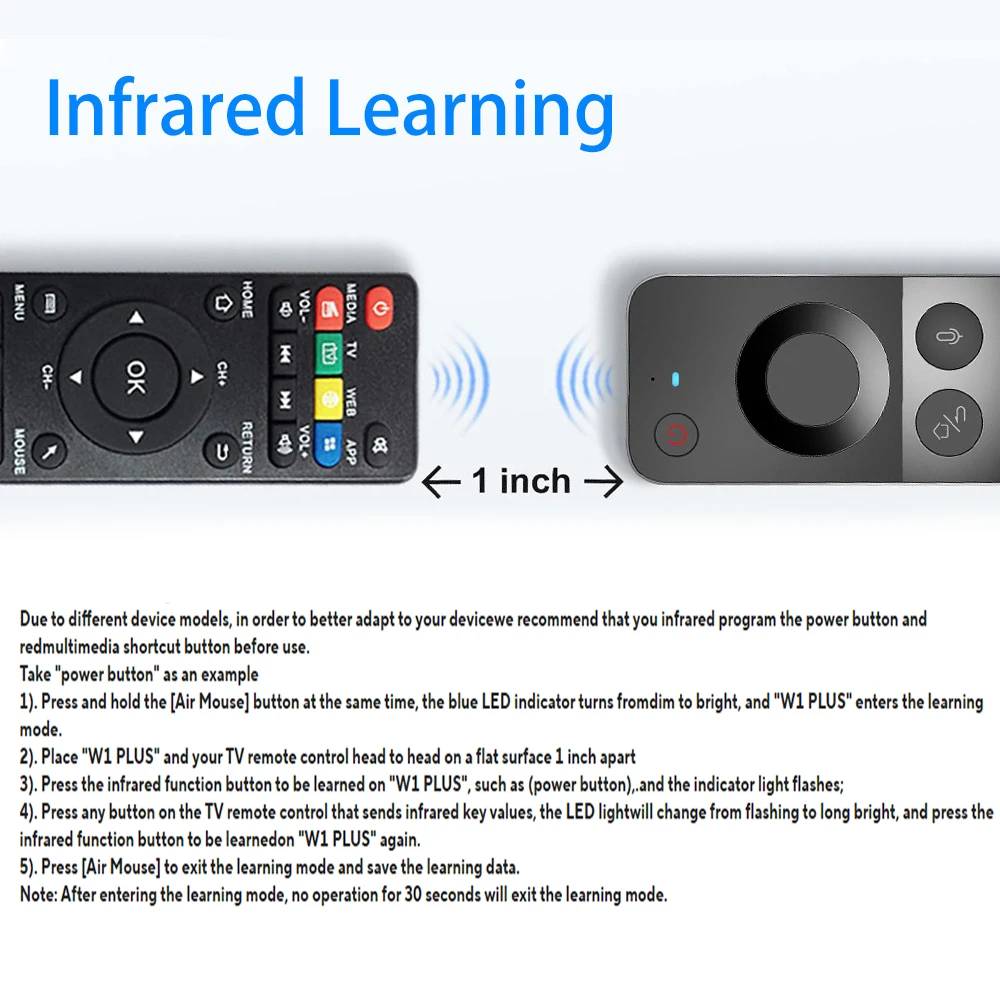
Infrared Learning:
Due to different device models, in order to better adapt to your devicewe recommend that you infrared program the power button and redmultimedia shortcut button before use.
Take "power button" as an example
1). Press and hold the [Air Mouse] button at the same time, the blue LED indicator turns fromdim to bright, and "W1 PLUS" enters the learning mode.
2). Place "W1 PLUS" and your TV remote control head to head on a flat surface 1 inch apart
3). Press the infrared function button to be learned on "W1 PLUS", such as (power button),.and the indicator light flashes;
4). Press any button on the TV remote control that sends infrared key values, the LED lightwill change from flashing to long bright, and press the infrared function button to be learnedon "W1 PLUS" again.
5). Press [Air Mouse] to exit the learning mode and save the learning data.
Note: After entering the learning mode, no operation for 30 seconds will exit the learning mode
About Charging
Since this remote control does not have an on/off button, the indicator light does not light up when the button is pressed, which means the battery is low and needs to be charged. A high-power charger with an output current of 5V2A or above must be used for charging. The charging time is more than 4 hours. Note: Low power or less than 2A cannot charge the device. This includes when the device is plugged into a computer or a power bank.(A few people will encounter this problem.)
Note:
1. Some buttons require infrared learning before they can be used. Please refer to the tutorial for specific operations.
2. This is a replacement remote control, which only supports Android smart boxes and PCs. It does not support brand TVs, such as Apple, Samsung, Xiaomi...
3. If some buttons cannot be used, the reason is that they are not perfectly compatible or have not been infrared learned. This is not a quality problem. Please consider whether your device can be used before purchasing.
4. The actual product may have errors with the picture.