Free shipping

Almost sold out!
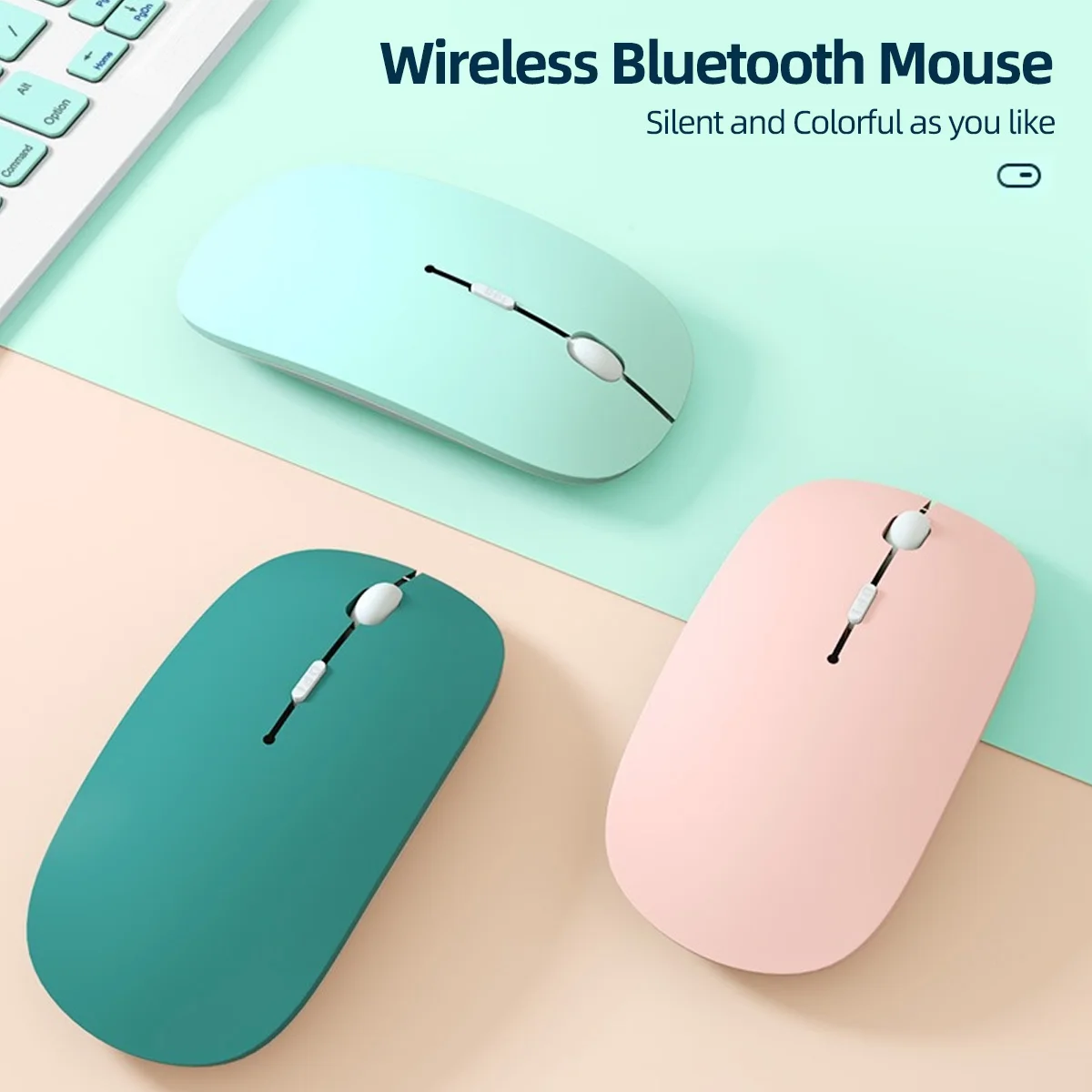
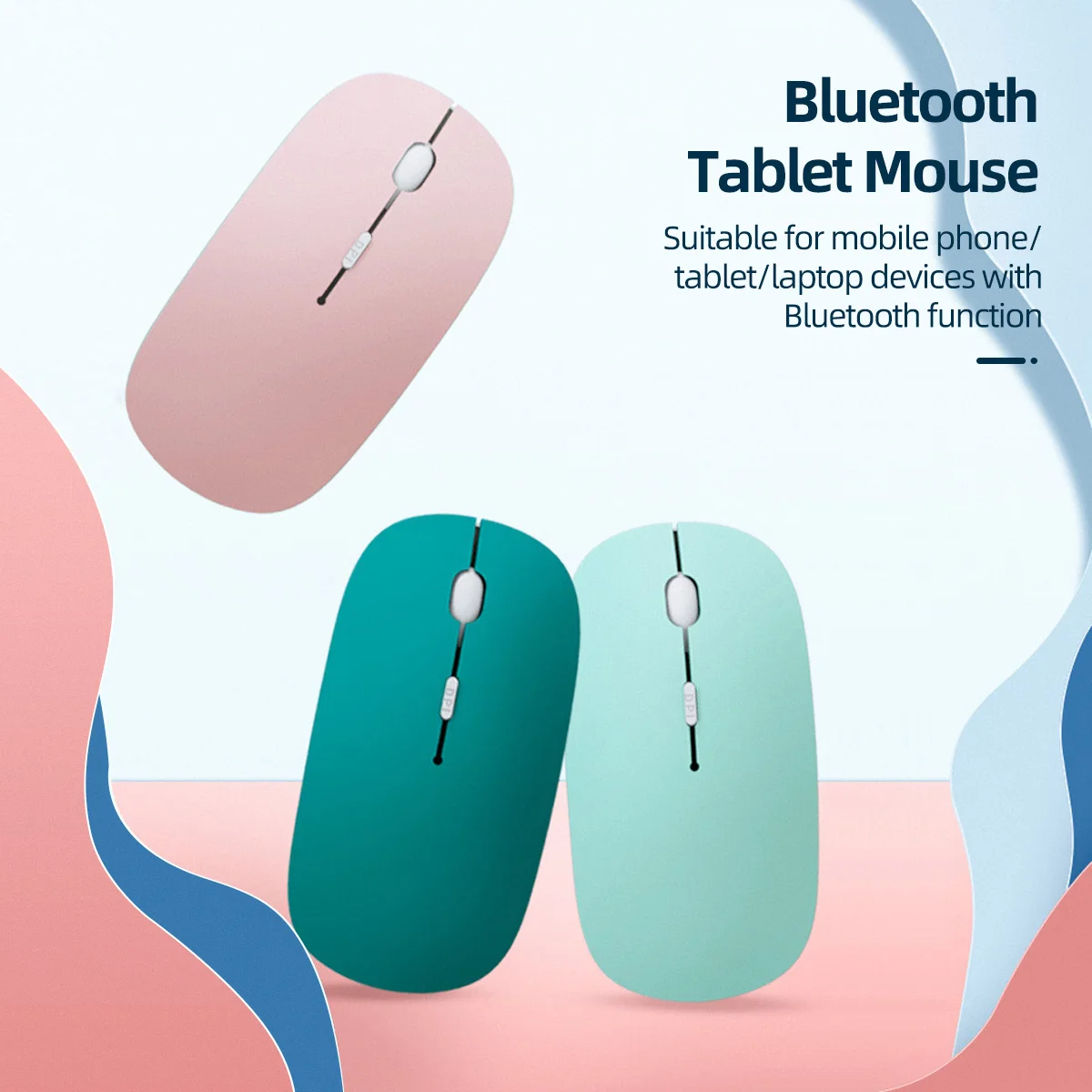
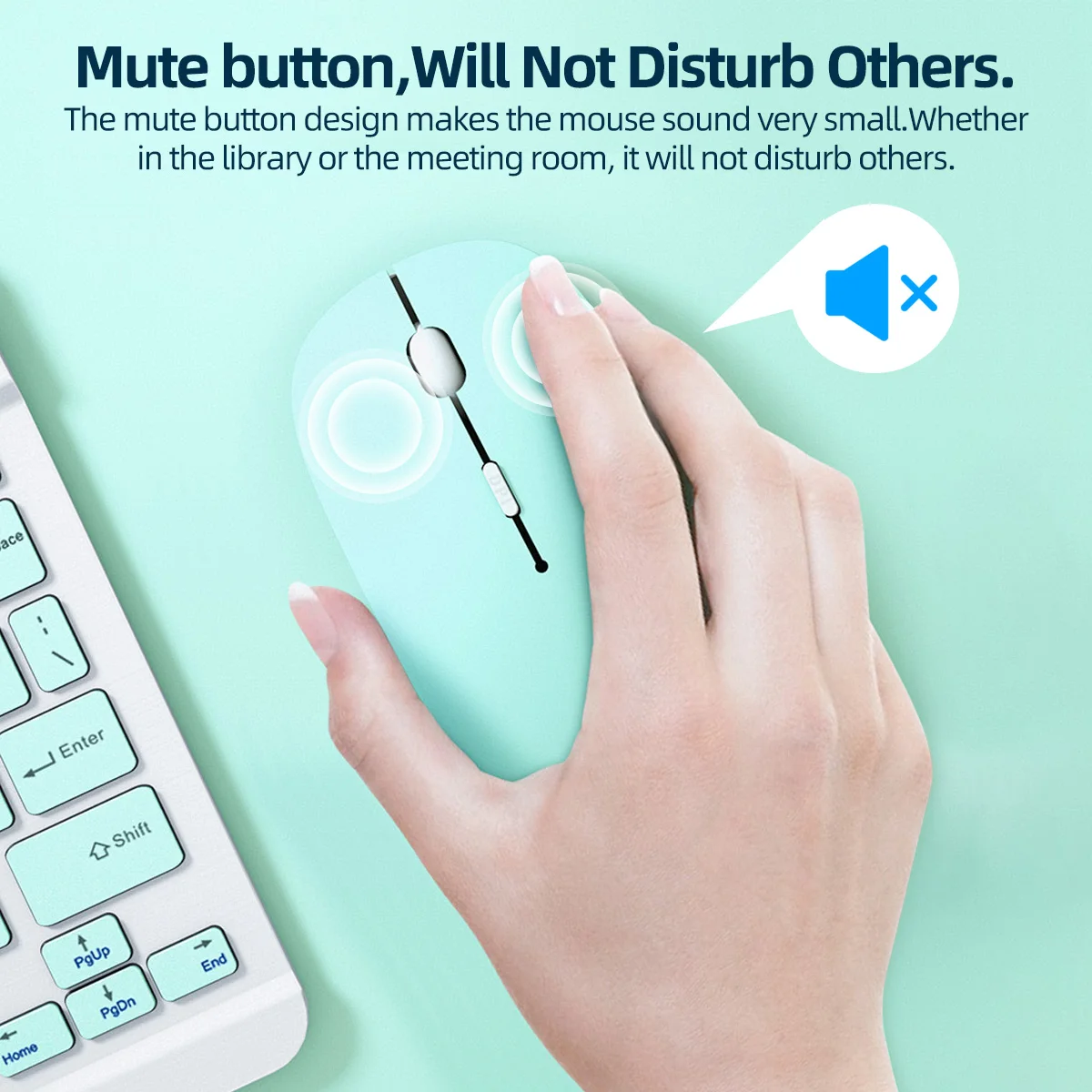
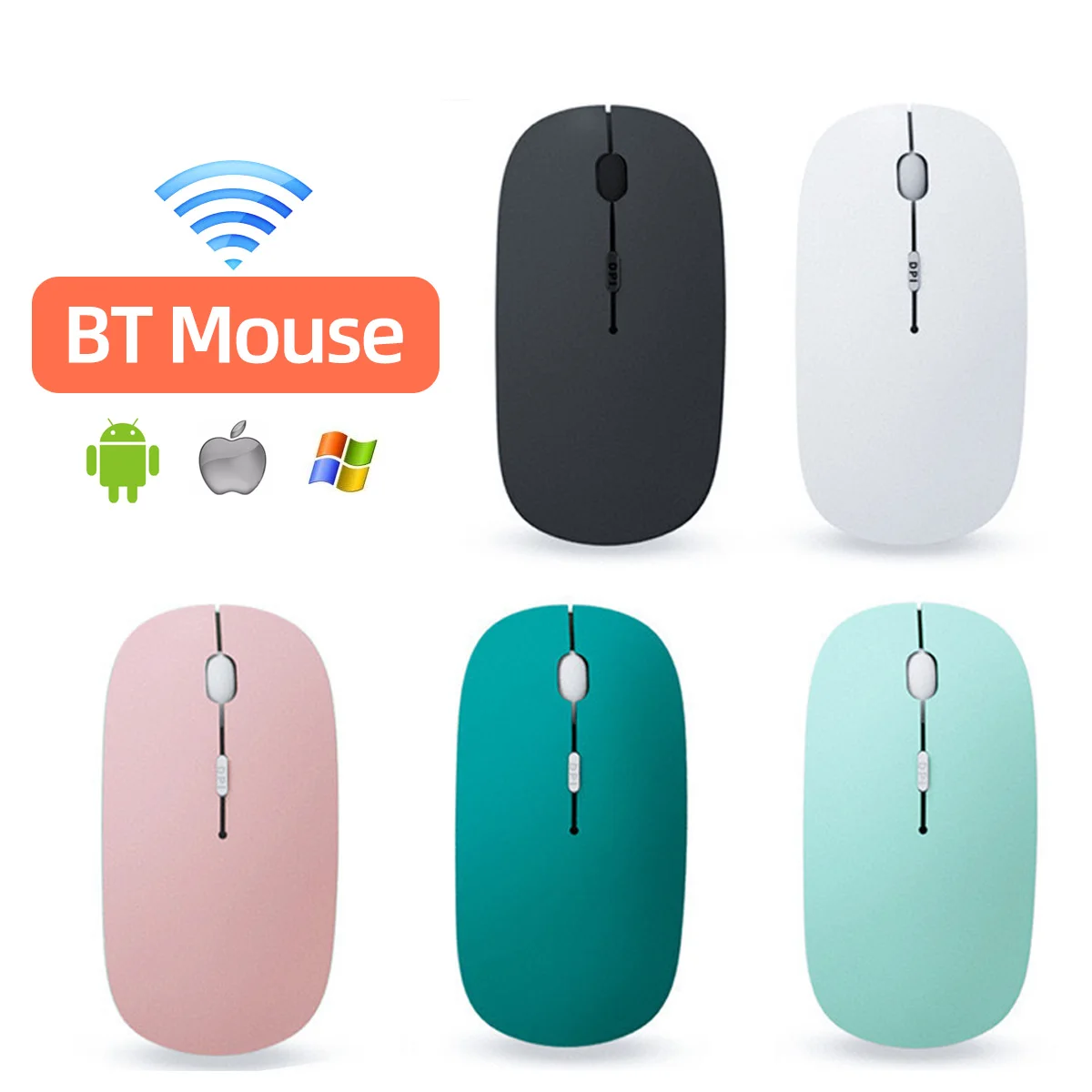
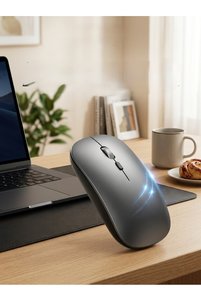
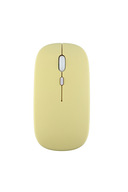
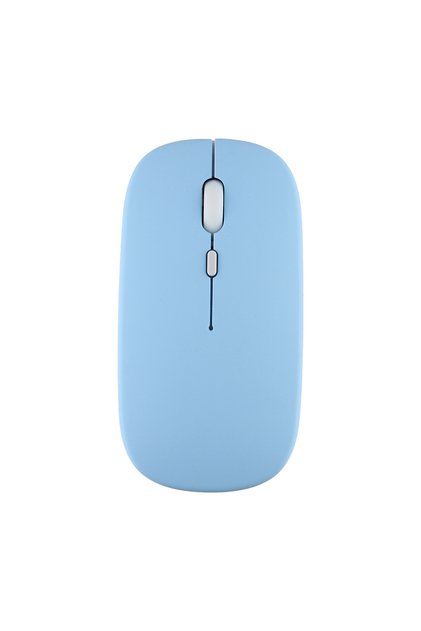
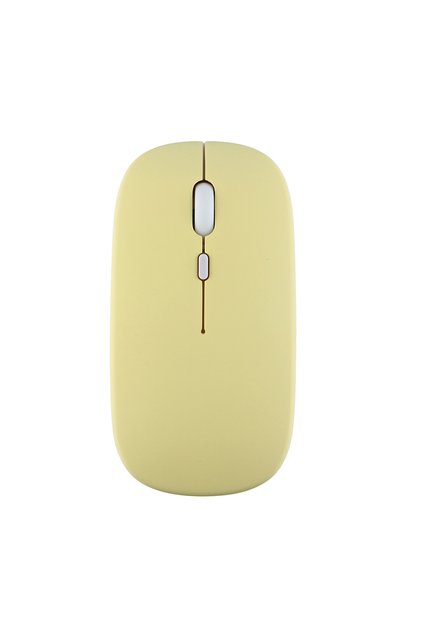
Choice white Wireless Bluetooth Mouse For iPad Samsung Huawei Lenovo MiPad Android Windows Tablet Battery M
No reviews yet.
Checkout Discount 21% Off
At checkout
22.69 SAR
28.72 SAR
Color:white



Free shipping
Delivery address

Select your address, find out the delivery date!
Trendyol's commitments
Easy and free return in 15 days.
Payment methods



Highlighted features:
Choice white Wireless Bluetooth Mouse For iPad Samsung Huawei Lenovo MiPad Android Windows Tablet Battery M features
Connections
Bluetooth
Color
Multicolor
Number of Buttons
2

Big Save Store
8.8
80.3K followers
Seller information
Similar items













 R0143 Wired Gaming Keyboard and Mouse Set – RGB-backlit keyboard with Arabic and English characters, plus a high-precision gaming mouse for PC.
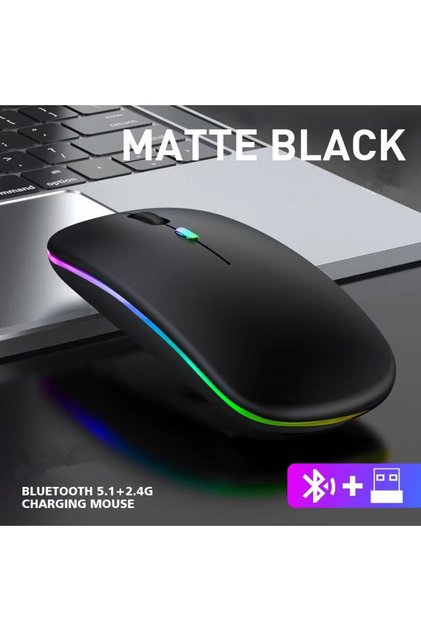

Shoppers also viewed
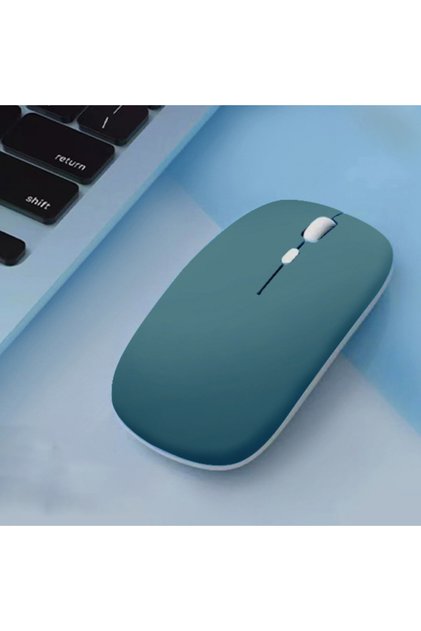



 Trendyol Plus Exclusive


Choice white Wireless Bluetooth Mouse For iPad Samsung Huawei Lenovo MiPad Android Windows Tablet Battery M reviews
No reviews yet.
Product details

Additional info
- A maximum of 10 units of this product can be ordered. Trendyol reserves the right to cancel orders over 10 units.
- Barcode No: 3574567219319
Choice white Wireless Bluetooth Mouse For iPad Samsung Huawei Lenovo MiPad Android Windows Tablet Battery M features
Connections
Bluetooth
Color
Multicolor
Number of Buttons
2
Safety information
Product safety information
Product description
Color:white
Mouse Common Q&A (English Version)
Q1: Does this mouse come with batteries? What batteries does it need?
A1: This wireless mouse requires 2 AAA batteries to work. Please note that batteries are NOT included in the package, you need to prepare AAA batteries separately before use.
Q2: Why didn’t I receive a USB receiver with the mouse?
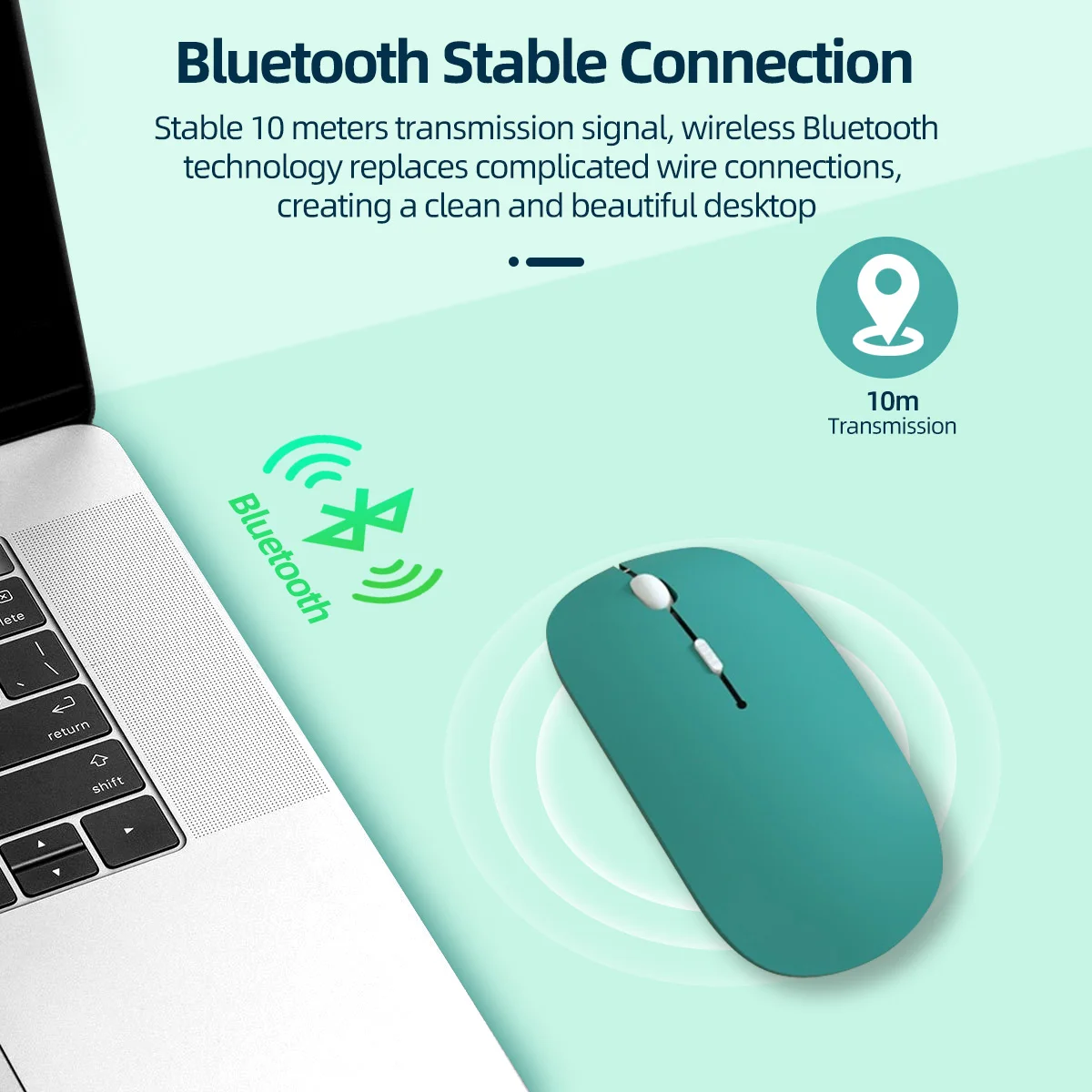
A2: This is a pure Bluetooth mouse, it does not use a 2.4G USB receiver at all. No receiver is needed for connection. Just make sure your laptop, tablet or desktop device has built-in Bluetooth function to pair directly.
Q3: My device cannot find the mouse via Bluetooth, the mouse won’t work, what should I do?
A3: This usually happens when the mouse is already paired and connected to another electronic device.
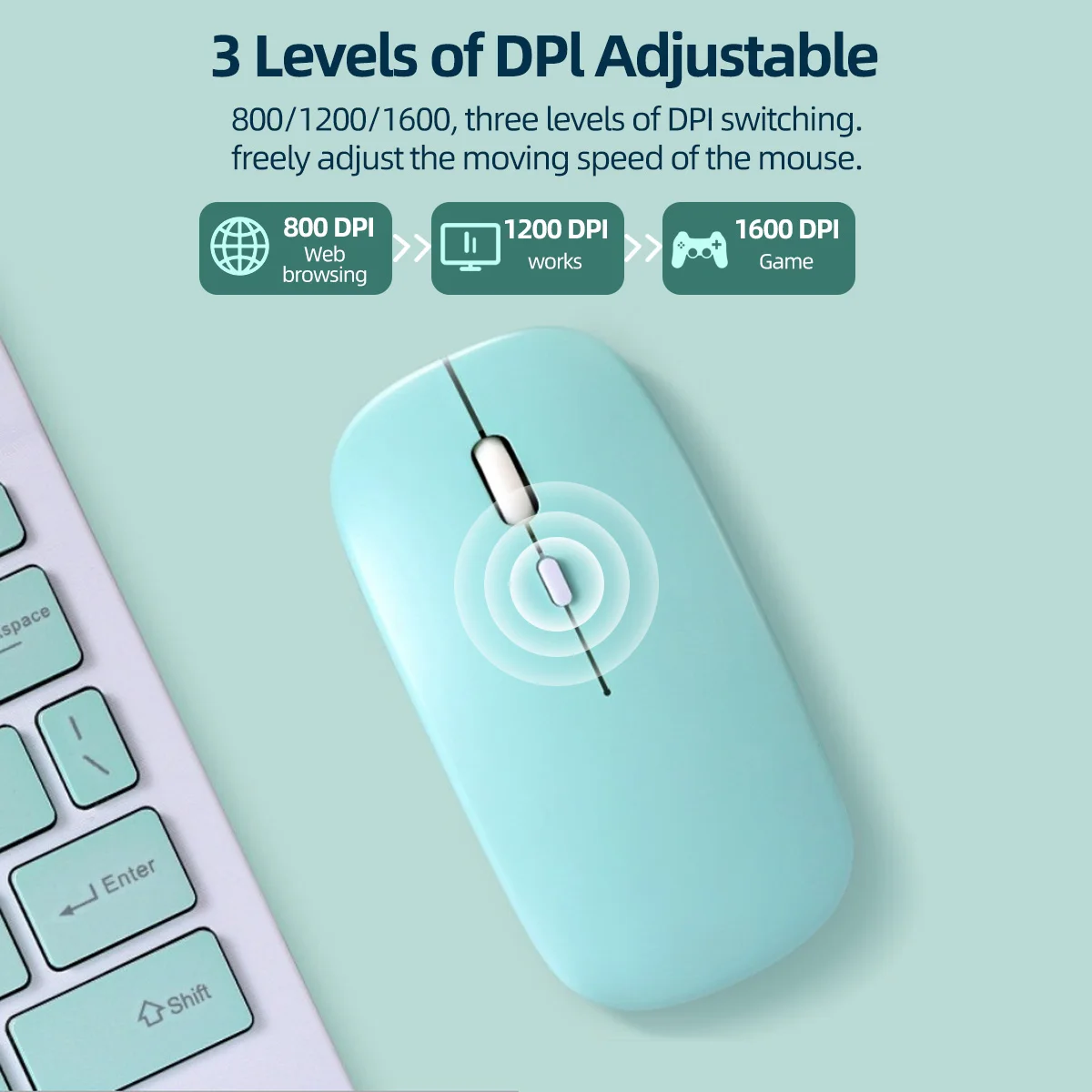
Solution: Long press the DPI button for several seconds to clear the old Bluetooth connection record. Then turn on Bluetooth on your current device and search for the mouse to re-pair normally.
Q4: What’s the difference between this Bluetooth mouse and 2.4G wireless mice with a receiver?
A4: 2.4G mice need a USB receiver plugged into your device, while our mouse adopts Bluetooth connection. It pairs directly through your device’s built-in Bluetooth module without any extra receiver.
Q5: The mouse can’t be detected after switching to a new computer, how to fix it?
A5: The mouse may still connect to your previous device. Press and hold the DPI key for a few seconds to reset its Bluetooth pairing memory, then search Bluetooth on your new device to reconnect.
Q6: Can I use the mouse right after unboxing?
A6: No. First install 2 AAA batteries (batteries not included). If it was connected to another device before, long press DPI button to reset Bluetooth, then pair it with your device’s Bluetooth.
Please read before buying !!!
-Colorful Battery Bluetooth Mouse
(without receiver, delivery without battery)
.
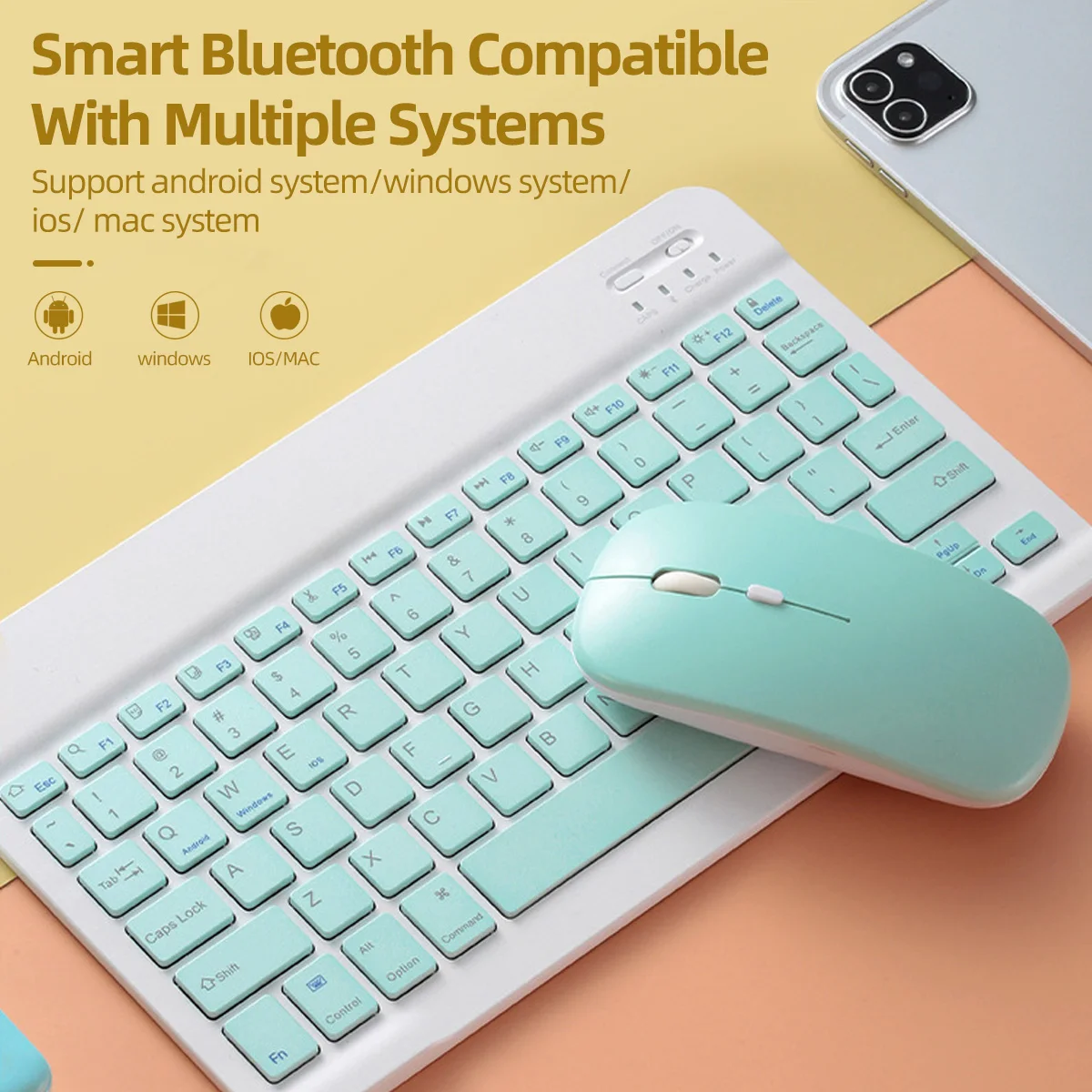
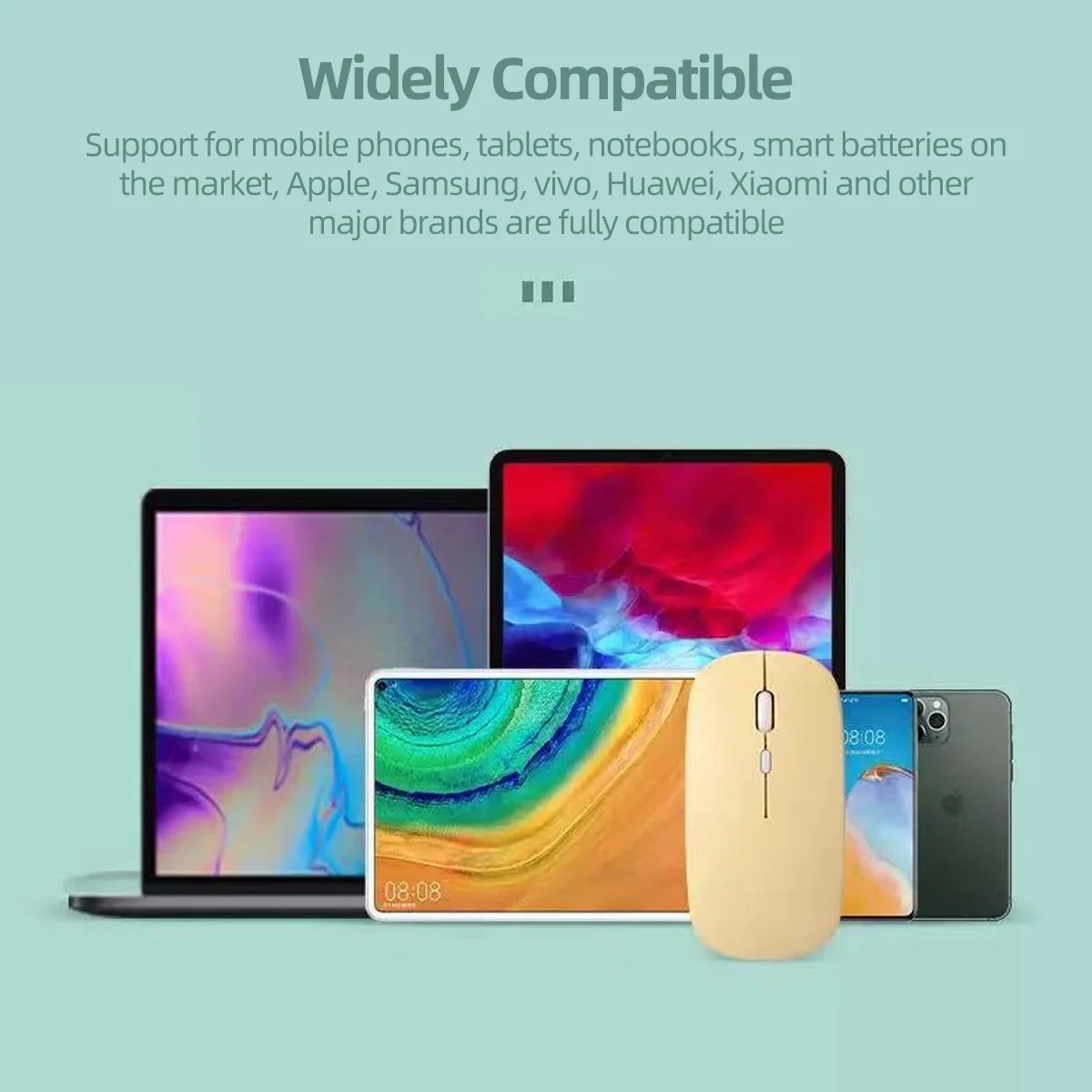
-Support smart mobile phones and tablets with BT function.
-For ipad system requires for ios13 or above. Bluetooth is only available for Windows system win10 version and above.