


Free shipping
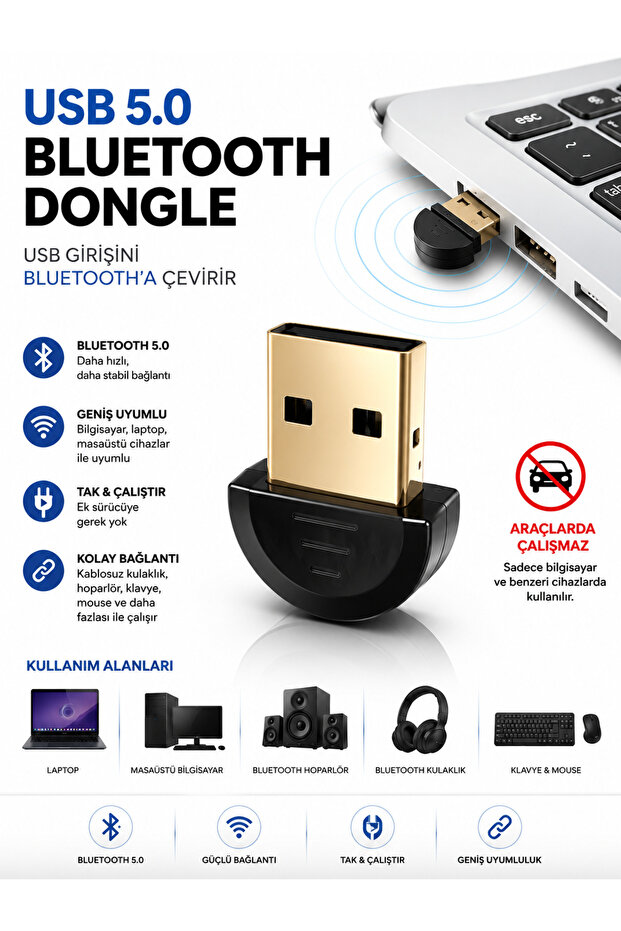


Deppo Trend USB to Bluetooth Adapter Laptop/Pc/Game Console/Smart Television Compatible Plug and Play USB Bluetooth Adapter
2% discount coupon!

 Trendyol Plus Exclusive
At checkout 42.35 SAR
42.99 SAR
Delivery address
Free shipping
Select your address, find out the delivery date!
International delivery
Trendyol's commitments
Easy and free return in 15 days.
Payment methods




Coupons
Highlighted features:
Deppo Trend USB to Bluetooth Adapter Laptop/Pc/Game Console/Smart Television Compatible Plug and Play USB Bluetooth Adapter features
Color
Black
Instructions for Use/Warnings
Plug the adapter into an available USB port on your device. If your device automatically recognizes the adapter, please wait a few seconds. If necessary, your operating system may automatically install the appropriate driver. Put the Bluetooth device you want to connect into pairing mode. Complete the pairing process by searching for a new device in the Bluetooth settings of your computer or compatible device. Once the connection is established, you can use your device wirelessly. Warnings Compatibility may vary depending on the device’s operating system and hardware specifications. Bluetooth support on game consoles may vary by model. Keep the adapter away from liquids, moisture, and extremely hot environments. Do not force the adapter into or out of the USB port. When not in use, remove it safely and store it properly.
Origin
CN
Deppo Trend

10
101.1K followers
Seller information
Similar items



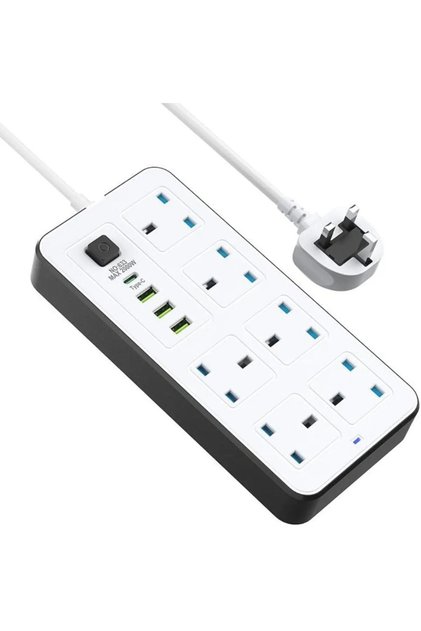

 5 METER SOCKET WITH 6 SOCKET COMBO+ 3 USB PORT + USC C. 2500W











Shoppers also viewed





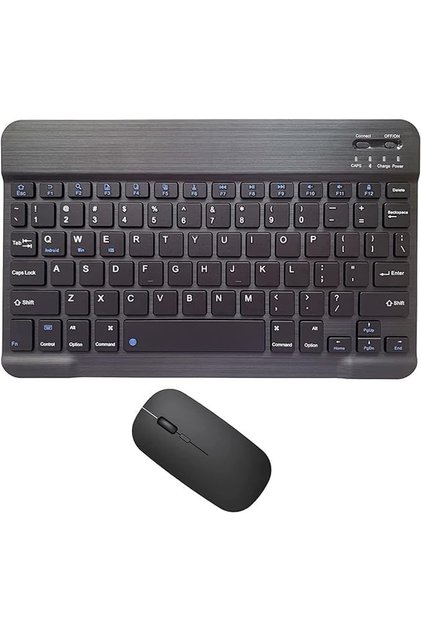


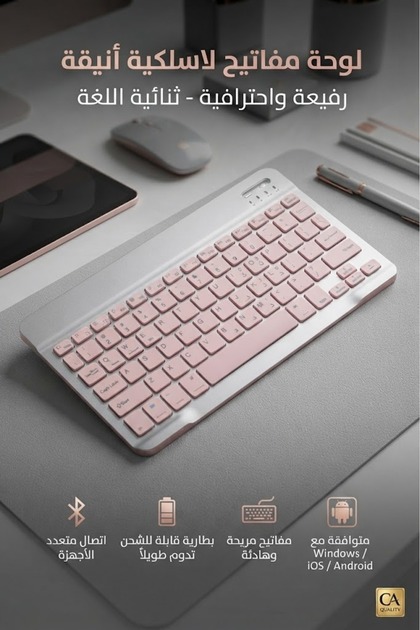


Deppo Trend USB to Bluetooth Adapter Laptop/Pc/Game Console/Smart Television Compatible Plug and Play USB Bluetooth Adapter reviews
3 ratings
1 reviews

Product details

Additional info
- The selling price on Trendyol already includes the export-related costs.
- Sold by .
- A maximum of 5 units of this product can be ordered. Trendyol reserves the right to cancel orders over 5 units.
- Barcode No: DT-USBToBluetoothAdaptör
- Origin: CN
Deppo Trend USB to Bluetooth Adapter Laptop/Pc/Game Console/Smart Television Compatible Plug and Play USB Bluetooth Adapter features
Color
Black
Instructions for Use/Warnings
Plug the adapter into an available USB port on your device. If your device automatically recognizes the adapter, please wait a few seconds. If necessary, your operating system may automatically install the appropriate driver. Put the Bluetooth device you want to connect into pairing mode. Complete the pairing process by searching for a new device in the Bluetooth settings of your computer or compatible device. Once the connection is established, you can use your device wirelessly. Warnings Compatibility may vary depending on the device’s operating system and hardware specifications. Bluetooth support on game consoles may vary by model. Keep the adapter away from liquids, moisture, and extremely hot environments. Do not force the adapter into or out of the USB port. When not in use, remove it safely and store it properly.
Origin
CN
Safety information
Product safety information