Trendyol Plus Exclusive


Free shipping


Free shipping
Delivery address

Select your address, find out the delivery date!
International deliveryMore products to discover
Trendyol's commitments
Easy and free return in 15 days.
Payment methods





Coupons
Highlighted features:
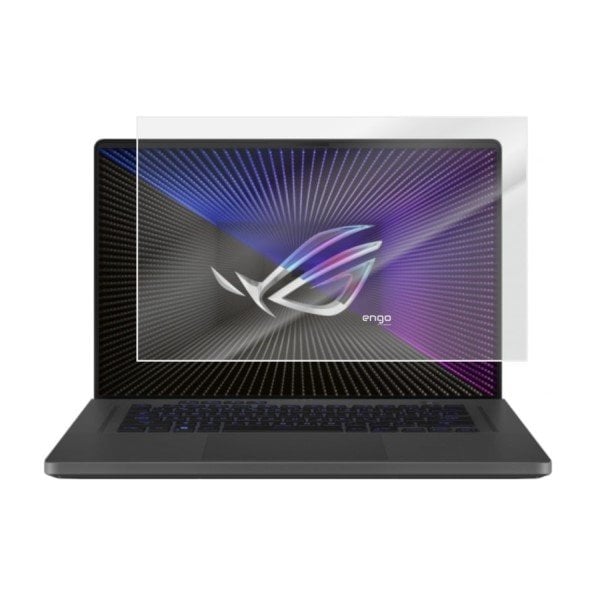
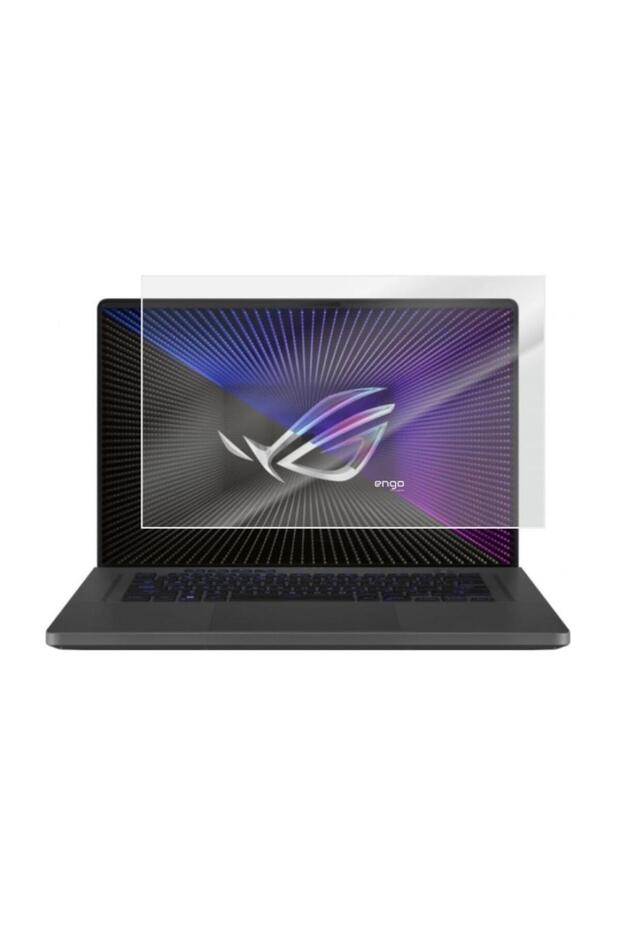
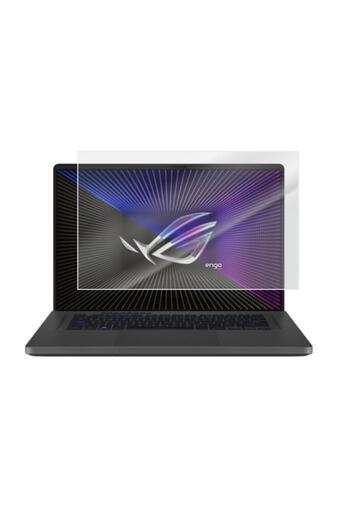
Engo Asus ROG Zephyrus G16 16 inch Matte Screen Protector 16:10 features
Color
White
Origin
TR

Engo

9.3
56.3K followers
Seller information
Similar items


 Lenovo Ideapad 5 2-in-1 14Ahp9 14 Inch Screen Protector 16:10






Shoppers also viewed











Engo Asus ROG Zephyrus G16 16 inch Matte Screen Protector 16:10 reviews
1 ratings
1 reviews

Product details
Additional info
- Made in Türkiye
- A maximum of 5 units of this product can be ordered. Trendyol reserves the right to cancel orders over 5 units.
- Sold by .
- The selling price on Trendyol already includes the export-related costs.
- Barcode No: 364620170833
- Origin: TR
Engo Asus ROG Zephyrus G16 16 inch Matte Screen Protector 16:10 features
Color
White
Origin
TR
Safety information
Product safety information
Product description
Asus rog zephyrus g16 16 inch matte screen protector
__t1__ is a type of screen protector designed to reduce fingerprints and reflections. these protectors have a less glossy appearance compared to glossy screen protectors, which makes them more comfortable to use, especially in brightly lit environments.__t2__
__t3__ __t4__s make fingerprints and other dirt less visible. __t5__specially designed screen protector offers a perfect fit for your device with its fully compatible cuts and precise edges. __t6__
Asus rog zephyrus g16 16 inch features
Anti fingerprint : The matte screen protector minimizes fingerprints on the screen and thus does not create a dirty appearance on the screen.
Reduces reflections: Thanks to the matte appearance of the outer surface, you achieve clear imaging by eliminating reflections from light and sun. this can help improve your usage experience, especially in brightly lit environments.
Protects your screen from scratches: Matte screen protectors help to protect your screen from scratches, which can help to keep your laptop screen durable for a longer lifetime.
Doesn't degrade image quality :Matte screen Protectors , it will not degrade the visual quality of your display.this ensures that you get the most out of your laptop's display.
How to apply asus rog zephyrus g16 16 inch matte screen protector?
Clean your device's screen; clean your screen with a cleaning wipe and make sure there is no dust or dirt left on the screen. __t21__
Remove the protective film; position the protector on your device's screen, center it, and then gently press down.
Remove air bubbles; if there are air bubbles under the protector, press them from the edges towards the center with the help of a card.
Your __t24__ and __t25__ are ready for use. __t26__