


Free shipping


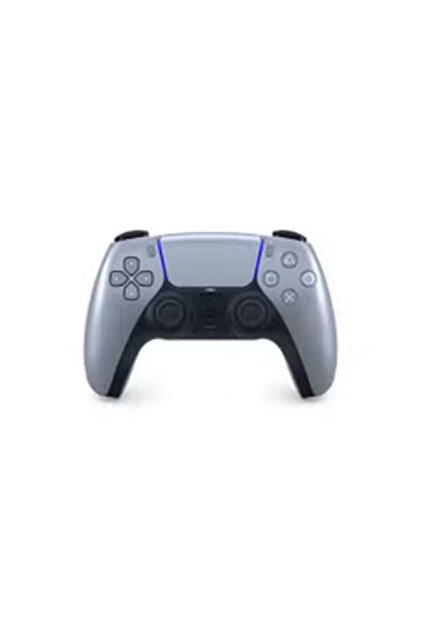
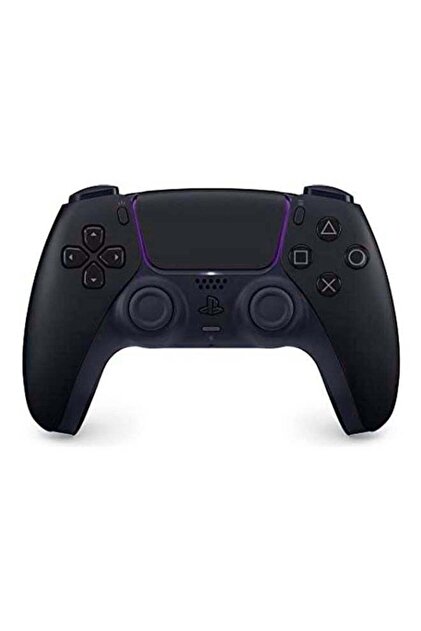
GENERAL Wireless Controller Compatible with PS5/PS5 Pro/PS5 Slim/PC - Wireless Controller with Built-in Advanced Back Buttons Programming/Speakers/Precise Joysticks/Turbo (Blue Gray)
No reviews yet.
474.98
SAR

(incl. VAT)
Free shipping
Delivery address

Select your address, find out the delivery date!
Local delivery
Trendyol's commitments
Easy and free return in 15 days.
Payment methods





Highlighted features:
GENERAL Wireless Controller Compatible with PS5/PS5 Pro/PS5 Slim/PC - Wireless Controller with Built-in Advanced Back Buttons Programming/Speakers/Precise Joysticks/Turbo (Blue Gray) features
Color
Gray
Connection
Wireless
Compatible Device
Playstation 5
Origin
CA


Shoppers also viewed


 Trendyol Plus Exclusive









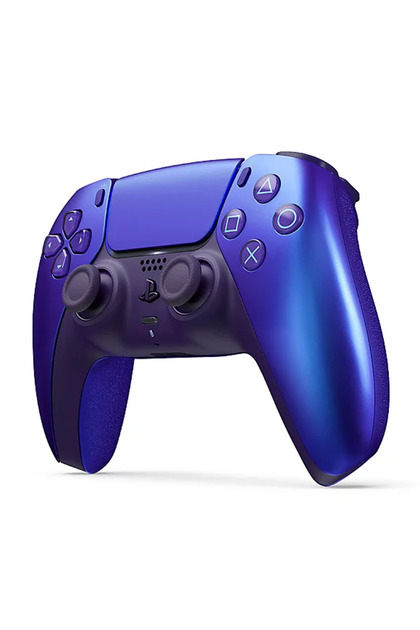


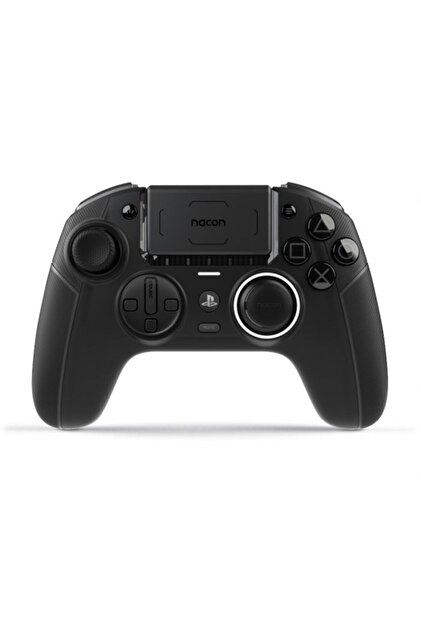
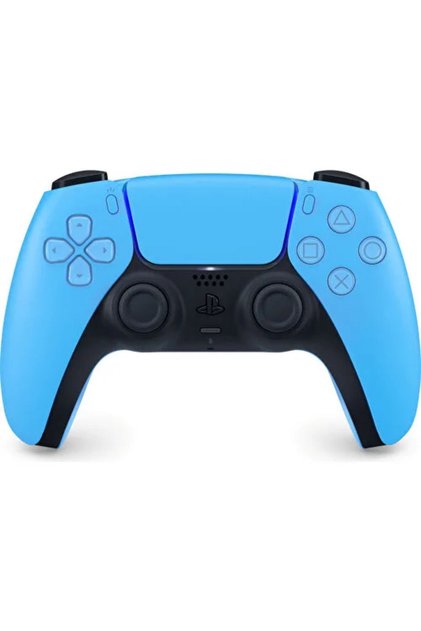

GENERAL Wireless Controller Compatible with PS5/PS5 Pro/PS5 Slim/PC - Wireless Controller with Built-in Advanced Back Buttons Programming/Speakers/Precise Joysticks/Turbo (Blue Gray) reviews
No reviews yet.
Product details

Additional info
- A maximum of 5 units of this product can be ordered. Trendyol reserves the right to cancel orders over 5 units.
- Sold by .
- Barcode No: tr-3AKQEC5I92E
- Origin: CA
Safety information
Product safety information
Product description
• [Multi-Support] Support wireless/wired use of PS5 Console, support PS5 game, and support wireless/wired connection to PC system (specific PC needs to be determined based on game support). • [Multi-Function] Supports asymmetric dual motor vibration,Six-axis MotionSensing, TURBO, and touchpad functions. • [Speakers and Headphone Jack]Equipped with an external speaker and a 3.5mm headphone jack, the external speaker can clearly reproduce various sounds in the game scene. The 3.5mm headphone jack can be inserted into the headphones to chat with friends online (note: the external speaker and headphones/microphone only support use in wired mode) • [Programming Function]Support programming function, which can map and program frequently used action keys or combination keys to the back buttons, improving the gaming control experience. • [Ergonomic Design]The Controller design structure conforms to ergonomics and provides a comfortable hand feel during use. Product Dimensions: 17 x 6.5 x 16.7 cm; 318 g Item model number: TP5-35137 Country of origin: China • [Multi-Support] Support wireless/wired use of PS5 Console, support PS5 game, and support wireless/wired connection to PC system (specific PC needs to be determined based on game support). • [Multi-Function] Supports asymmetric dual motor vibration,Six-axis MotionSensing, TURBO, and touchpad functions. • [Speakers and Headphone Jack]Equipped with an external speaker and a 3.5mm headphone jack, the external speaker can clearly reproduce various sounds in the game scene. The 3.5mm headphone jack can be inserted into the headphones to chat with friends online (note: the external speaker and headphones/microphone only support use in wired mode) • [Programming Function]Support programming function, which can map and program frequently used action keys or combination keys to the back buttons, improving the gaming control experience. • [Ergonomic Design]The Controller design structure conforms to ergonomics and provides a comfortable hand feel during use. Product Dimensions: 17 x 6.5 x 16.7 cm; 318 g Item model number: TP5-35137 Country of origin: China Wireless Controller Compatible with PS5/PS5 Pro/PS5 Slim/PC - Wireless Controller with Built-in Advanced Back Buttons Programming/Turbo Usage Instructions: (a) Connecting to PS5 1.Power on the console and enter the normal standby interface. To avoid connection issues, set the communication method as follows: “Settings” → “Accessories” → “Controllers (General)” → “Connection Method” → “Use USB Cable” 2.Plug the controller’s USB cable into the console and press the PS (HOME) button on the controller to connect to the PS5 console. The blue light will stay on when connected successfully. 3.The light bar on the front of the controller will light up. Press any function button on the controller to operate the game console, indicating a successful connection. 4.During normal gameplay, the controller will vibrate according to the game’s rules. The controller uses dual motors. 5.Video Recording Function: Double-click the Share button to start screen recording, and double-click the Share button again to stop. 6..Screenshot Function: Long press the SHARE button to capture a screenshot of the current screen. 7.If using two controllers simultaneously, connect them to the front and rear USB ports of the console. Connecting both controllers to either the front or rear USB ports may cause issues with the headphone function of one of the controllers. 8.To use the microphone function during gameplay, connect a headset with a microphone to the 3.5mm headphone jack on the controller. (b) Connecting to PC When connecting to a PC, it is plug-and-play. You can play games that are compatible with the controller on PC/Steam. Macro Definition Function: 1.Setting M1 and M2 Buttons: Press and hold the M button and then press M1 to enter the macro definition mode. The connection indicator light will turn orange. Then, press the combination of keys you want to define (↑, ↓, ←, →, △, ○, □, X, L1, R1, L2, R2, L3, R3). Note that you can