Free shipping


Only 3 left!
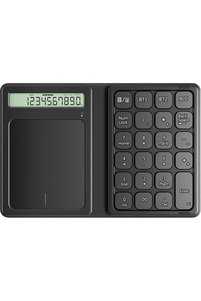
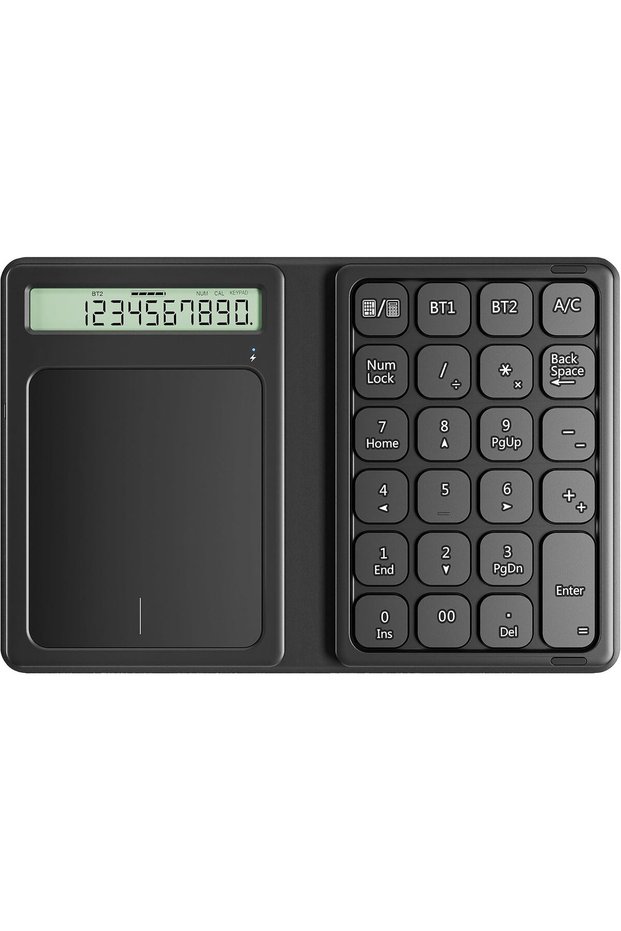
Generic Bluetooth Wireless Numeric Keypad with Foldable Slim Design, 23-Key Portable Financial Calculator To
No reviews yet.
381.90
SAR
(incl. VAT)
Free shipping
Delivery address

Select your address, find out the delivery date!
International delivery
Trendyol's commitments
Easy and free return in 15 days.
Payment methods



Highlighted features:
Generic Bluetooth Wireless Numeric Keypad with Foldable Slim Design, 23-Key Portable Financial Calculator To features
Color
Black
Connections
Bluetooth
Lighting
Available
Touchpad
Available
Numerical Buttons
There is
Available campaigns

Applied at checkout
Jingxian
7.2
Seller information
Generic Bluetooth Wireless Numeric Keypad with Foldable Slim Design, 23-Key Portable Financial Calculator To reviews
No reviews yet.
Product details
Product description
Bluetooth Numeric Keypad with Calculator &
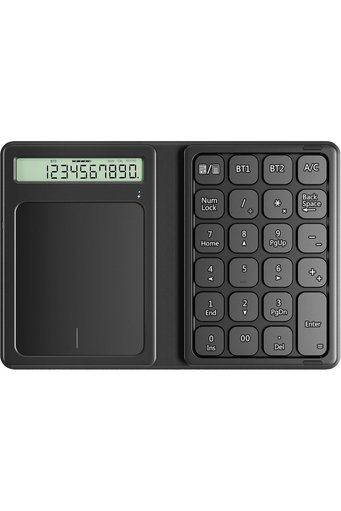
Touchpad • Dimensions: Folded 197 x 113 x 6.1 x 6.5mm, Unfolded 297 x 113 x 6.1mm • Keys: 23 • Weight: 134g • Connection: Bluetooth, up to 2 devices • Battery: 150mA lithium battery • Foldable Leather Case: Yes LED Indicator Light: • The led light shows red when charging and turns off after charged fully.
When start pairing, the light will be flashing blue and stops after pairing successful.
Powerful Functional Keys: • This Bluetooth keypad has 23-keys with multiple useful shortcuts which can meet all you need of a number keyboard! Multi-Pairing It can use Bluetooth to connect two devices at the same time, and you can freely switch between different devices with one click.
23 Keys Numeric Keypad Includes A/C, Num Lock, home, end and other functions to improve work efficiency.
Bluetooth has stable connection and excellent compatibility, making it suitable for multi-purpose use such as office work and design.
System Compatibility: • 1) Mac OS 10.0 above, IOS 9.2 and above, compatible with iMac, Macbook, Macbook Air/Pro.
• (2) Windows 2000/XP/Vista/7/8/10, Android system (Please make sure your device with bluetooth enabled ) Uses a Pantograph System The key type uses a "
pantograph method"
that allows keys to be typed with the same light force as a laptop keyboard.
What's in the box • Foldable Bluetooth keyboard • Charging cable • Manual How to use Bluetooth to connect devices: • 1. Turn on the keyboard power switch, short press BT1/BT2, select the Bluetooth channel, and then long press BT1/BT2 for 3 seconds to pair.
The blue light flashes to enter pairing mode.
• Bluetooth and other devices • 2. Open Settings, turn on Bluetooth, and click Add Bluetooth or other devices.
• 3. Select "
Bluetooth"
in Add Devices and search • 4. Until you find "
Bluetooth Keypad"
, then click the pairing name to connect.
• 5. When the connection is successful, you can use your keyboard comfortably.
Additional info
- Sold by .
- A maximum of 5 units of this product can be ordered. Trendyol reserves the right to cancel orders over 5 units.
- Barcode No: CofLt8gTPfBC7cSAB3zwNxthrvDaR0jjQzGHi
Generic Bluetooth Wireless Numeric Keypad with Foldable Slim Design, 23-Key Portable Financial Calculator To features
Color
Black
Connections
Bluetooth
Lighting
Available
Touchpad
Available
Numerical Buttons
There is
Safety information
Product safety information