Free shipping
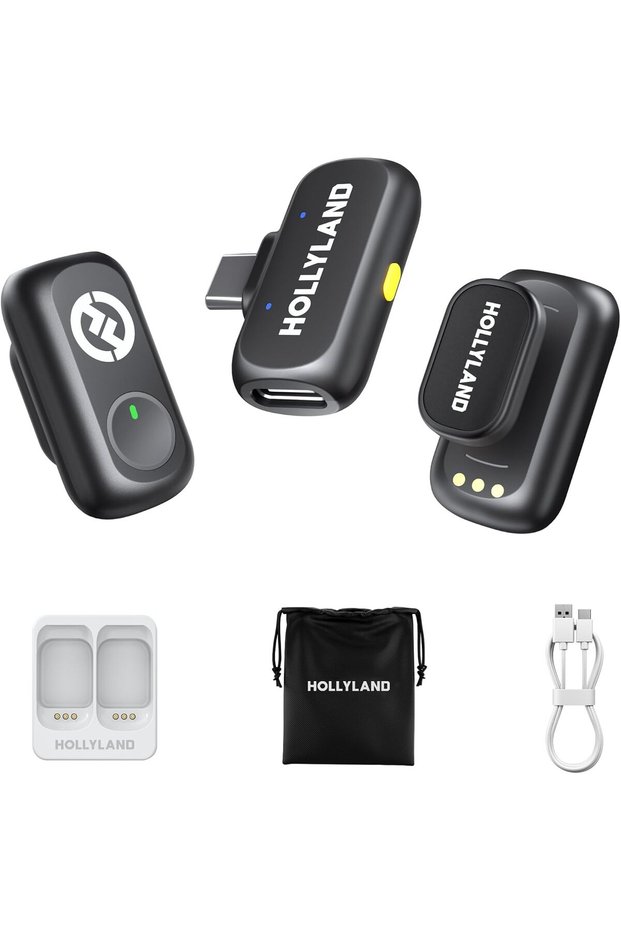


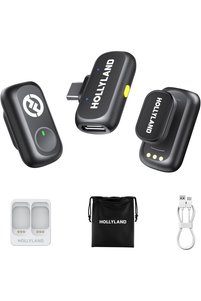
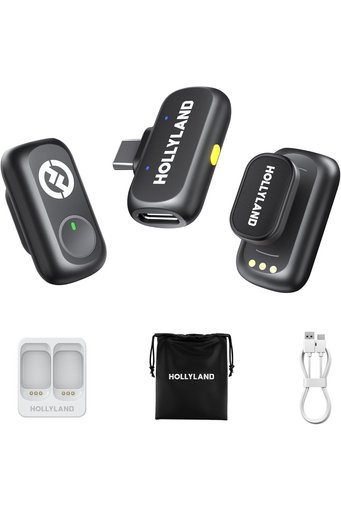
Generic Lark A1 Wireless Microphone for iPhone & Android, 48kHz/24-bit Studio Audio, 3-Level Noise Cancellat
No reviews yet.
Discount on cart
At checkout
334.95 SAR
446.60 SAR
Free shipping
Delivery address

Select your address, find out the delivery date!
International delivery
Trendyol's commitments
Easy and free return in 15 days.
Payment methods



Highlighted features:
Generic Lark A1 Wireless Microphone for iPhone & Android, 48kHz/24-bit Studio Audio, 3-Level Noise Cancellat features
Color
Green

GASDG
8.2
Seller information
Generic Lark A1 Wireless Microphone for iPhone & Android, 48kHz/24-bit Studio Audio, 3-Level Noise Cancellat reviews
No reviews yet.
Product details
Product description
Previous page Next page • Unbreakable Recording 120dB SPL Studio Standard With a high sound pressure level of 120dB SPL, the LARK A1 easily handles sudden loud noises, effectively avoiding distortion.
It captures every nuance-from deep lows to crisp highs-with pristine accuracy.
• 200m (650ft) LOS Range Designed for creators who need ultimate flexibility, the LARK A1 delivers an impressive 200m (650ft) transmission range.
Whether you're filming expansive outdoor scenes or dynamic on-the-go content, its robust anti-interference technology ensures stable, uninterrupted audio.
Capture every word with confidence.
Forget dropouts and disruptions.
Focus on seamless and high-quality sound.
Previous page Next page • LARK A1 How to pair manualy? 1.RX: Hold pairing button 3s → indicator flashes.
2.TX (off): Long-press power 6s to enter pairing mode.
3.The 2 TX can be individually pairing with the RX.
(Note: Pairing blocked if TX connected.
Units pre-paired before shipping.
) • What scenarios are the EQ Adjustment and Reverb Adjustment of LARK A1 suitable? EQ Adjustment: Enhances voice clarity &
naturalness.
Reverb Adjustment: Adds fullness/thickness to sound.
Three-Level Reverb: Small: Voice chat, recordings, short videos Medium: video recording, podcasts Large: Live singing • What is the TX Identification function of LARK A1? When turning this function on will show different indicator light ● Purple: TX1 ● Yellow: TX2 Note: When the NC on will only show green light • LARK A1 how to turn on mute function? LARK A1 supports the mute function on TX and RX.
● On the TX side, double press the button to turn on current mic.
● On the RX side, double press the yellow button to mute mic1, triple press to mute mic 2. • Why TX indicator of LARK A1 does not light up? LARK A1 supports Indicator light switch.
After turning off the indicator light on the LARKSOUND APP, the TX indicator light will not light up.
Additional info
- Sold by .
- A maximum of 10 units of this product can be ordered. Trendyol reserves the right to cancel orders over 10 units.
- Barcode No: CofLt8gTPfBC7dGAyeFy8gsyRJJ1KfpVgKBHu
Generic Lark A1 Wireless Microphone for iPhone & Android, 48kHz/24-bit Studio Audio, 3-Level Noise Cancellat features
Color
Green
Safety information
Product safety information