Free shipping
Almost sold out!
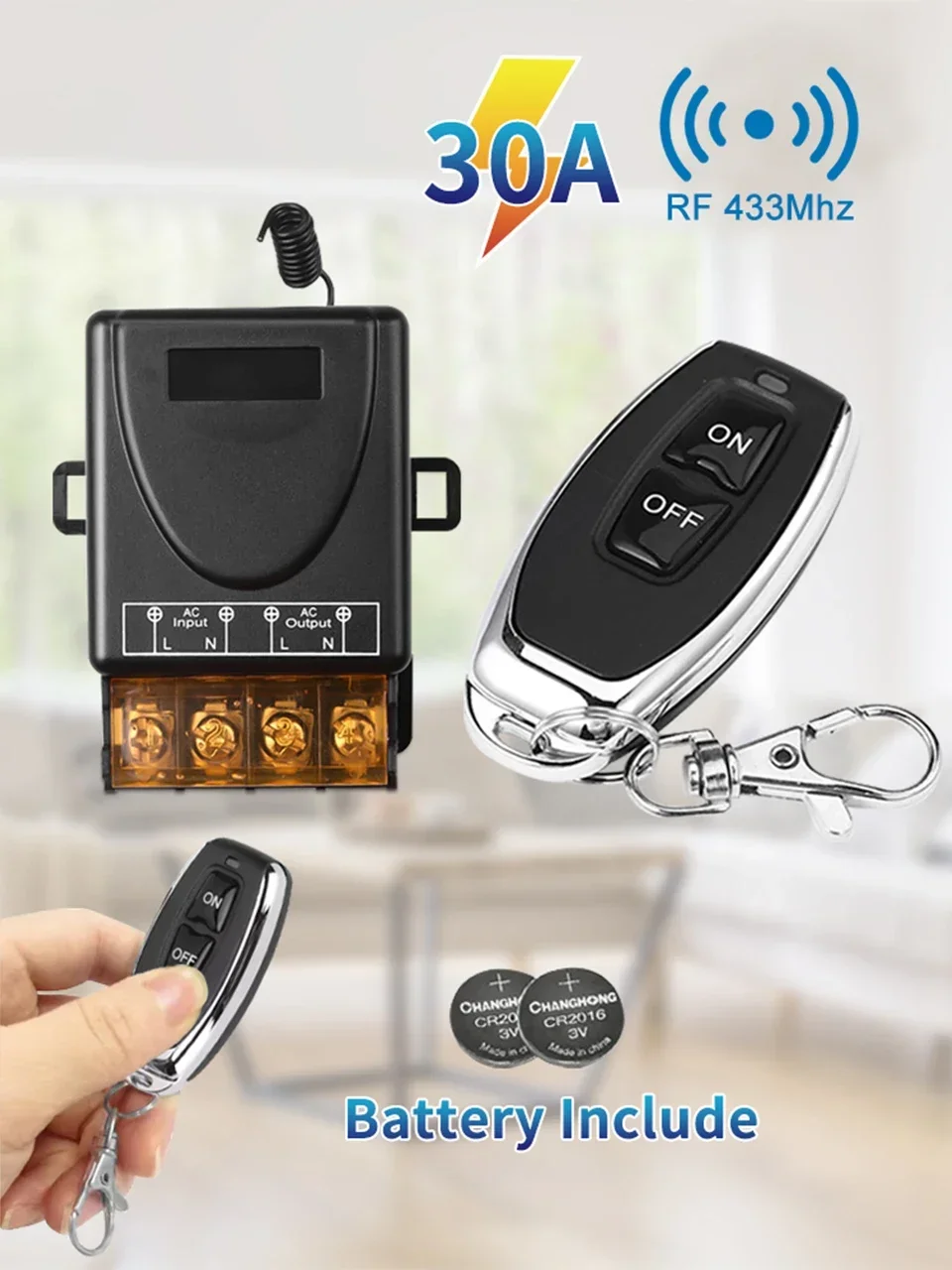
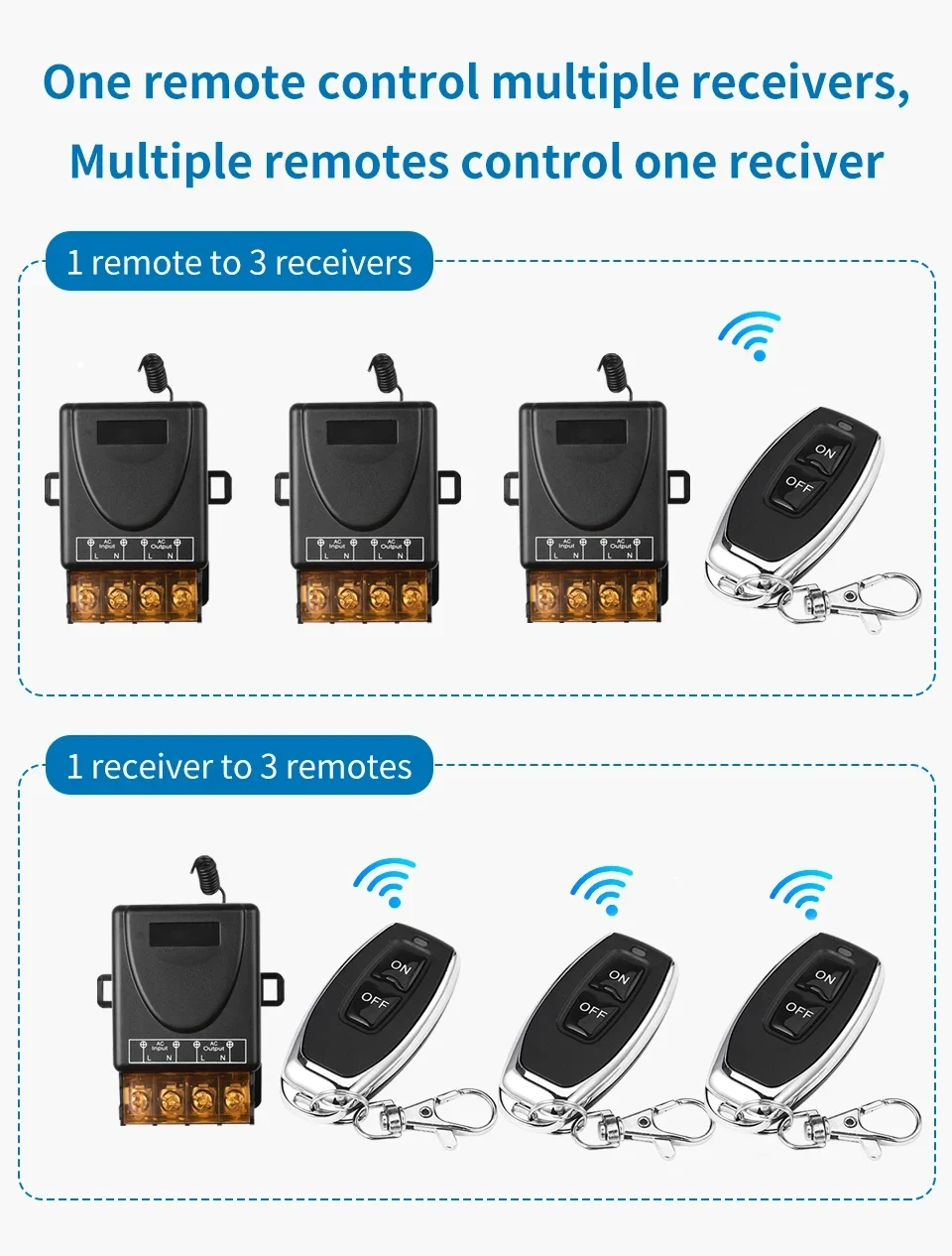
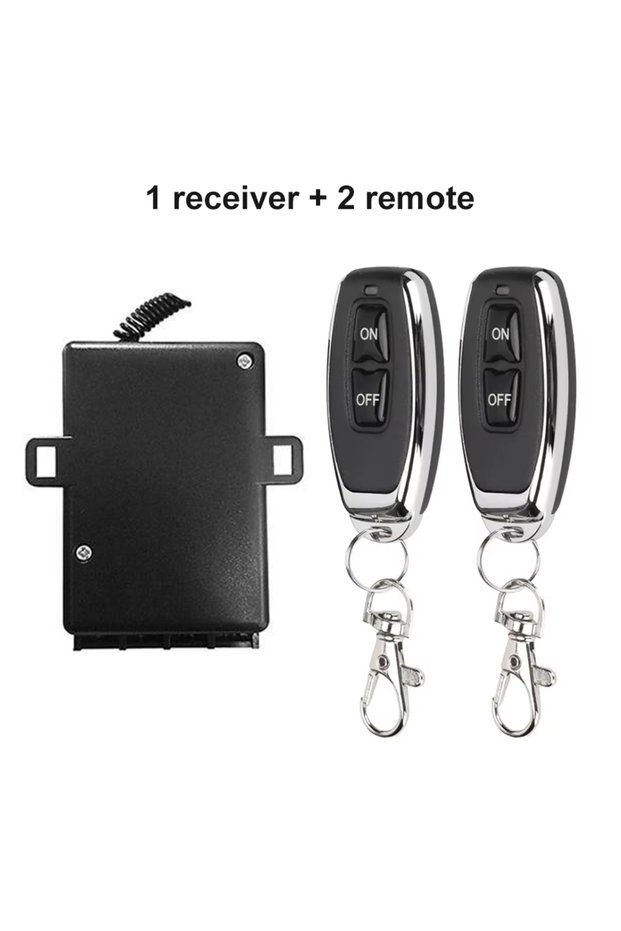
GGBEE DC 9-72V 1 Receiver 2 Remote RF433mhz Wireless Remote Control Switch Relay Switch 12V 24V 220V
No reviews yet.

Special Deals
47.7833.45SAR
Free shipping
Delivery address

Select your address, find out the delivery date!
Trendyol's commitments
Easy and free return in 15 days.
Payment methods




Coupons
Highlighted features:
GGBEE DC 9-72V 1 Receiver 2 Remote RF433mhz Wireless Remote Control Switch Relay Switch 12V 24V 220V features
Instructions for Use/Warnings
*1 Receiver 2 Remote*DC 9-72V

Big Save Store
8.8
79.1K followers
Seller information
GGBEE DC 9-72V 1 Receiver 2 Remote RF433mhz Wireless Remote Control Switch Relay Switch 12V 24V 220V reviews
No reviews yet.
Product details
Additional info
- A maximum of 10 units of this product can be ordered. Trendyol reserves the right to cancel orders over 10 units.
- Barcode No: 3669026167226
GGBEE DC 9-72V 1 Receiver 2 Remote RF433mhz Wireless Remote Control Switch Relay Switch 12V 24V 220V features
Instructions for Use/Warnings
*1 Receiver 2 Remote*DC 9-72V
Safety information
Product safety information
Product description
Voltage:DC 9-72V
Color:1 Receiver 2 Remote
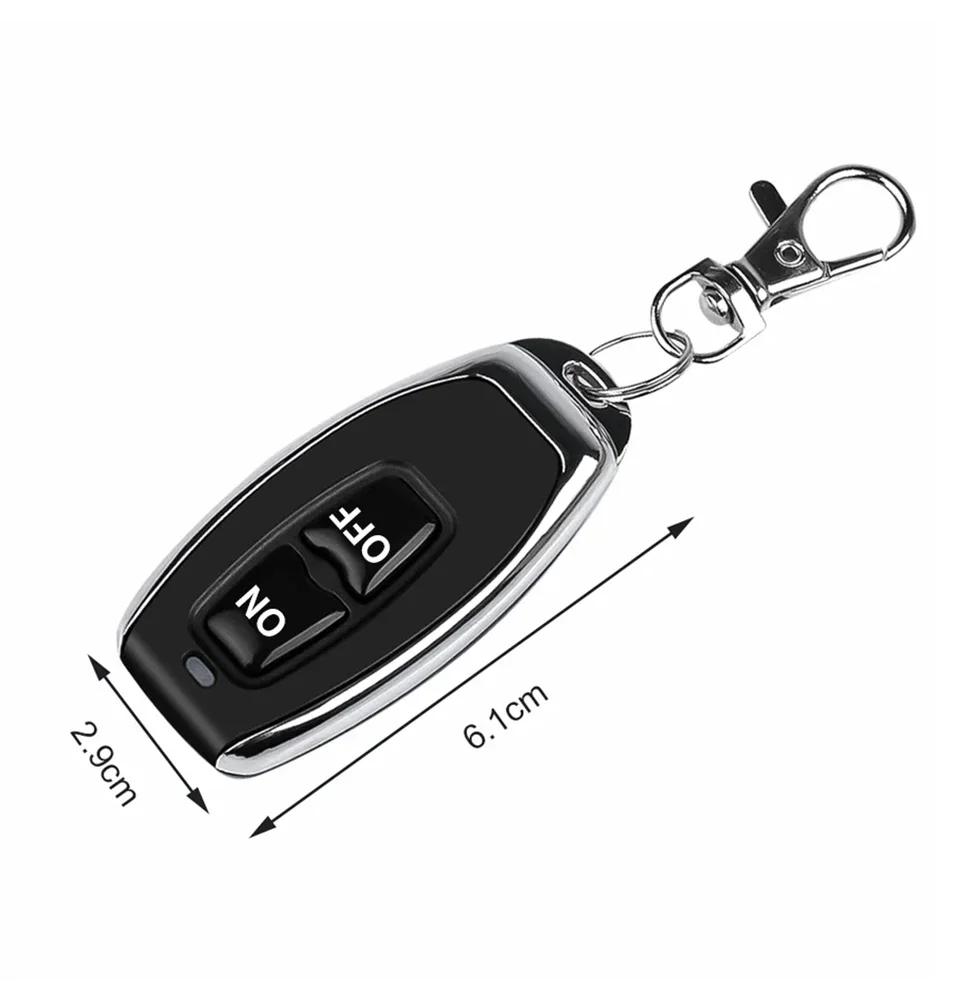
Transmitter(Remote control):
Operating voltage: DC12V (23A/12V battery x1)
Transmitting frequency: 433MHz
Encoding Type: Fixed code
Receiver sensitivity: > -105dB
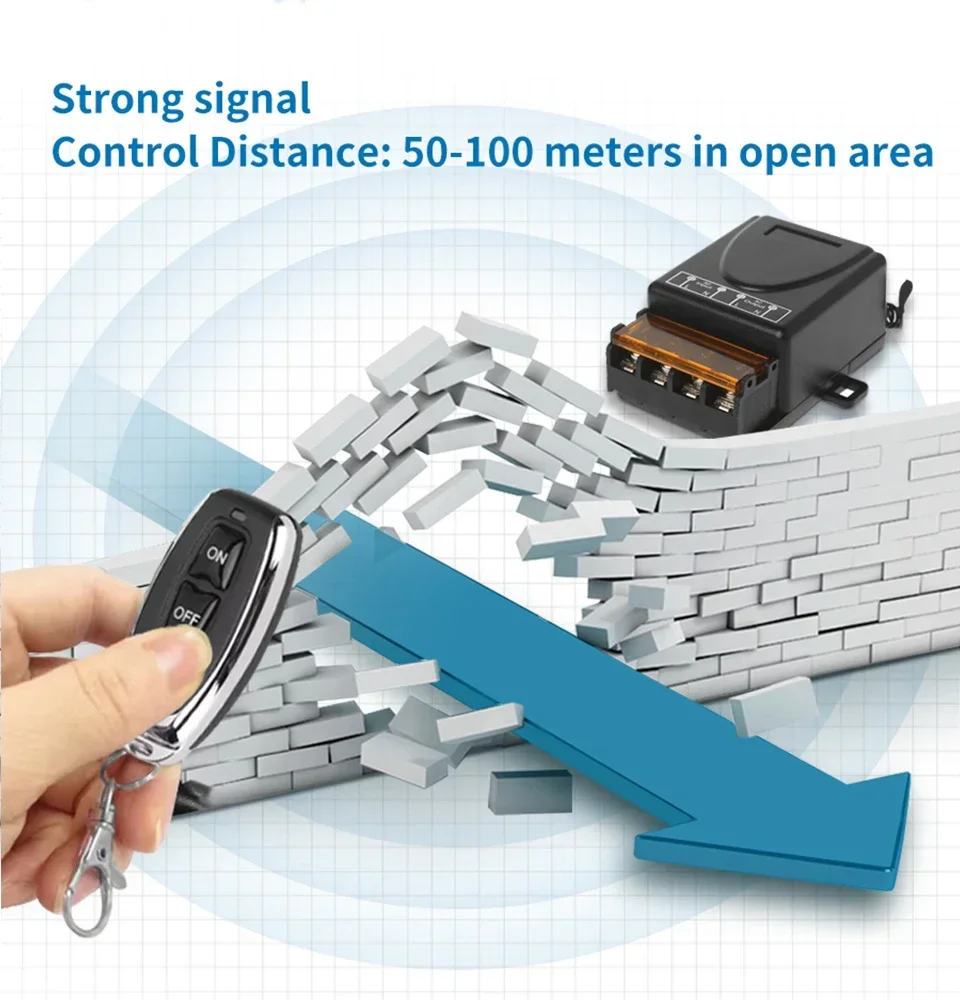
Transmission distance : 100M (Open field)
Size: approx 55*28*10mm
Receiver:
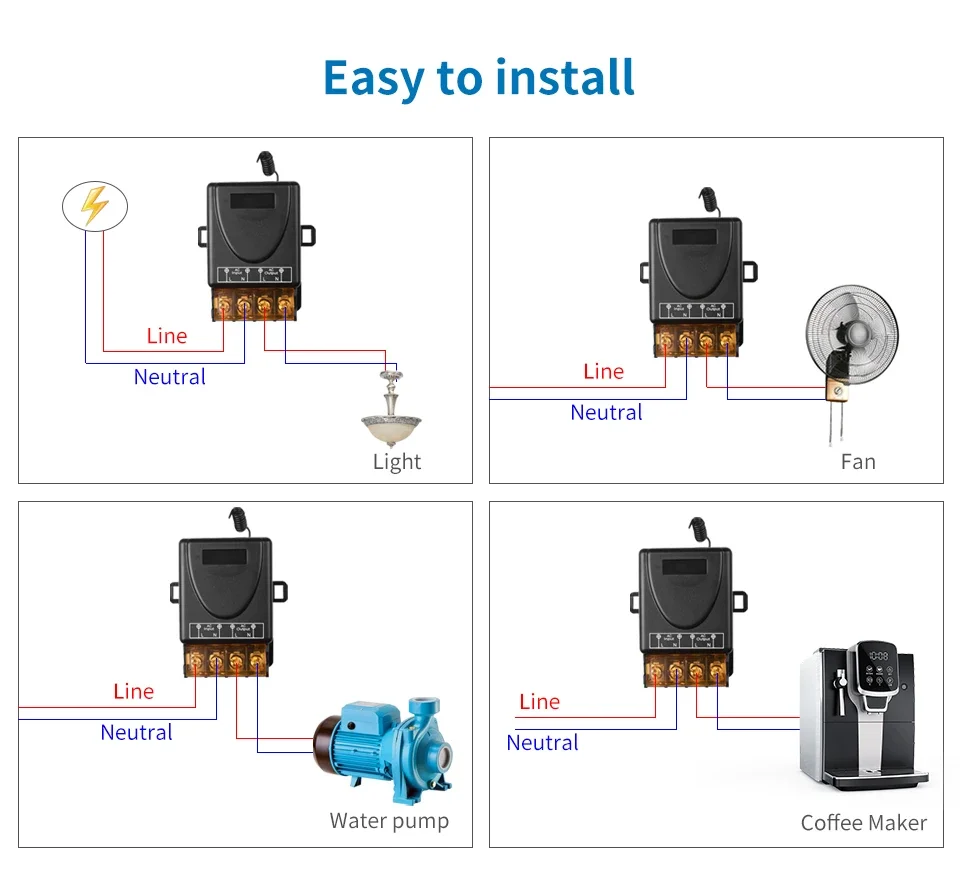
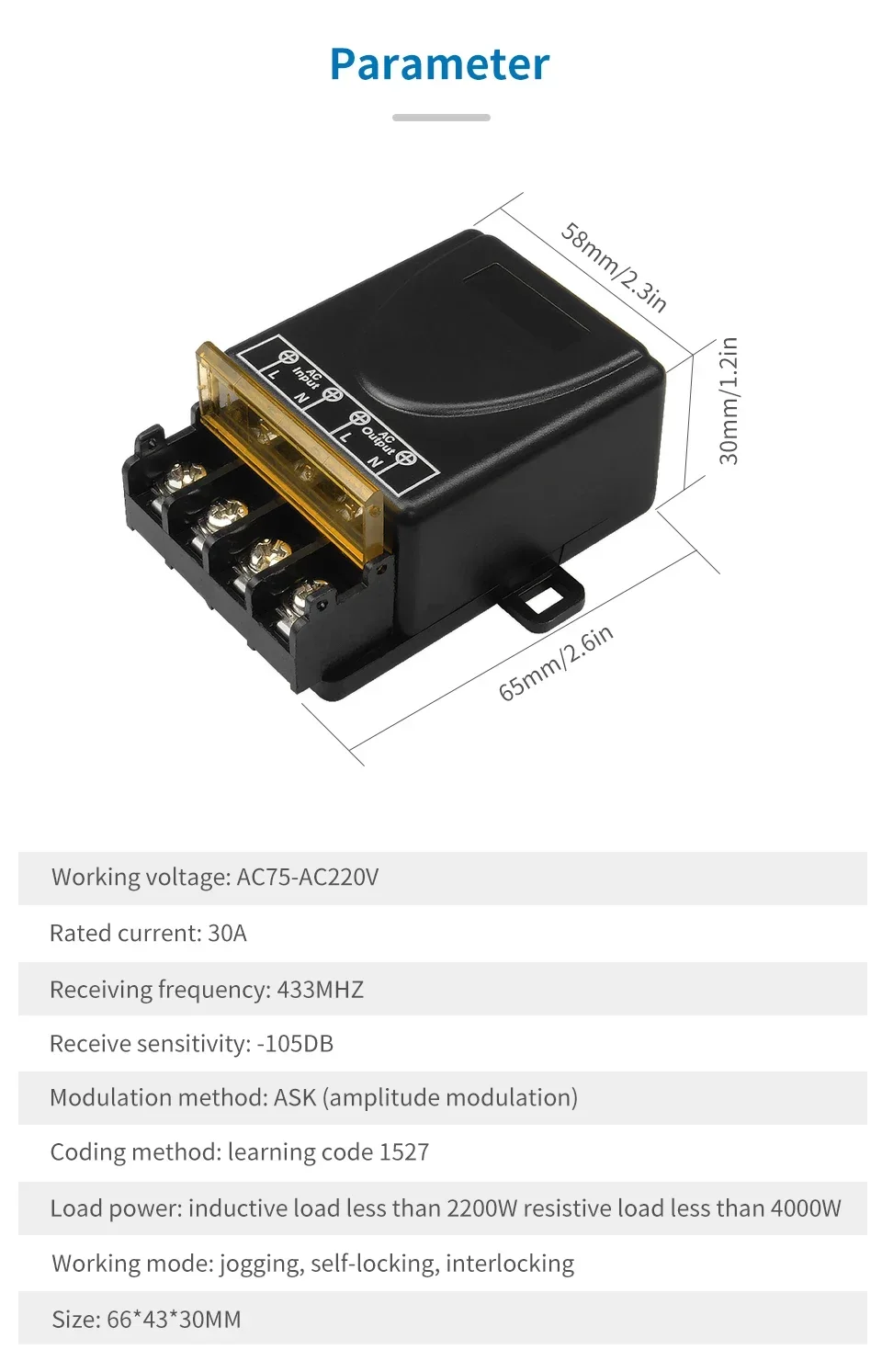
Operating voltage: AC 75V - 240V DC 9-72V
Output voltage = Operating voltage
Operating frequency: 433MHz(Same with Remote control)
Encoding Type: learning code(you can buy extra 315MHz remote controllers for this receiver)
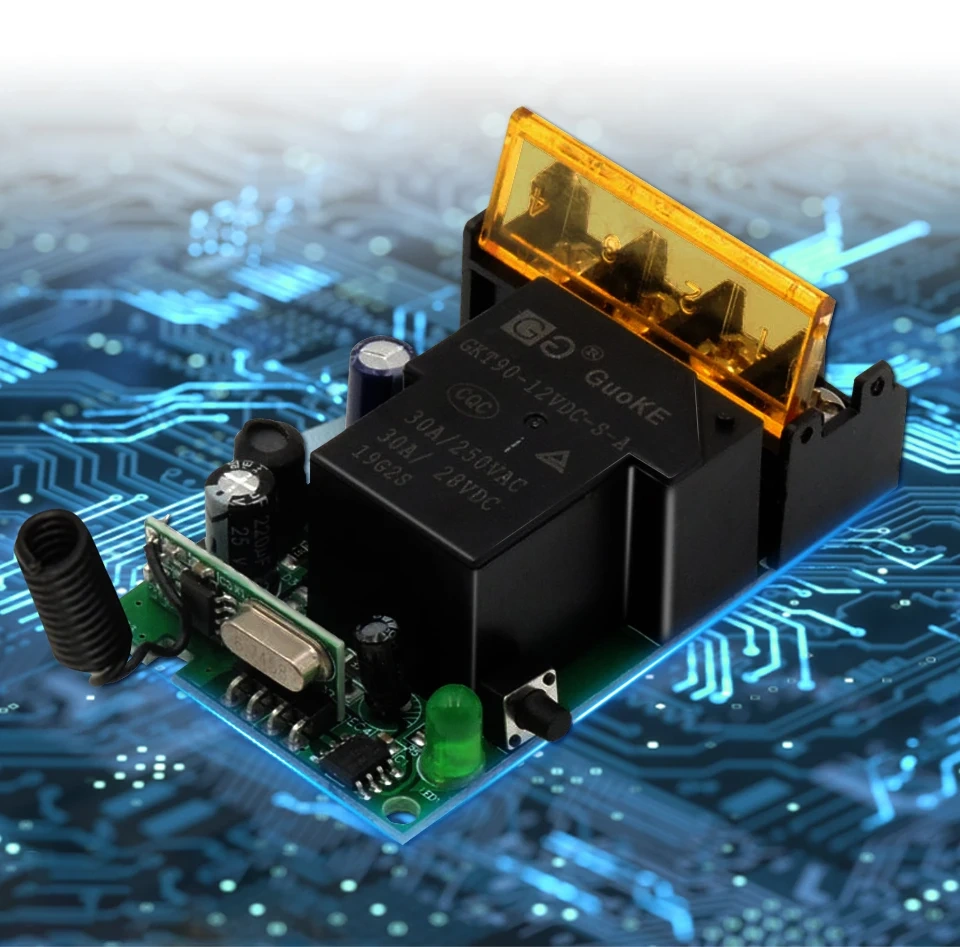
Rated contact current of relay: 15A/240VAC, 15A/110VAC
Box size: approx 65 x 45 x 28mm
Please notice that:
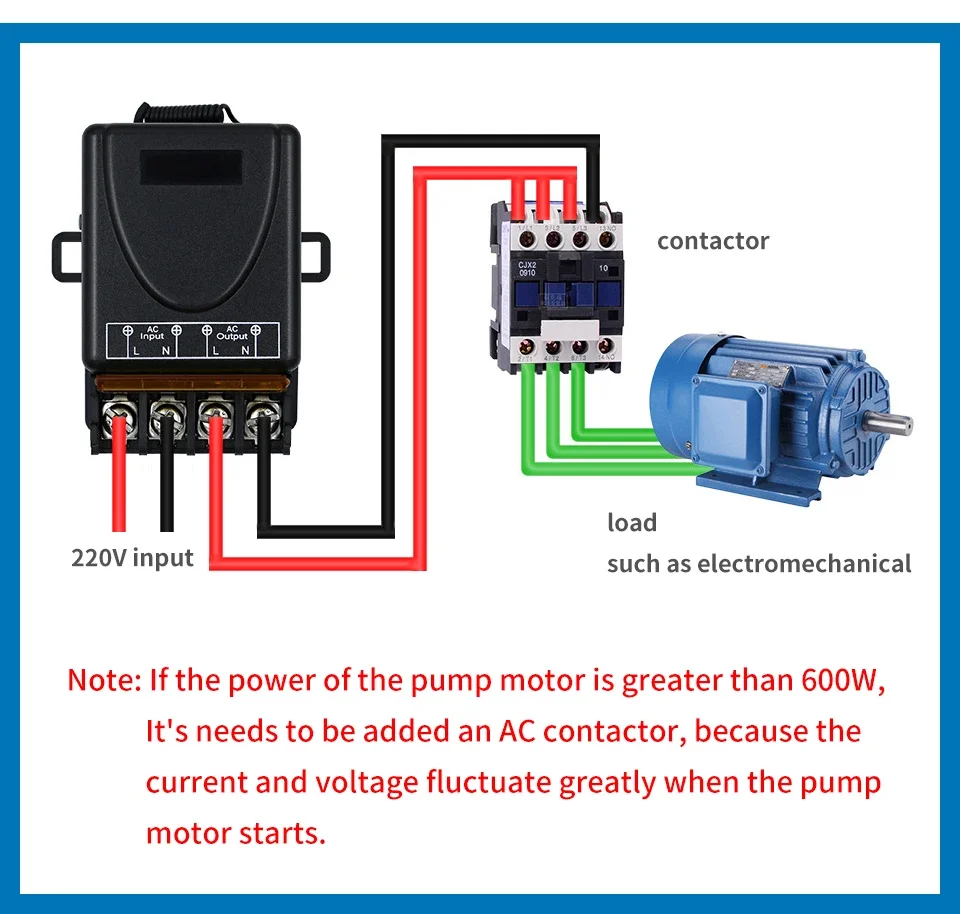
Although the relay is marked 30A 240VAC. The 30A is for the peak current of your load. The rated current of your load should less than 15A.
About Learning and clearing Method:
Input 12V for the Receiver ,
Momentary: press the Learning Button 1 time. the Led indicator flash 1 time, Then press transmitter, the Led indicator flash for 3 times, learning successfully.
Toggle: press the Learning Button 2 time. the Led indicator flash 2 time, Then press transmitter, the Led indicator flash for 3 times, learning successfully.
Latched: press the Learning Button 3 time. the Led indicator flash 3 time, Then press transmitter, the Led indicator flash for 3 times, learning successfully.
Delay time (5S): press the Learning Button 4 time. the Led indicator flash 4 time, Then press transmitter, the Led indicator flash for 3 times, learning successfully.
Delay time (10S): press the Learning Button 5 time. the Led indicator flash 5 time, Then press transmitter, the Led indicator flash for 3 times, learning successfully.
Delay time (15S): press the Learning Button 6 time. the Led indicator flash 6 time, Then press transmitter, the Led indicator flash for 3 times, learning successfully.
Clearning: Press the Learning button 8S . Until the receiver Led indicator flash for 3 times and OFF, it mean Clearing Code