Free shipping


Feature Phones category
#3 Most favorited
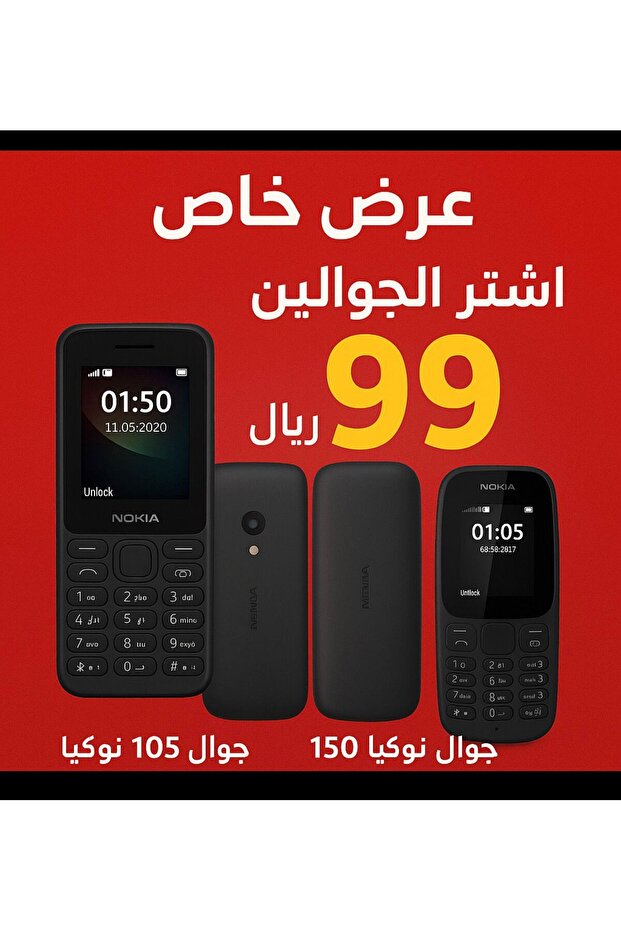
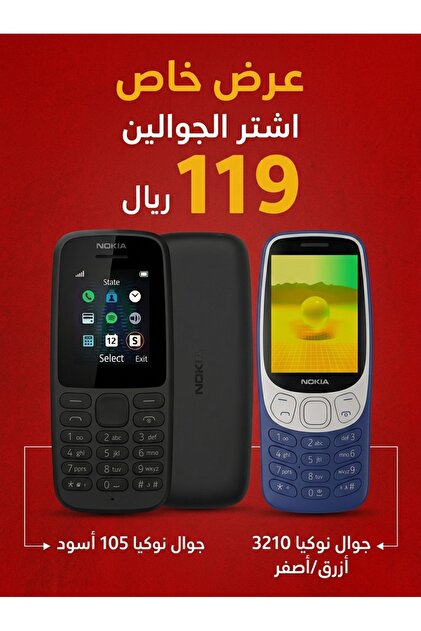
Nokai Combo offer on Nokia 105 with Nokia 150

119
SAR
(incl. VAT)
Delivery address
Free shipping
Local delivery
Estimated delivery: 19 - 20 October
Select your address, find out the delivery date!
Trendyol's commitments
Easy and free return in 15 days.
Payment methods




Highlighted features:
Nokai Combo offer on Nokia 105 with Nokia 150 features
Internal Memory
16 GB
Display Technology
LED
Screen Resolution
HD
Battery Power (mAh)
1500 - 1800
Screen Size
4–4.5 inches
Instructions for Use/Warnings
How to use basic Nokia phones (105 and 150) 1. Operation and control Operation: Press and hold the red end button 🔴 until the phone lights up. Navigation: Use the center navigation key (arrows) to move between options. Select/Enter: Press the center button of the navigation key (OK/Select) to enter a menu or confirm an option. Exit/Back: Use the right key (Back) to go back one step. Lock/Unlock keys: Press the left key (Go To) and then * (star). 2. Managing calls Making a call: Type the number and press the green call button 🟢. Answering a call: Press the green call button 🟢. Ending a call: Press the red end button 🔴. Call log: Press the green call button 🟢 once from the home screen to see missed, outgoing, and incoming calls. 3. Text messages (SMS) Accessing messages: Go to Menu > Messaging.
Origin
VN
XZY-STORE
Seller information
Similar items











Shoppers also viewed

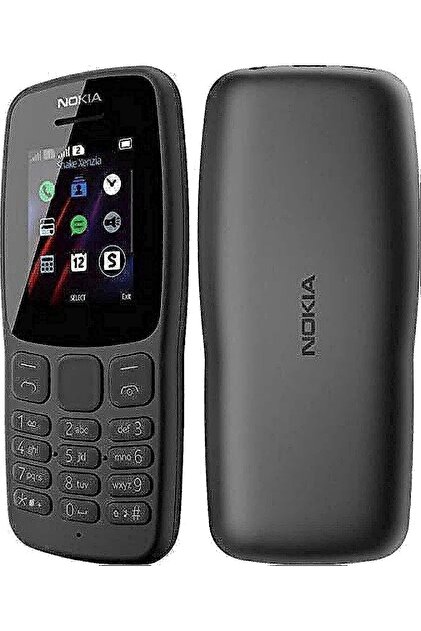


 Power Bank 20000mAh PD 20W & 22.5W Fast Charging, Charge 3 Devices Simultaneously – Black




Nokai Combo offer on Nokia 105 with Nokia 150 reviews
30 ratings
8 reviews

Product Q&As
Are there any colors?

Answer from
Nokia 105 (Black), Nokia 150 (Gray)
Translated by Google

Product details

Product description
The epitome of quality and simplicity: Your two new essential phones are here! Looking for a practical, reliable phone at an unbeatable price? We present a range of phones designed to keep going all day long. Perfect for clear calls, texts, and days of battery life! Superior durability: Built to withstand daily use and offer ultimate reliability. Long-lasting battery: Say goodbye to frequent charging and enjoy days of uninterrupted communication. Easy to use: A simple interface and clear keys make them the perfect choice for everyone. ✨ Detailed description and comparison of each phone: 1. Essential Phone: 105 (Economy Option) Category: The ideal practical phone for simple everyday communication. Features: Best price: The perfect choice for those looking for a reliable phone at the lowest cost. Lightweight: Compact and comfortable design that easily fits in any pocket. Clear calls: Focuses on the essentials of communication with excellent sound quality. Suitable for: A secondary phone, seniors, or as a primary and reliable communication tool. 2. The Upgraded Phone: 150 (Simplicity with Extra Features) Category: The enhanced basic phone with a touch of entertainment and practicality. Features: Larger screen: Clearer and easier viewing for reading messages. Additional features (optional): May include an FM radio or a basic camera for capturing memories. Robust design: Often comes with a more robust build or larger storage capacities. Suitable for: Those who need basic performance while enjoying some extra features like music playback or quick photo capture.
Additional info
- Sold by .
- A maximum of 5 units of this product can be ordered. Trendyol reserves the right to cancel orders over 5 units.
- Barcode No: PMPKISMJH11
- Origin: VN
Nokai Combo offer on Nokia 105 with Nokia 150 features
Internal Memory
16 GB
Display Technology
LED
Screen Resolution
HD
Battery Power (mAh)
1500 - 1800
Screen Size
4–4.5 inches
Instructions for Use/Warnings
How to use basic Nokia phones (105 and 150) 1. Operation and control Operation: Press and hold the red end button 🔴 until the phone lights up. Navigation: Use the center navigation key (arrows) to move between options. Select/Enter: Press the center button of the navigation key (OK/Select) to enter a menu or confirm an option. Exit/Back: Use the right key (Back) to go back one step. Lock/Unlock keys: Press the left key (Go To) and then * (star). 2. Managing calls Making a call: Type the number and press the green call button 🟢. Answering a call: Press the green call button 🟢. Ending a call: Press the red end button 🔴. Call log: Press the green call button 🟢 once from the home screen to see missed, outgoing, and incoming calls. 3. Text messages (SMS) Accessing messages: Go to Menu > Messaging.
Origin
VN
Safety information
Product safety information
Collections you might like

trendyol_jeddah
trendyol_jeddah: موبايلات ارخص الاسعار

Influencer


Your picks


jojoslayyeh
jojoslayyeh: mobile
Influencer


You might also like


haloolmo
haloolmo: موبايلات
Influencer

Better together


quran7.19
quran7.19: لقط الفجر
Influencer