


Free shipping
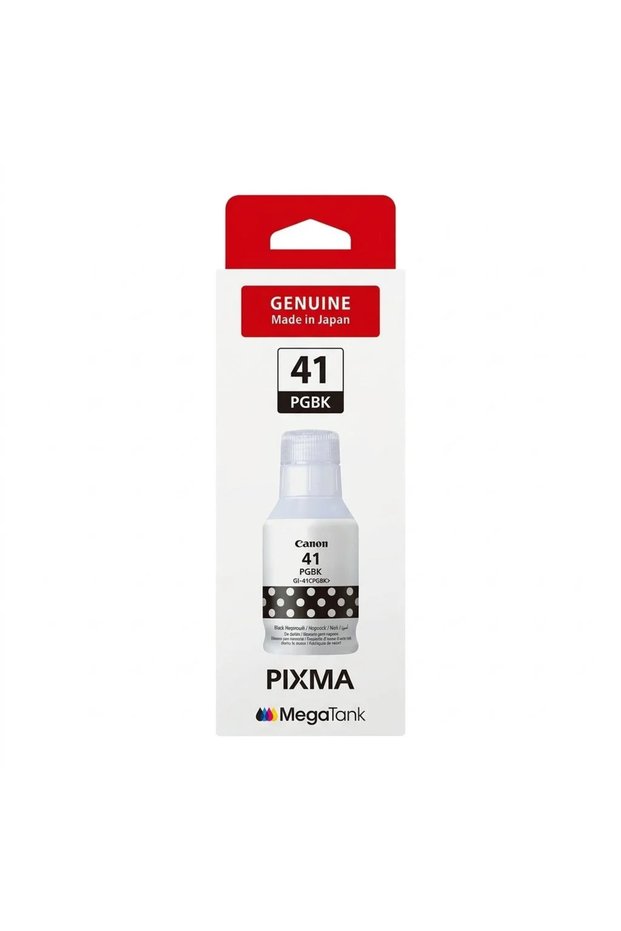
Other INK CONON PIXMA MEGATANK GI-41 BLACK
No reviews yet.
65
SAR
(incl. VAT)
Free shipping
Delivery address

Local delivery
Estimated delivery: 21 - 23 November
Select your address, find out the delivery date!
Trendyol's commitments
Easy and free return in 15 days.
Payment methods



Highlighted features:
Available campaigns

Applied at checkout
Glory Features Store
Seller information
Other INK CONON PIXMA MEGATANK GI-41 BLACK reviews
No reviews yet.
Product details

Product description
INK CONON PIXMA MEGATANK GI-41 BLACK
Additional info
- Sold by .
- A maximum of 5 units of this product can be ordered. Trendyol reserves the right to cancel orders over 5 units.
- Barcode No: e8f20db0-9007-481a-a2fd-5b3e26559c82
Safety information
Product safety information
Product description
Original canon ink gi-41 pgbk – black (pigment)
Original canon black ink, made in japan, designed for pixma megatank printers with refillable ink tanks.
About the product
The original canon gi-41 pgbk black ink bottle gives you sharp, dark text printing with professional quality, the ideal choice for everyday documents, reports, school and office papers. the ink is based on solid pigment technology (pigment), which gives the characters high clarity and resists fading and smudging.
Highlights
- 100% original ink:The original canon product is made in japan to ensure the best performance and protection for the printer.
- Sharp and dark texts:Pigment ink gives clear and precise characters on normal paper.
- Waterproof and fade-resistant:It keeps the prints quality for longer.
- Clean and easy packing:The bottle's design and spout help with spill-free and mess-free filling.
- Economical:Low cost per page printing compared to traditional cartridges, suitable for heavy use.
- Compatibility switch:Each color has a bottle specifically designed to prevent mixing during filling.
Compatibility
Suitable for canon pixma megatank gm and g series printers compatible with gi-41 ink (please confirm the printer model before purchasing).
Product Specification
The item |
Details |
|---|---|
Brand |
Canon |
Model number |
Gi-41 pgbk |
Color |
Black (pigment black) |
The type |
Ink bottle for ink tank |
Country of manufacture |
Japan |
Originality |
100% Genuine |
How to use
- Open the ink tank cover on the printer.
- Turn the bottle over and insert its nozzle into the appropriate black tank opening.
- Let the ink flow until the bottle is empty.
- Close the lid and start printing.