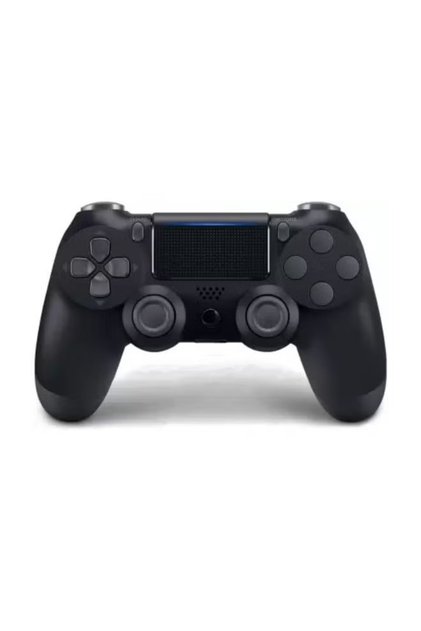
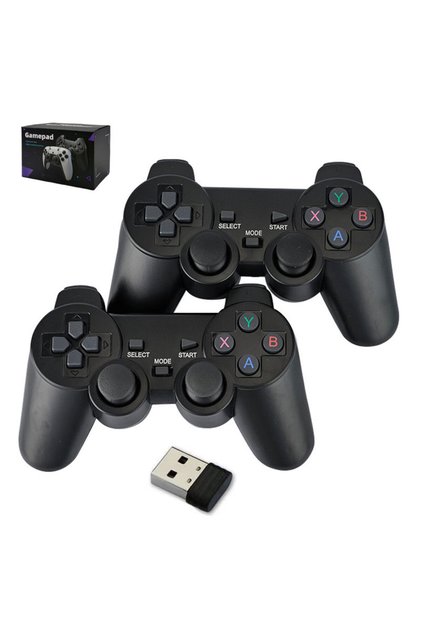
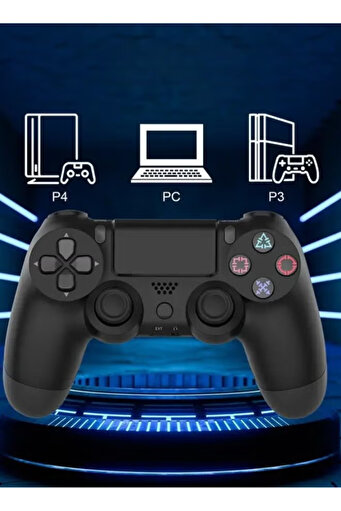
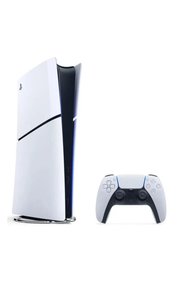
To enable pairing mode on the controller: Press and hold the Share button and the PS button (the middle button) at the same time for 3 to 5 seconds. You'll see the light on the controller flash rapidly and continuously, which means it's ready to pair. From the screen settings: Go to Settings > Remotes & Accessories or Bluetooth. Select Add Accessory / Pair Device. The controller will appear as “Wireless Controller”; tap it to complete pairing. Important Notes if It Doesn’t Work: Game Compatibility: The controller works with games that support controllers and apps such as game emulators or cloud gaming services, but some on-screen interfaces or streaming apps (such as YouTube or Netflix) may not fully support navigation using the controller’s buttons. Battery: Make sure the controller is fully charged before attempting to pair it.


 Trendyol Plus Exclusive













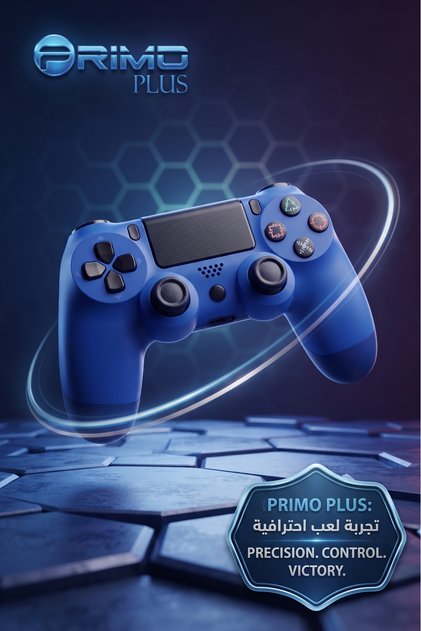
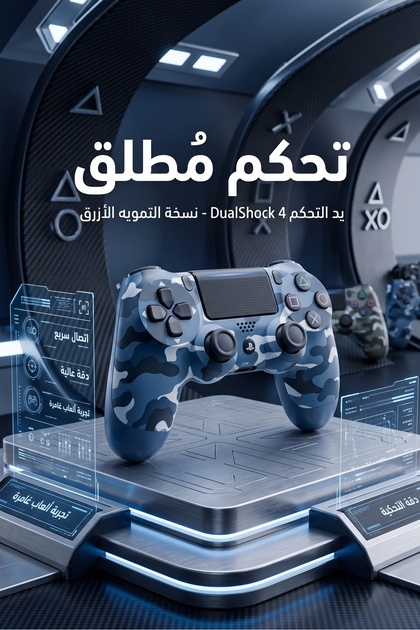
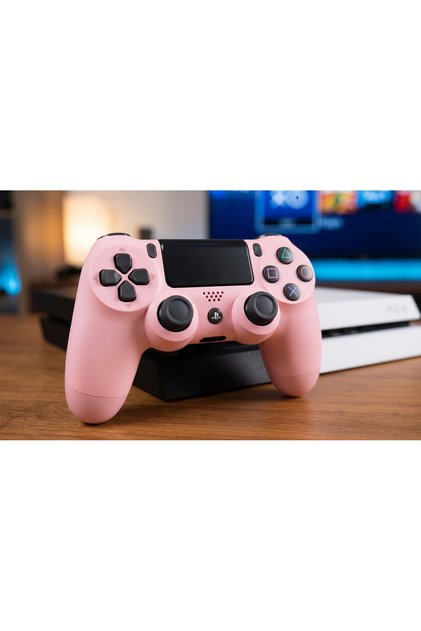
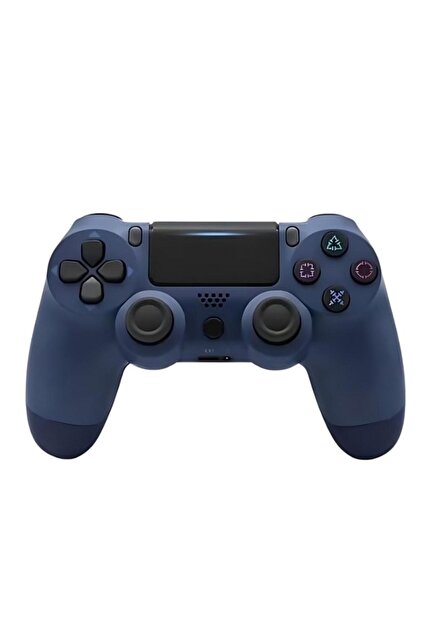
 Double Motor Vibration 4 Wireless Controller , blue