


Free shipping


Projectors category
#4 Bestseller
calus H5-A Smart Projector
No reviews yet.
3 Q&A Trendyol Plus Exclusive
At checkout 126.35 SAR
133 SAR
Delivery address
Free shipping
Local delivery
Estimated to arrive in two days
Select your address, find out the delivery date!
Trendyol's commitments
Easy and free return in 15 days.
Payment methods



Highlighted features:
calus H5-A Smart Projector features
Other Features
Taşınabilir, Akıllı (Android), HDR, WiFi ve Bluetooth Bağlantısı
Instructions for Use/Warnings
1. Place the projector on a stable and flat surface. 2. Connect the power adapter and turn on the device. 3. Connect your smartphone, tablet, laptop, or TV box via WiFi, HDMI, or USB. 4. Adjust the projection angle and focus for the best image quality. 5. For wireless screen mirroring, ensure both devices are connected to the same WiFi network. 6. Turn off the projector and unplug it when not in use. ⚠ Do not look directly into the projector lens while it is operating. ⚠⚠ Do not block the ventilation openings during use⚠ Keep out of reach of small children. ⚠ Do not place the projector near heat sources or open flames. ⚠ Unplug the device before cleaning. ⚠ Clean the lens only with a soft, dry microfiber cloth. ⚠ Do not attempt to disassemble or modify the device. ⚠ Store in a cool, dry place when not in use.
Origin
CN
Other sellers
Similar items


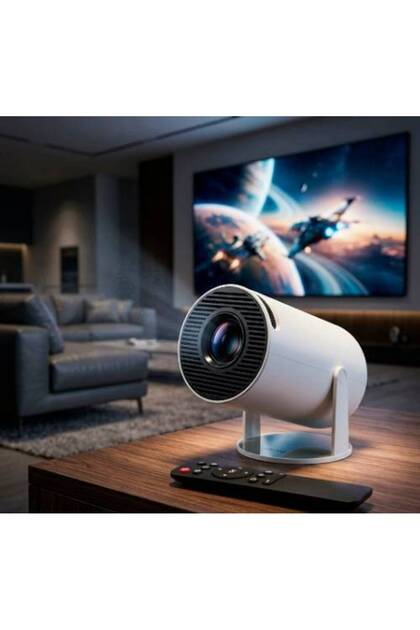
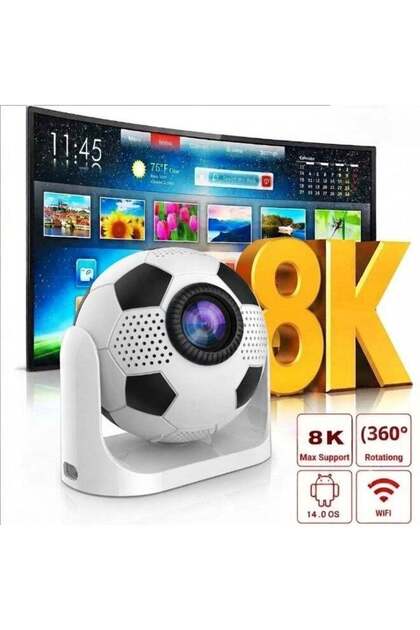
 Smart Mini Projector Support with Official Apps, Portable Projector with WiFi and BT for Home






Shoppers also viewed













calus H5-A Smart Projector reviews
No reviews yet.
Product Q&As
kitna lumens hai

Answer from Life Style Supliers
i cant undersatnd
kitna lumens hai
Answer from Life Style Supliers
i cant understand
Is there a refund?
Answer from Life Style Supliers
return it trendyol
Translated by Google

Product details

Product description
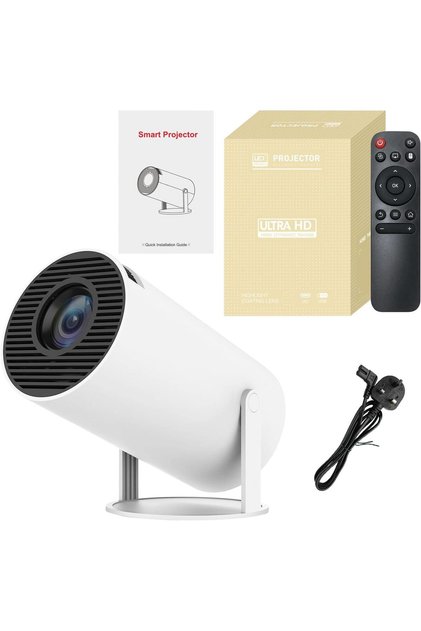
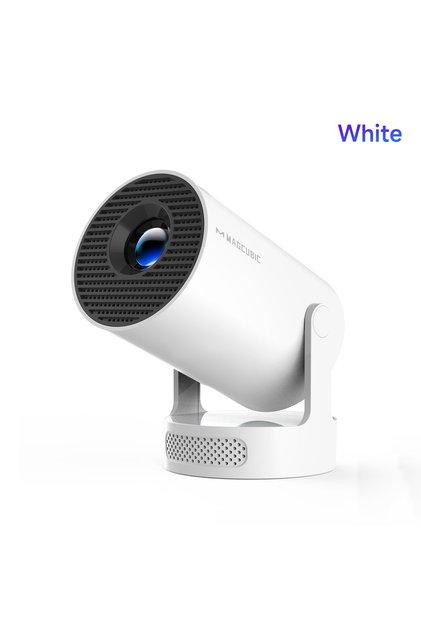
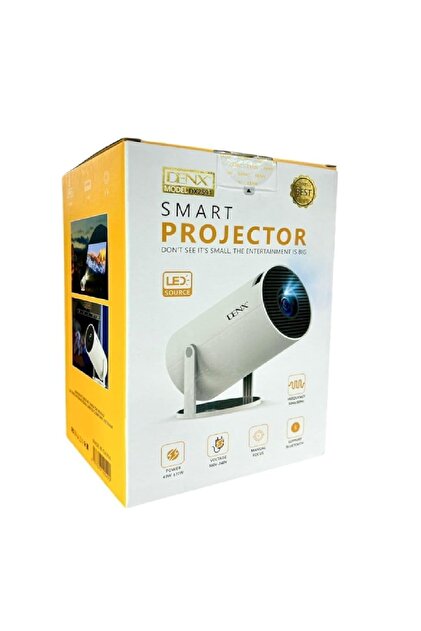
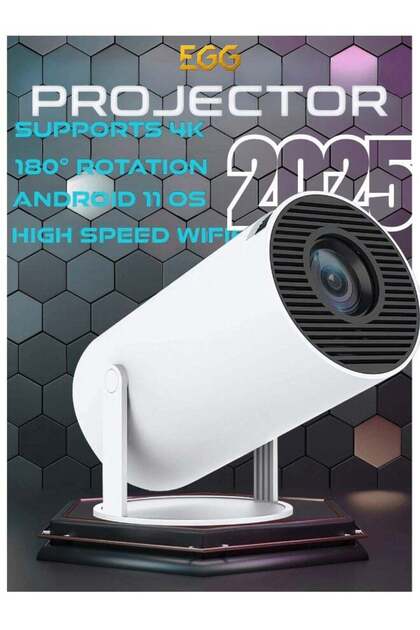
The CALUS H5-A is a powerful 4K Ultra HD HDR multimedia projector.
It supports 1080p resolution and features High Dynamic Range with a highlight coating lens.
This smart Android projector is portable, offering WiFi, Bluetooth, and USB compatibility.
It can project a large screen up to 130 inches and is available in white.
Additional info
- Sold by .
- A maximum of 5 units of this product can be ordered. Trendyol reserves the right to cancel orders over 5 units.
- Barcode No: PMP9LDU4N74CMNAS55
- Origin: CN
calus H5-A Smart Projector features
Other Features
Taşınabilir, Akıllı (Android), HDR, WiFi ve Bluetooth Bağlantısı
Instructions for Use/Warnings
1. Place the projector on a stable and flat surface. 2. Connect the power adapter and turn on the device. 3. Connect your smartphone, tablet, laptop, or TV box via WiFi, HDMI, or USB. 4. Adjust the projection angle and focus for the best image quality. 5. For wireless screen mirroring, ensure both devices are connected to the same WiFi network. 6. Turn off the projector and unplug it when not in use. ⚠ Do not look directly into the projector lens while it is operating. ⚠⚠ Do not block the ventilation openings during use⚠ Keep out of reach of small children. ⚠ Do not place the projector near heat sources or open flames. ⚠ Unplug the device before cleaning. ⚠ Clean the lens only with a soft, dry microfiber cloth. ⚠ Do not attempt to disassemble or modify the device. ⚠ Store in a cool, dry place when not in use.
Origin
CN
Safety information
Product safety information