


Free shipping


Projectors category
#1 Bestseller
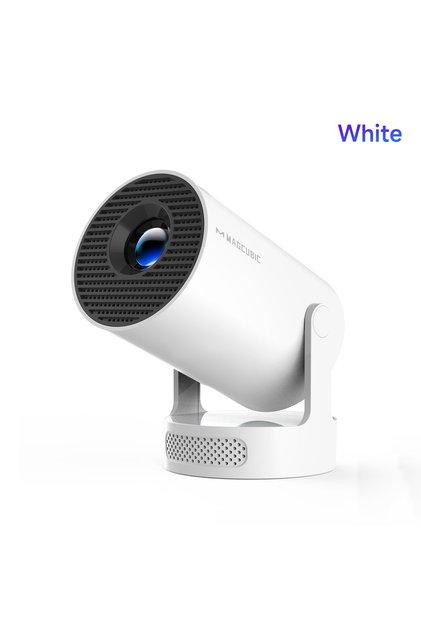
Zoom Plus Mini 4K Projector, Portable Projector with Wifi and Bluetooth, Built in Apps
Almost sold out!
4 SAR coupon deal!
-25%
104.61
SAR
139.48
(incl. VAT)
Delivery address
Free shipping
Select your address, find out the delivery date!
Local delivery
Trendyol's commitments
Easy and free return in 15 days.
Payment methods



Coupons
Highlighted features:
Zoom Plus Mini 4K Projector, Portable Projector with Wifi and Bluetooth, Built in Apps features
Other Features
Built-in streaming apps (YouTube, Prime Video, Disney+), Starry Sky Mode, Built-in sleep timer, 180° rotatable design, Auto vertical keystone correction, High-quality optical lens
Origin
CN
Other sellers
Zoom Plus Mini 4K Projector, Portable Projector with Wifi and Bluetooth, Built in Apps prices
Similar items





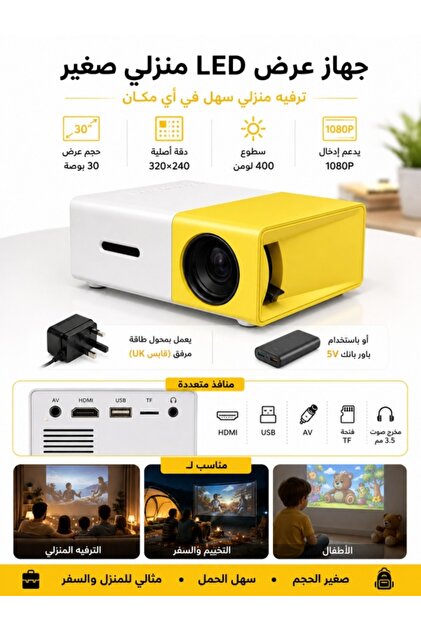
 Smart Mini Projector Support with Official Apps, Portable Projector with WiFi and BT for Home





Shoppers also viewed












Zoom Plus Mini 4K Projector, Portable Projector with Wifi and Bluetooth, Built in Apps reviews
6 ratings
3 reviews

Product details
Product description
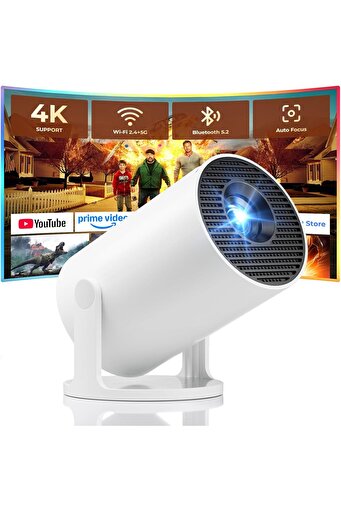
Dual-band WiFi 2.4G + 5G ensures fast and stable wireless streaming.
Bluetooth 5.2 supports speakers and headphones.
Built-in apps like YouTube, Prime Video and Disney+ are supported, and the projector is compatible with TV sticks (not included) to access a wide range of streaming content and enjoy massive video libraries, making it a perfect movie projector.
High-quality optical lens delivers clear images and is scratch-resistant and easy to clean.
Built-in stereo speakers provide clear sound for movies, TV shows, and casual gaming, ideal for use as a phone projector.
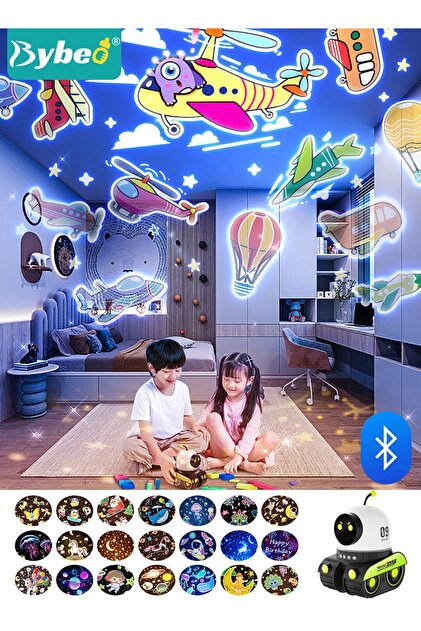
Activate the dynamic Starry Sky Mode with one-touch control on the remote.
Featuring 9 animated starry sky scenes and a built-in sleep timer, the projector for bedroom displays dynamic star patterns on the ceiling to create a calming bedtime atmosphere for kids.
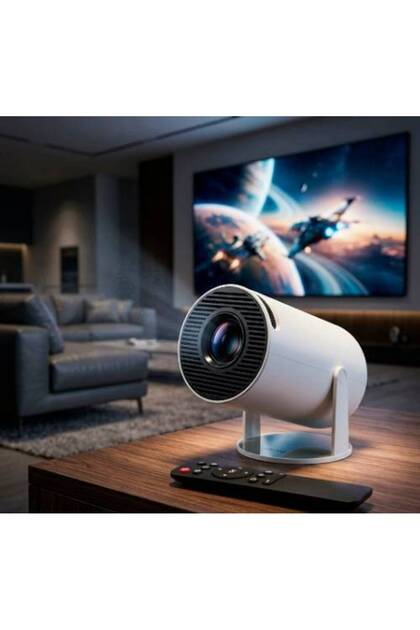
The 180° rotatable design lets you easily adjust the angle for wall or ceiling projection.
Supports auto and manual focus for fast and precise image adjustment.
Auto vertical keystone correction delivers a perfectly aligned image in seconds.
The 0.9:1 short throw ratio enables big-screen projection in small spaces, supporting 30–200 inch screen sizes (recommended 40–100 inches).
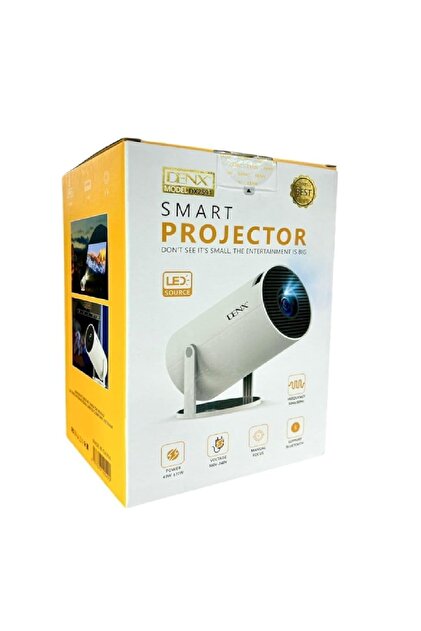
Weighs only 0.77 lb (0.35 kg) with a compact size of 3.73 × 3.73 × 6.17 inches.
Easy to carry in a backpack—perfect for camping, travel, dorm rooms, bedroom, outdoor movie nights, and small apartments.
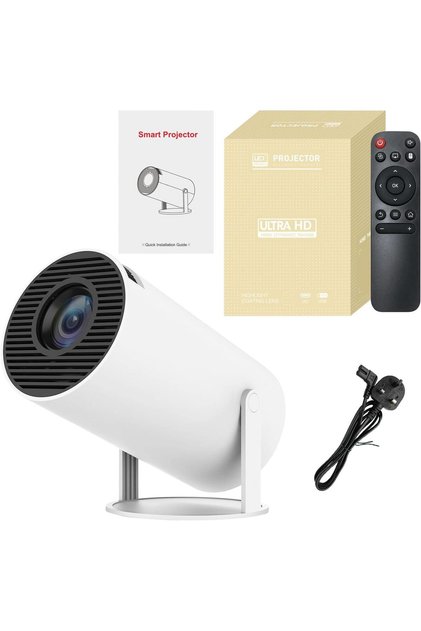
What's in the box: Power Cord, Remote, HDMI Cable, User Manual, Card.
Quick Start Video Guide.
How to Connect Wi-Fi? Go to Wi-Fi, select your Wi-Fi network and enter the password.
Wait 3–5 seconds.
The Wi-Fi icon on the Home screen turns green when connected.
How to Connect iPhone to Projector (Wireless &
Wired): Two quick connection methods: Wireless: Same Wi-Fi → Open ScreenCast on projector → Turn on screen mirroring on phone.
Wired: Use HDMI adapter (not included) → Select HDMI input → Enable phone mirroring.
(Note:Due to app HDCP copyright protection, screen mirroring (Miracast/AirPlay) may cause black screen or sound only when streaming videos.
For best experience, please use Fire Stick, Roku, or connect a laptop/PC.
) How to Connect Laptop &
Projector? 1. Connect your laptop to the projector using the included HDMI cable.
(For laptops without an HDMI port, use a USB-C/Thunderbolt adapter or dock.
) 2. Press Input and select HDMI.
3. Wait 3–5 seconds for the connection.
4. Press Win + P (Windows) or Cmd + F1 (Mac) to choose Duplicate or Extend mode.
Check Your Time Zone for Smooth App Access (YouTube Example): Go to Settings → Date &
Time and turn on Automatic Time.
Reopen YouTube and try again.
Set Up Screen Mirroring (iPhone Example): On the projector, open ScreenCast and make sure it shows “Activated” (top right).
Connect the projector to Wi-Fi: go to Wi-Fi, enter the password, and wait until the home screen Wi-Fi icon turns green.
On your phone, connect to the same Wi-Fi network as the projector.
Open Screen Mirroring / Cast / Share Screen on your phone and select the projector.
(Note:Due to app HDCP copyright protection, screen mirroring (Miracast/AirPlay) may cause black screen or sound only when streaming videos.
Additional info
- Sold by .
- A maximum of 5 units of this product can be ordered. Trendyol reserves the right to cancel orders over 5 units.
- Barcode No: PMPIWPMWUFBFEOJ36
- Origin: CN
Zoom Plus Mini 4K Projector, Portable Projector with Wifi and Bluetooth, Built in Apps features
Other Features
Built-in streaming apps (YouTube, Prime Video, Disney+), Starry Sky Mode, Built-in sleep timer, 180° rotatable design, Auto vertical keystone correction, High-quality optical lens
Origin
CN
Safety information
Product safety information